Copy link to clipboard
Copied
I've always been able to create a path and wrap text inside it with previous versions of Photoshop. However, using 20.0.1, it no longer works. I create the path and switch to the text tool. When I put the cursor inside the path, it changes to the I-beam with the dotted circle around it. So far, exactly like old versions. However, when I click and type, the text does not constrain to the path.
What's changed? Or is it just broken?

Copy link to clipboard
Copied
cliffaddy wrote
What's changed? Or is it just broken?
Hi
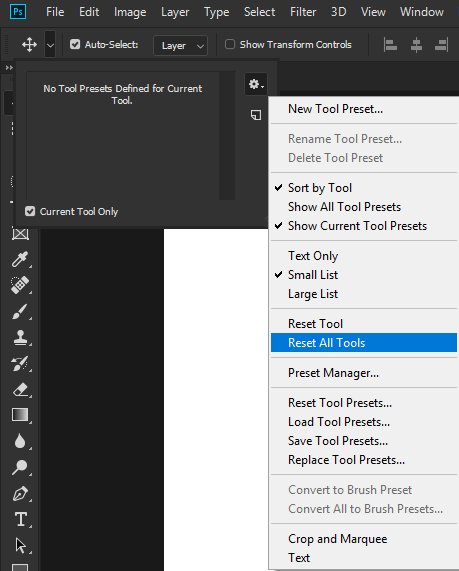
Not having any issue typing on a path with version 20.0.4, have you tried resetting the tools

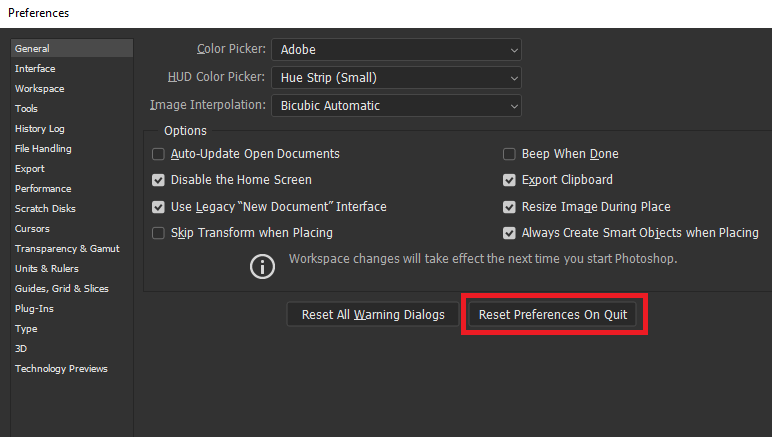
If that doesn't help try resetting Photoshop preferences

Copy link to clipboard
Copied
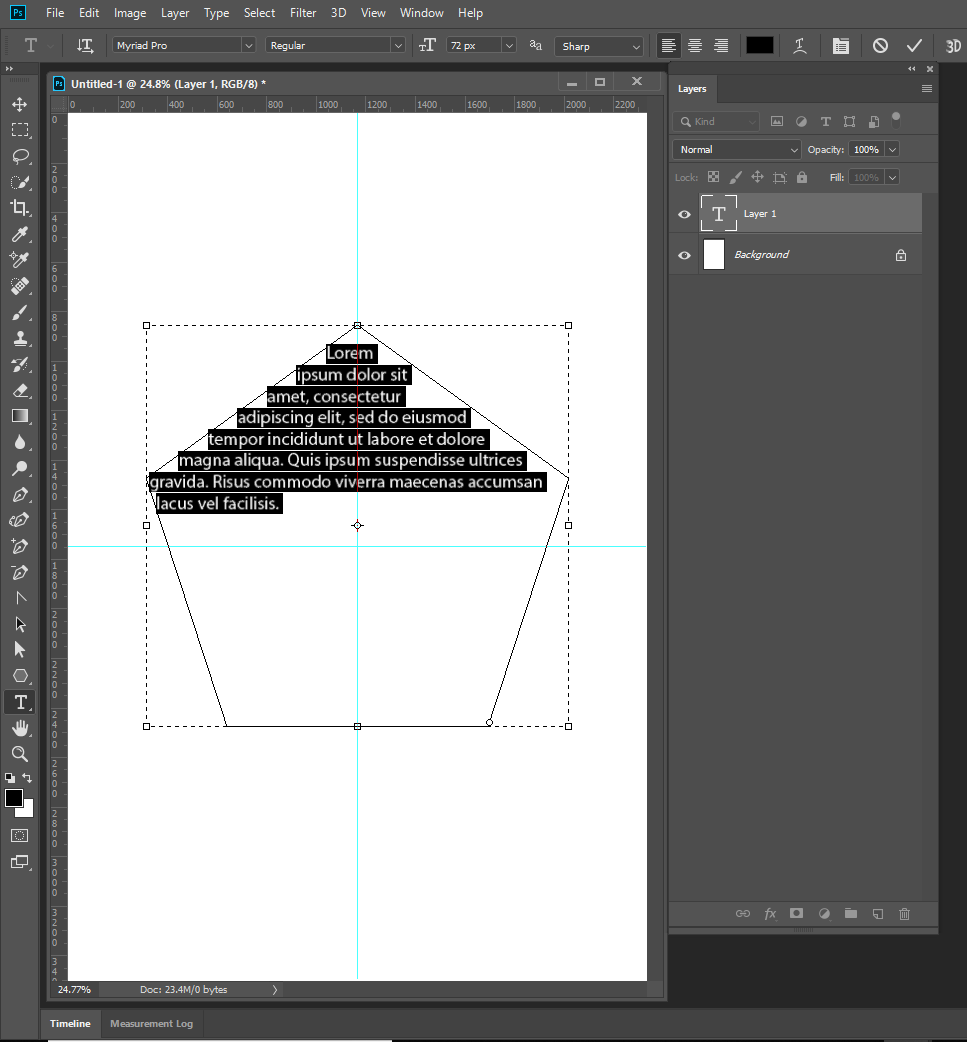
Not *on* a path, *in* a path. In other words, the text wraps to constrain itself inside the shape defined by a path.
Copy link to clipboard
Copied
Still not having any issue typing inside a shape defined by a path, works fine for me, maybe you could post a screenshot with all the pertinent panels opened in case I'm misunderstanding you
Copy link to clipboard
Copied
cliffaddy wrote
I've always been able to create a path and wrap text inside it with previous versions of Photoshop. However, using 20.0.1,
Hi
There have been several bug fixes since 20.0.1. Can you update to the latest patch? It's 20.0.4. Ged says it works there.
~ Jane
Copy link to clipboard
Copied
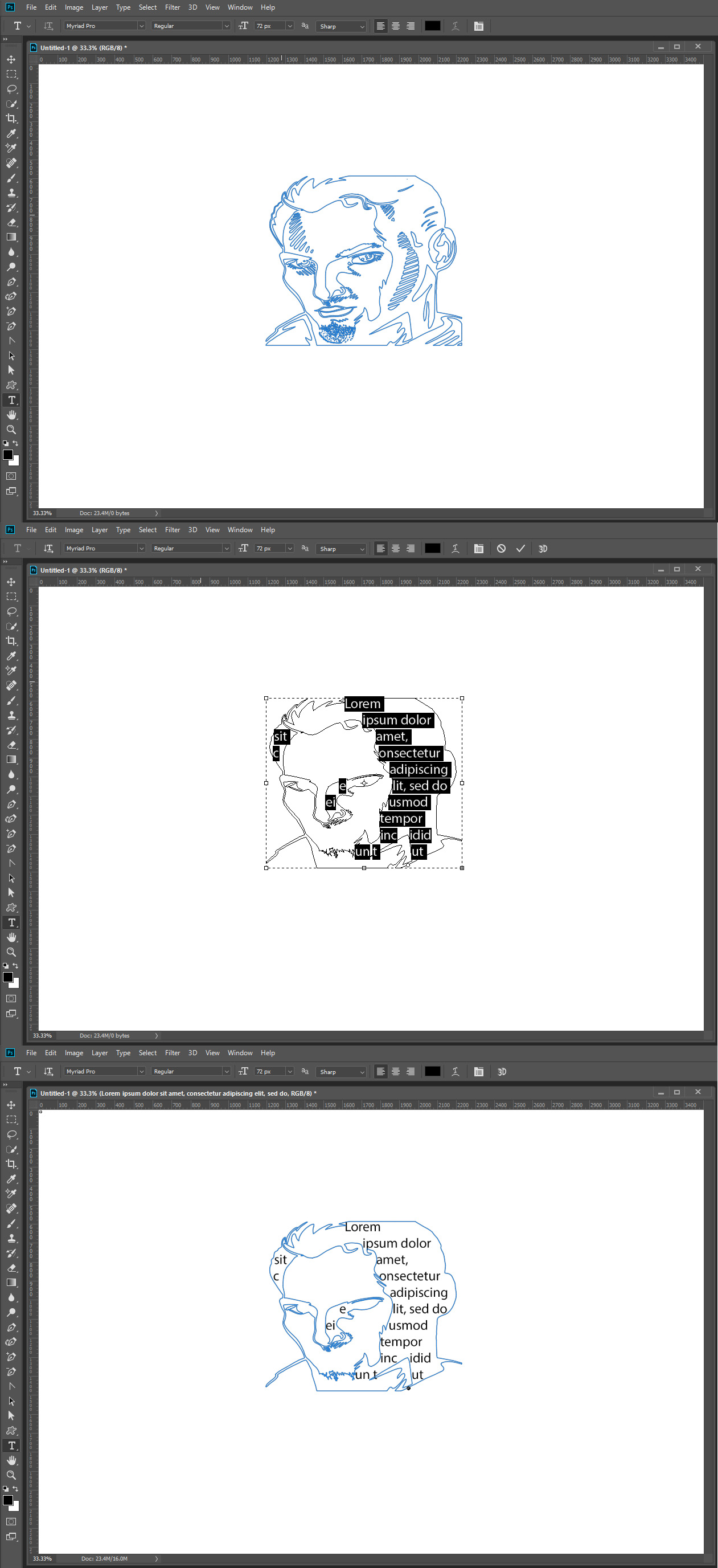
If I Create a simple closed Path and then use the text tool inside the path it seems to work. If I create a complex Path with many closed path sections. The text tool seems to alter the paths and tries the fill the altered paths.


Copy link to clipboard
Copied
After monkeying around (reset all tools, upgraded to 20.0.4) with no change, I finally determined it's file-specific. If I create a new file, all works as expected. This is a file that was originally created in v17 and used as a template for new designs. Could this be the issue? Any ideas on what file-specific settings might be causing this?
Get ready! An upgraded Adobe Community experience is coming in January.
Learn more