


Participant
September 11, 2021
해결됨
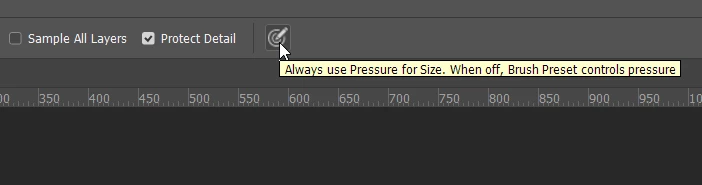
There is a bullseye/target icon on options bar for the Photoshop v22 Sharpen tool. What does it do?
- September 11, 2021
- 1 답변
- 4087 조회
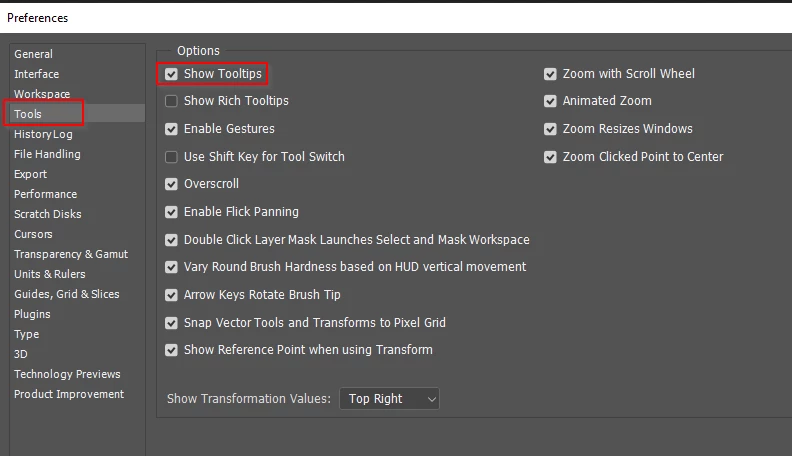
Icon looks like a target or bullseye with a pencil pointing at the center. Photo included. When clicked, the bullseye icon toggles on or off but I have no clue what it does. In preferences, I unchecked Enable Narrow Options Bar in the hope the bullseye icon would be replaced with text but that didn't work. I've done a lot of internet searches but haven't found any explanation. Does anyone know what happens when this icon is enabled? Also, does anyone know of a comprehensive list of all options bar icons so when I choose a tool, I'll know what everything on the tool's options bar does? Thanks!
 AdChoices