You're welcome. If you wouldn't mind to mark my answer as correct, it would help others more easily find the answer. 🙂
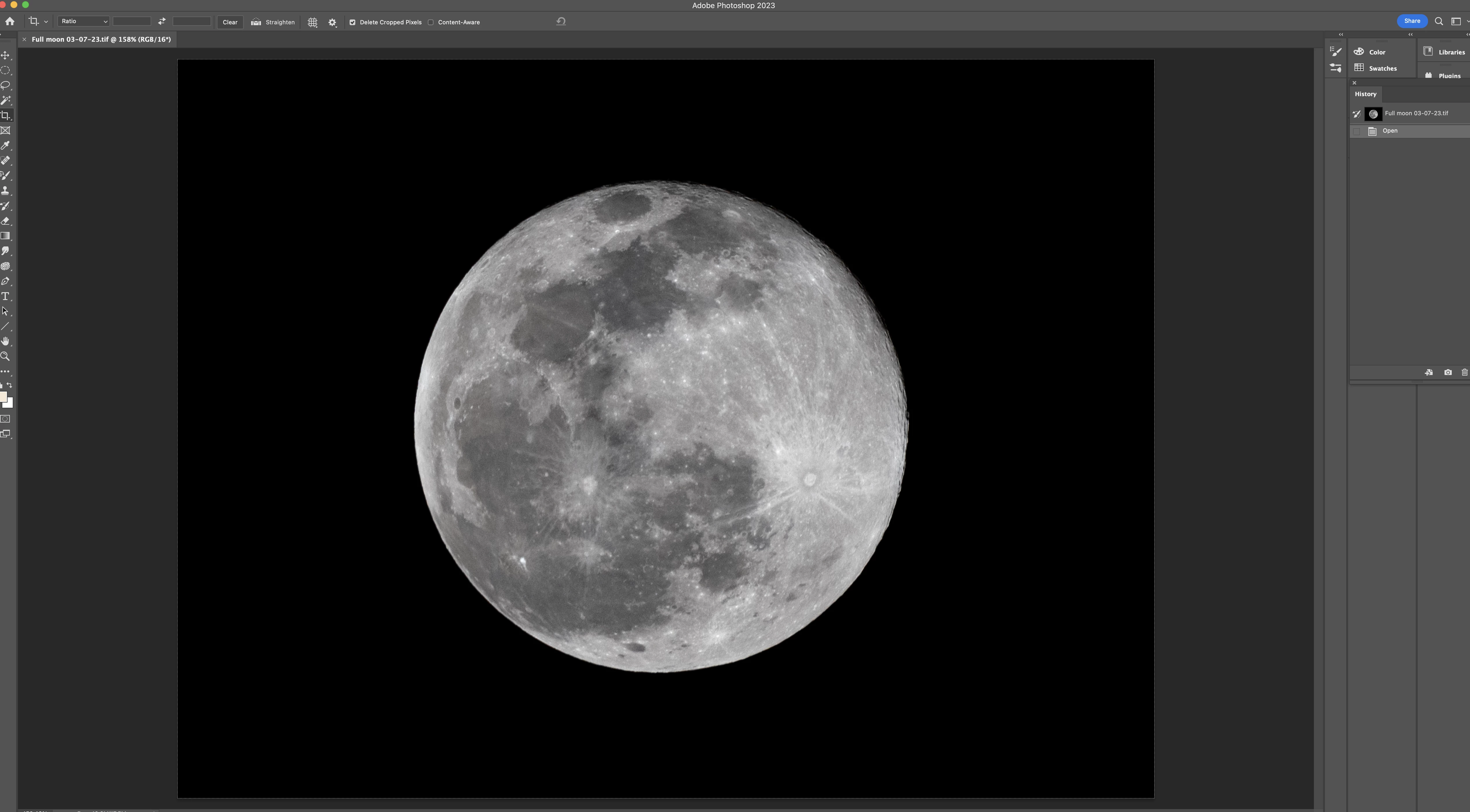
There are a variety of ways to zoom in. You can use the keyboard shortcuts Ctrl (Windows)/Command (macOS) and the - or + keys, the Zoom tool which lets you click or use scrubby zoom, the field in the very bottom to the left side of the open file where you can enter the magnification, options in the View menu, or the Navigator panel (Window > Navigator) where you can enter a value or use the slider to increase or decrease the magnification in addition to moving the red rectangle which shows the portion of the canvas that is viewable. It might be easier to enter a particular value or use the keyboard shortcuts. The keyboard shortcuts for zooming out are 100%, 66.7%, 50%, 33%, 25%, 16.7%, 12.5%, 8.33%, 6.25%, 5%, 4%, and 3%. For zooming in, they increase by 100% until 800%. Then it jumps to 1200%. When it next goes to 1600%, the magnification starts to double.




 AdChoices