

Question
Tip to speed up responsiveness for Photoshop, Bridge, and Lightroom Classic on 4K monitor on Mac
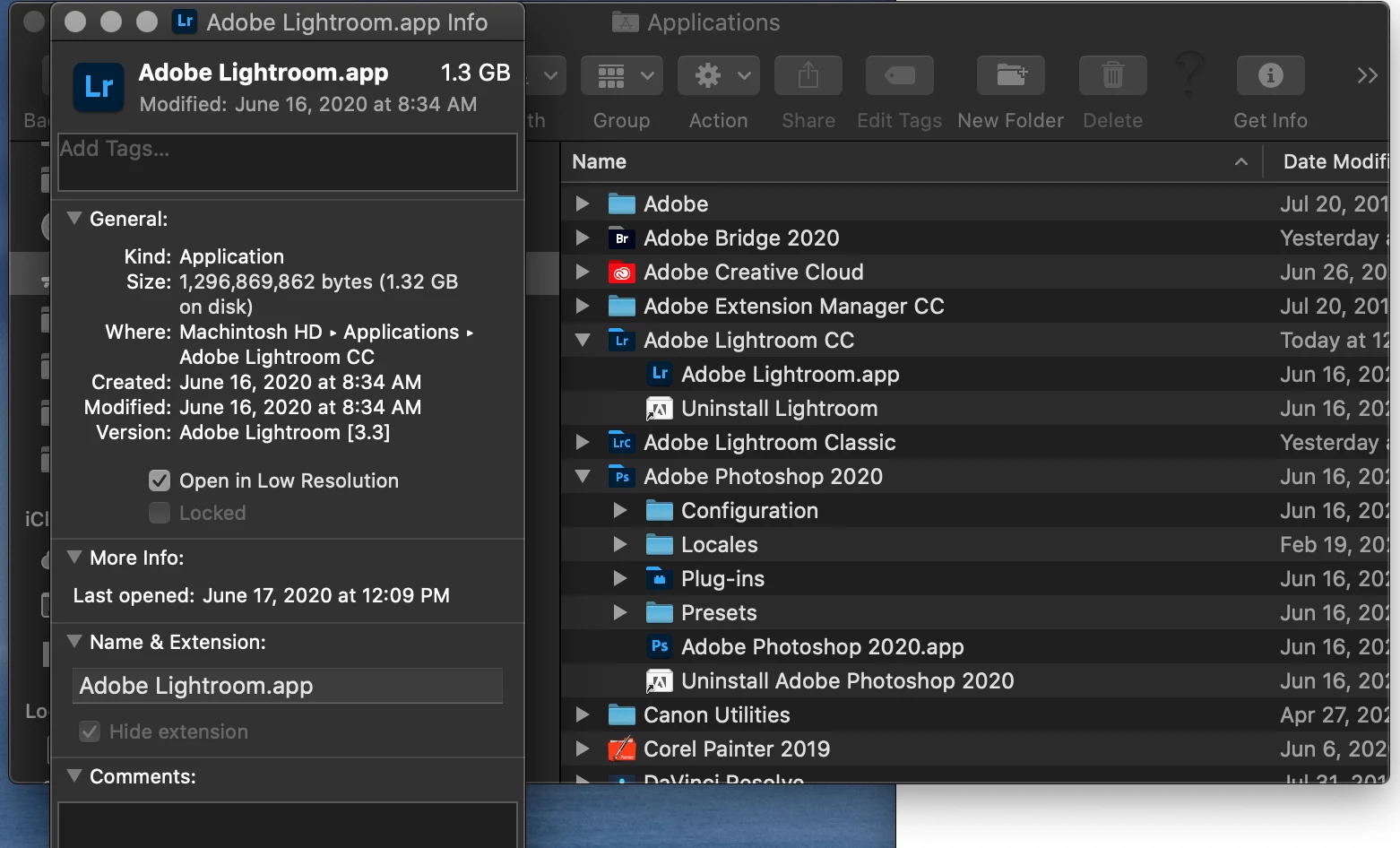
Photoshop, Bridge, and Lightroom have been really sluggish for me on my Mac Pro (2013) after the last few MacOs and Photoshop, Bridge, and Lightroom updates. Not exactly sure when this feature was introduced in MacOs, but there is a checkbox to open applications in "low resolution". There is no apparent visible change to application or images, but it made a world of difference increasing responsiveness of all the applications.
Go to Application, locate the appropriate app, right-click, select Get Info. Check the box (see attached screencap).
 AdChoices