
Answered
toolbar visible on home page
My toolbar is visible on the home page before I have opened any images. It obscures the menu options. I know I can move it away from these but then when I open an image I have to reposition it.

My toolbar is visible on the home page before I have opened any images. It obscures the menu options. I know I can move it away from these but then when I open an image I have to reposition it.
Reset workspace you work in, ot choose another workspace then reset it. it will return the toolbar to its defualt place.
and go to view> screen mode and changhe it
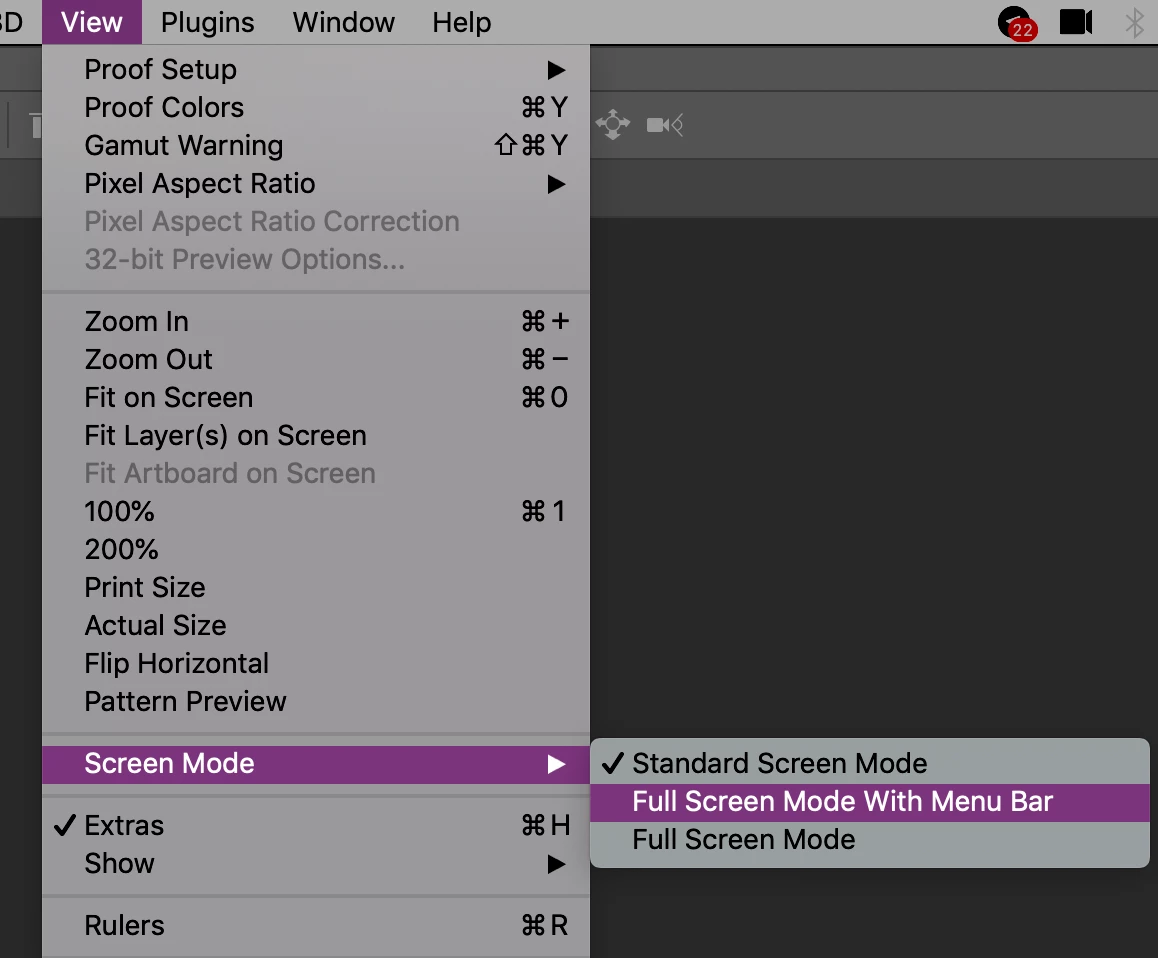
if you didnt got a result, reset photoshop preferences.
Already have an account? Login
Enter your E-mail address. We'll send you an e-mail with instructions to reset your password.


 AdChoices