


Participant
January 25, 2021
Answered

Top Menu Bar (Options bar) Missing from Photoshop 2021 on Mac
  • January 25, 2021
  • 1 reply
  • 36927 views


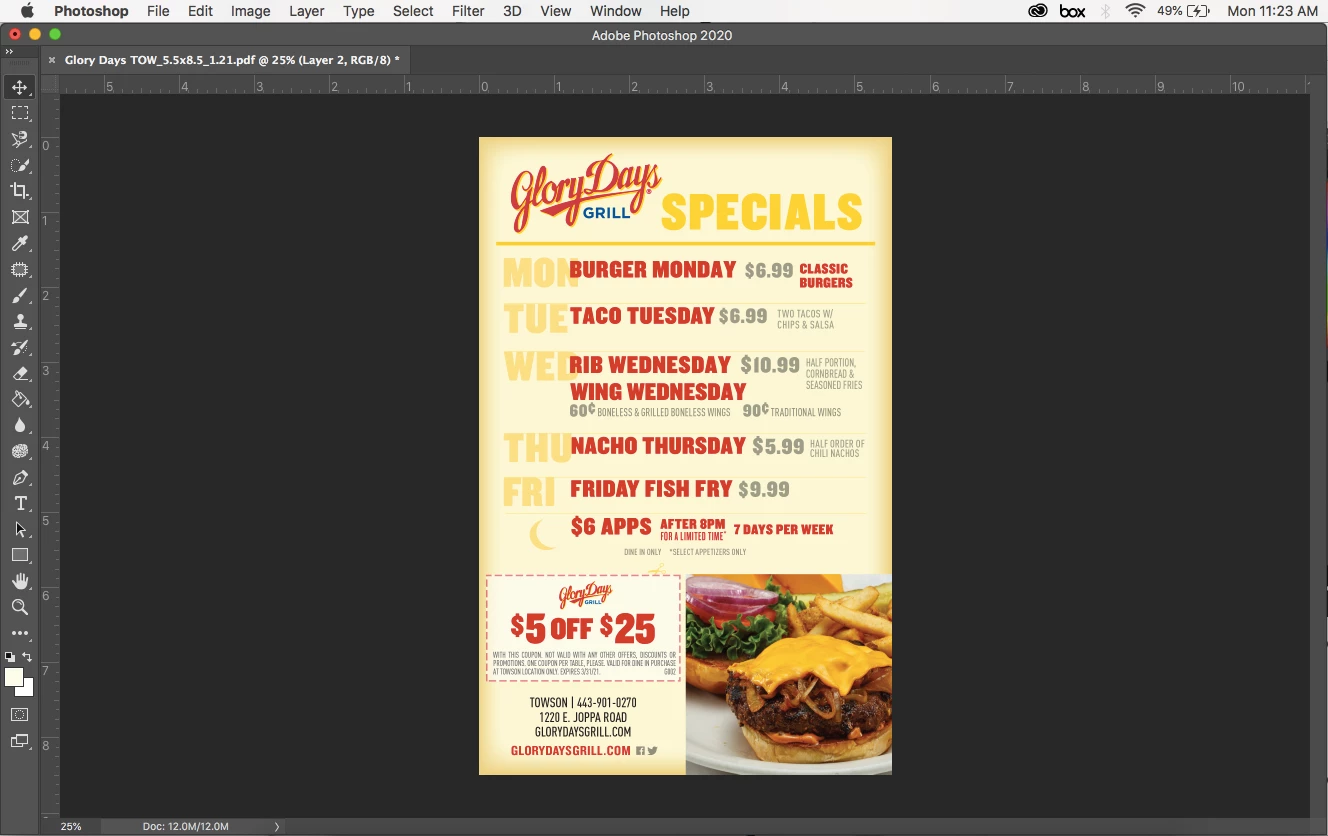
The top menu bar is missing and i can't figure out how to get it back on my mac. I've looked through other posts and most solutions have been to get the side bar back. Help!


{Thread title edited by moderator}

Correct answer DXDT

If this is still a problem for you, I think you might find the answer in this thread:  https://community.adobe.com/t5/photoshop/photoshop-cc-2019-options-bar-is-missing-please-help/m-p/10390942 .  Apparently hitting tab hides parts of the workspace to create more space for the image being worked on.  If you don't realize that you hit the tab key, the workspace change seems like evil magic.  To reveal the hidden workspace elements you hit tab again.  I had this same issue, also with the 2021 version, and I followed the first answer proposed in that thread, which was to reset the workspace, and that also worked (but i had to rearrange the workspace to get it back how i like it).    

1 reply

Marianne-Deiters
Participating Frequently
January 25, 2021

Do you mean the options bar? Then you can turn it on under Window > Options.

Participant
January 25, 2021

The options bar is checked (see screenshot) but it is not at the top like normal

nikunj.m
Community Manager
Community Manager
January 25, 2021

Hi,


We're sorry about the trouble with Photoshop. Would you mind sharing the exact version of Photoshop you're using along with your computers macOS version?


You can try to reset the preferences of Photoshop using the steps mentioned here: https://adobe.ly/2Qzc0K3

Please backup your settings prior to resetting the preferences. You can check: https://adobe.ly/2vNz6FG


Let us know how it goes!

Regards,

Nikunj