
Trim, Fit, and Canvas size Script
Hello everyone, I've been racking my brain trying to figure this out. I have many images with a product cut out on a pure white background and I need to figure out how to get it to fix on a canvas with a ratio of 2000/1778 with the product fitting either horizontally or vertically. if the product is larger than 2000/1778 the action I created works perfectly but, if it is smaller it leaves too much room either on the top or sides. the action I created goes like this:
CROP
Trim
> based on: top left pixel color
>with Trim Top
>with Trim Bottom
>with Trim Left
>with Trim Right
Fit Image
>height: 1778 pixels
>width: 2000 pixels
>With Don't Enlarge
If
>current document is landscape
>Then Play Action: action "horiz crop"
>Else play Action: action "vertical crop"
Horiz crop
>Canvas Size
> Height: 1778 pixels
>vertical: bottom
>Extension Color: background color
Vertical Crop
>Canvas Size
>Width: 2000 pixels
>Horizontal: center
>Extension Color: background color
If the images are larger than 2000/1778 all goes well and they come out like this (Black border only used to distinguish it from background):
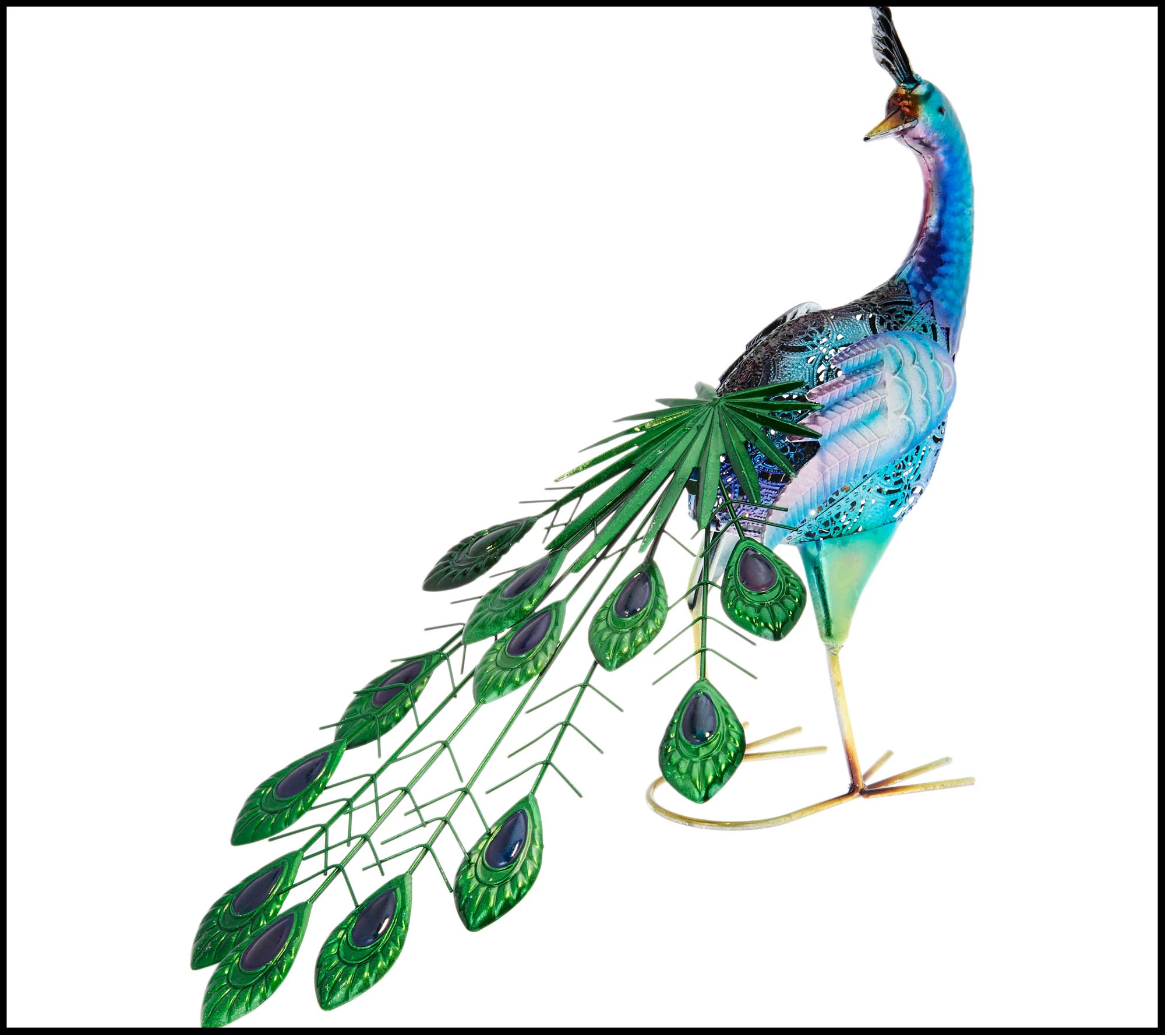
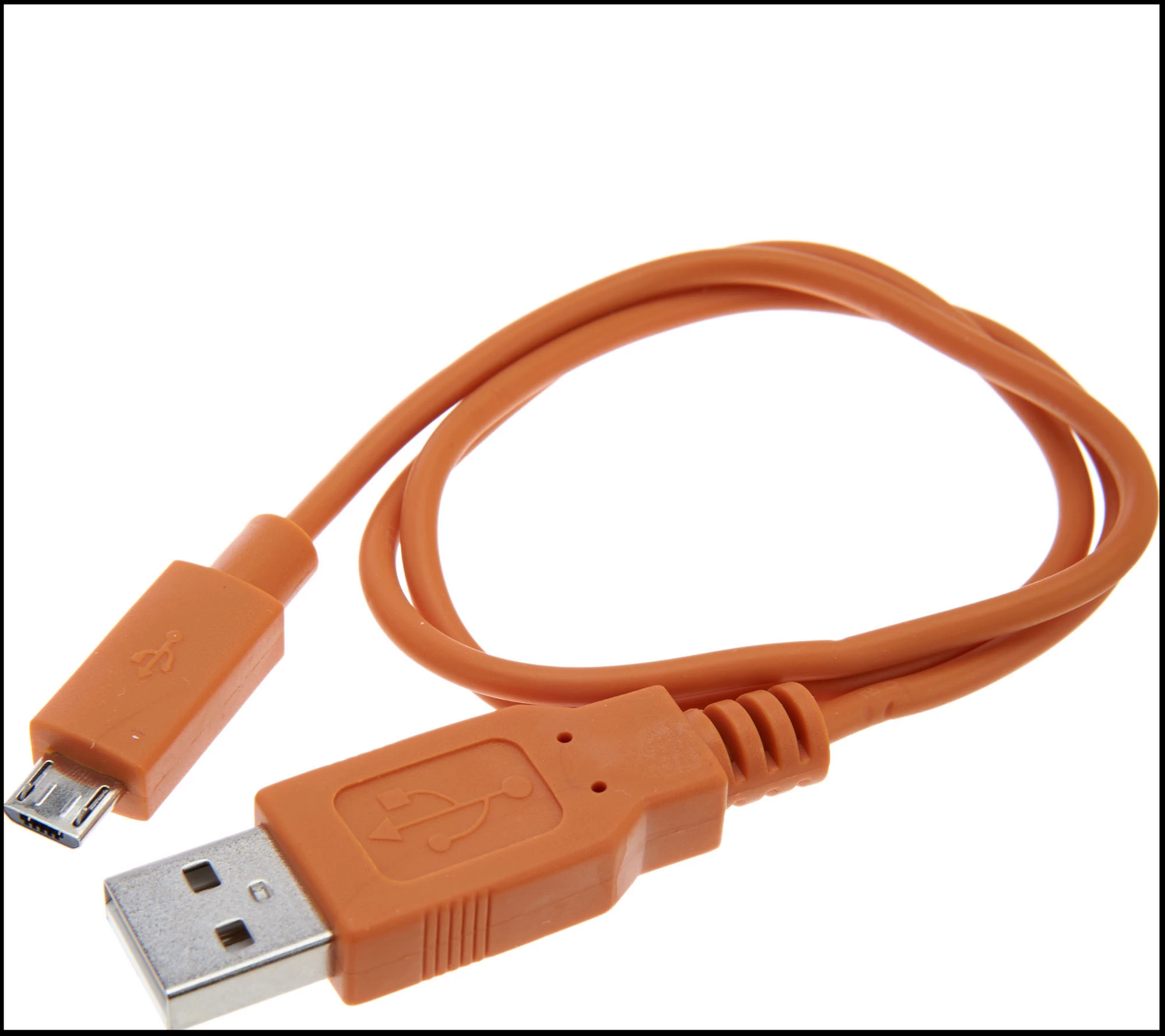
if they are smaller they come out like this (Black border only used to distinguish it from background):
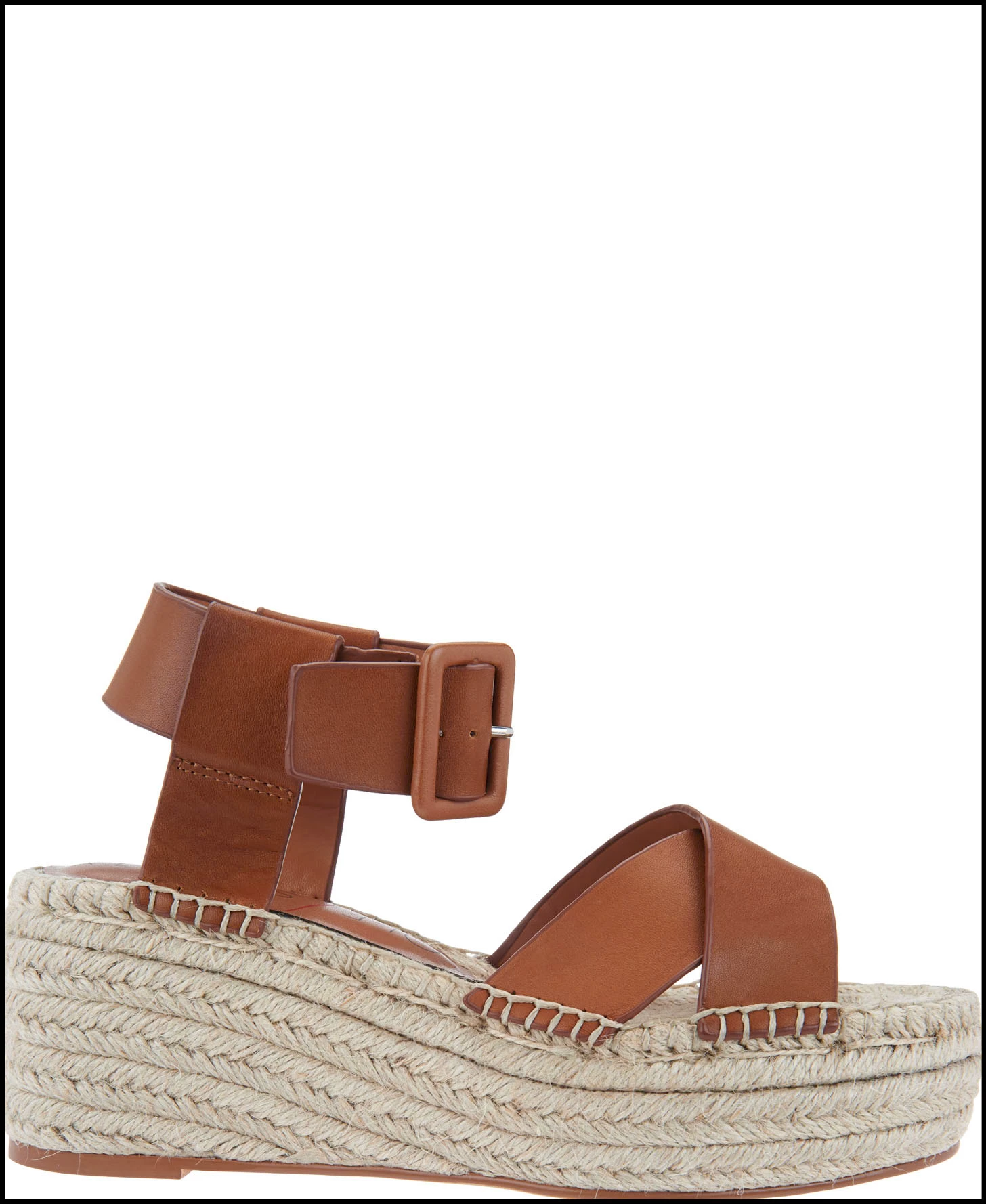
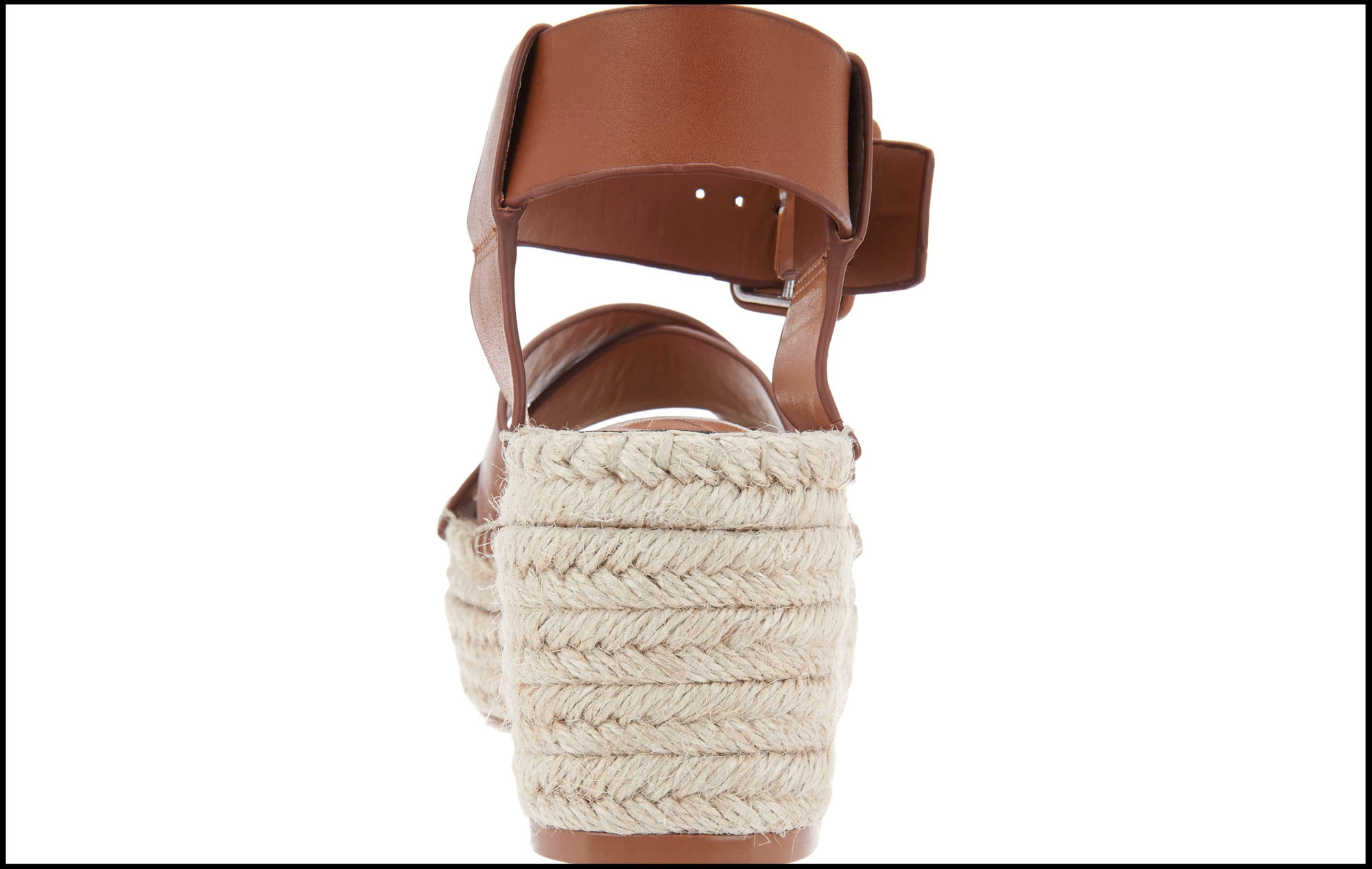
Any help anyone could give me would be greatly appreciated.
 AdChoices