
AG_Ps_100
Inspiring
March 9, 2019
Answered

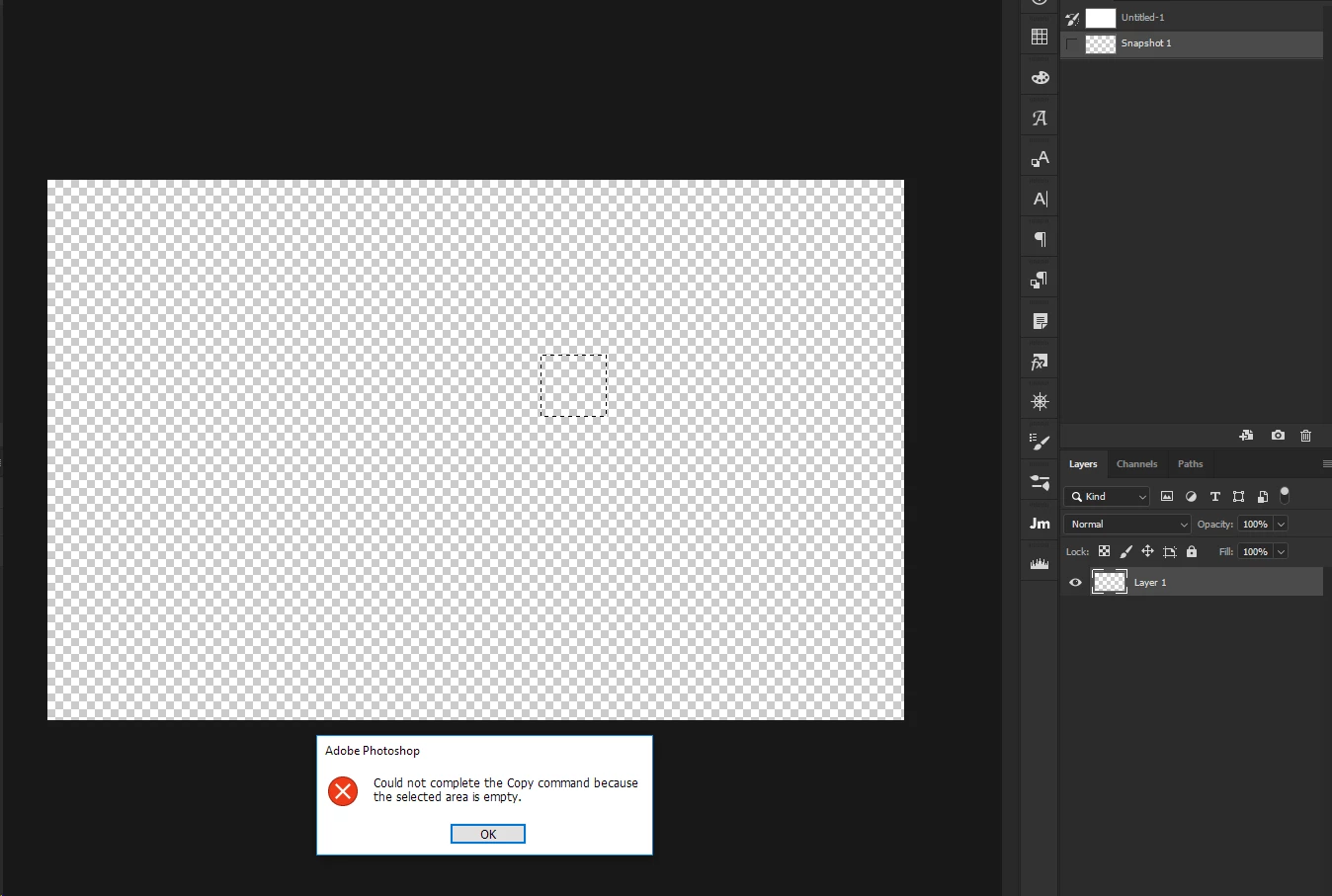
Try to copy when no pixels where selected

  • March 9, 2019
  • 1 reply
  • 3500 views

Hello everyone,

I have a document with an empty layer and I made a selection. When I click Ctrl+C to copy i get this "Could not complete the Copy command because the selected area is empty." any idea on how to throw a try catch or if in a script? (if I can't copy I want an alert "can't copy")
This topic has been closed for replies.
Correct answer r-bin

This?

try { executeAction(stringIDToTypeID("copyEvent"), undefined, DialogModes.NO); } catch(e) { alert("can't copy!"); }

1 reply

r-binCorrect answer
Legend
March 9, 2019

This?

try { executeAction(stringIDToTypeID("copyEvent"), undefined, DialogModes.NO); } catch(e) { alert("can't copy!"); }

AG_Ps_100
AG_Ps_100Author
Inspiring
March 10, 2019

Yes:)

can I leave catch(e) empty if I have nothing to put there?

to be more clear, i have a selection which I don't know if it has active pixels in it.

I want to copy it (if I can)(using try and catch), and then i need to paste it to a new layer, for example:

app.activeDocument.artLayers.add();

app.activeDocument.selection.deselect();

app.activeDocument.paste();

or something like that

Legend
March 10, 2019

if (copy())

    {

    app.activeDocument.artLayers.add();

    app.activeDocument.selection.deselect();

    paste();

    }

else alert("WTF!");


function copy()

    {

    try { executeAction(stringIDToTypeID("copyEvent"), undefined, DialogModes.NO); } catch(e) { return false; }

    return true;

    }

function paste()

    {

    try { executeAction(stringIDToTypeID("paste"), undefined, DialogModes.NO); } catch(e) { return false; }

    return true;

    }