
MTBirder
Known Participant
December 10, 2021
Question

Unable to access Creative Cloud files from laptop (MacBook Pro)

  • December 10, 2021
  • 1 reply
  • 217 views

I have a brand new MacBook Pro (M1); I installed everything from my old (Intel) one via Time Machine. However, while everything seems to work fine for the most part, I am unable to access a Creative Cloud file from my laptop. The file in question is a free preset sent to me by Adobe; when I chose "Save it to my Files," it showed up in my CC account online, but when I try to get to it from the laptop version of Ps to install the

actions, etc.,  I get the following:
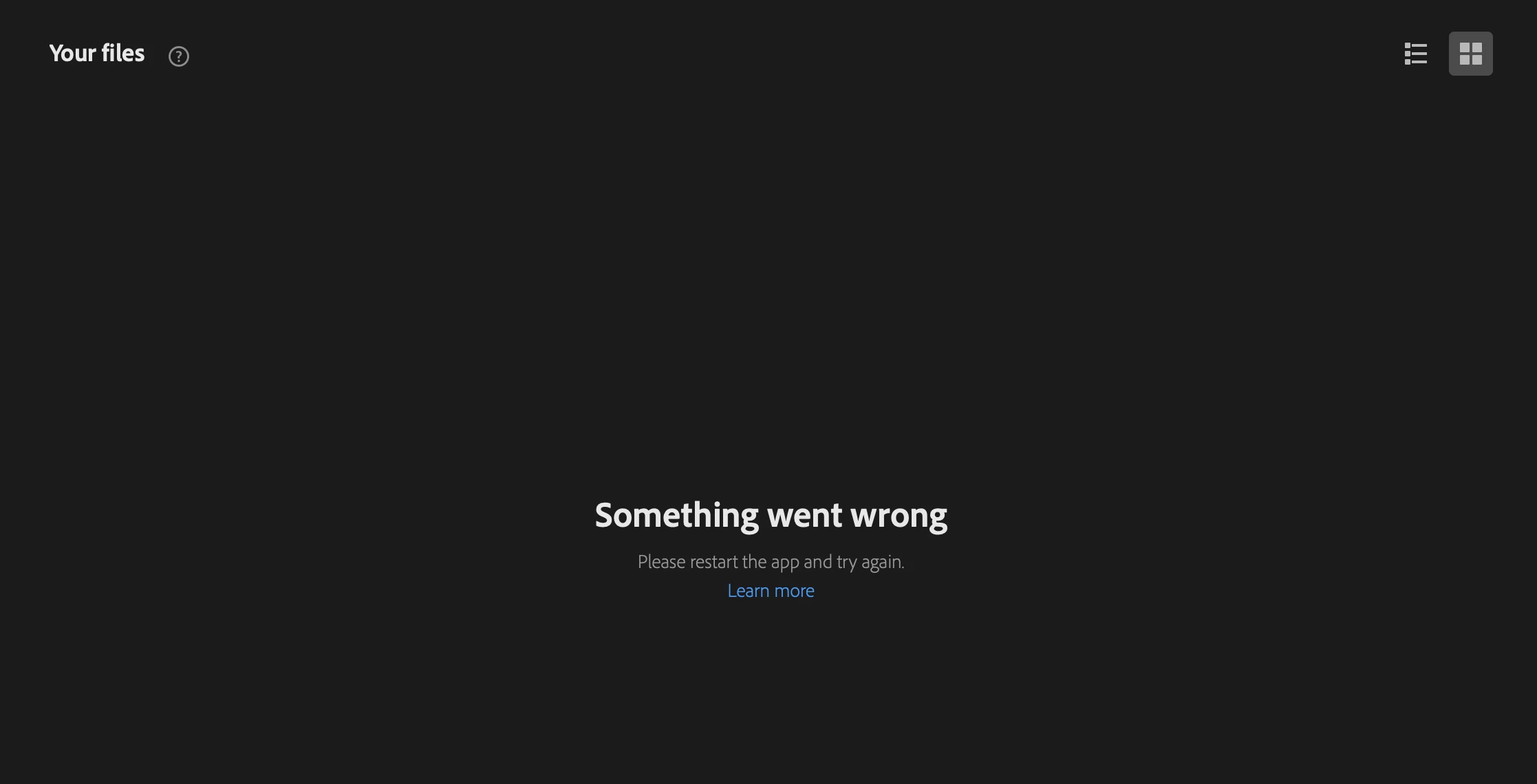
Restarting the application does not help; I even uninstalled and re-installed Ps to see if that was a solution.
I am working with the latest version of Ps on a 14-in MacBook Pro (2021 with M1 chip) using Os Monterey.

Anyone have any suggestions? Is it an Adobe problem or a Mac one?

This topic has been closed for replies.

1 reply

S_Gans
Community Expert
Community Expert
January 6, 2022

Which preset was it? One of us can try it and then determine if the problem is your setup, or on the Adobe side...

Adobe Community Expert / Adobe Certified Instructor
MTBirder
MTBirderAuthor
Known Participant
January 7, 2022

Thank you so much for the offer of assistance. I was reading the link Adobe emailed to me on "How to Pick the Right Preset" (https://creativecloud.adobe.com/discover/article/how-to-pick-the-right-preset-in-lightroom?trackingid=KLZPV9JY&mv=email). The last paragraph says that "presets are available on any device"; I failed to note, however, that for the laptop, I must be working in LR Mobile, not the desktop version. Oops, my mistake!

Thank you again!


Cheri