



해결됨
Wacom Intuos M - Photoshop Brush Outline Not Showing The Right Size When Using Pen (Windows 10)
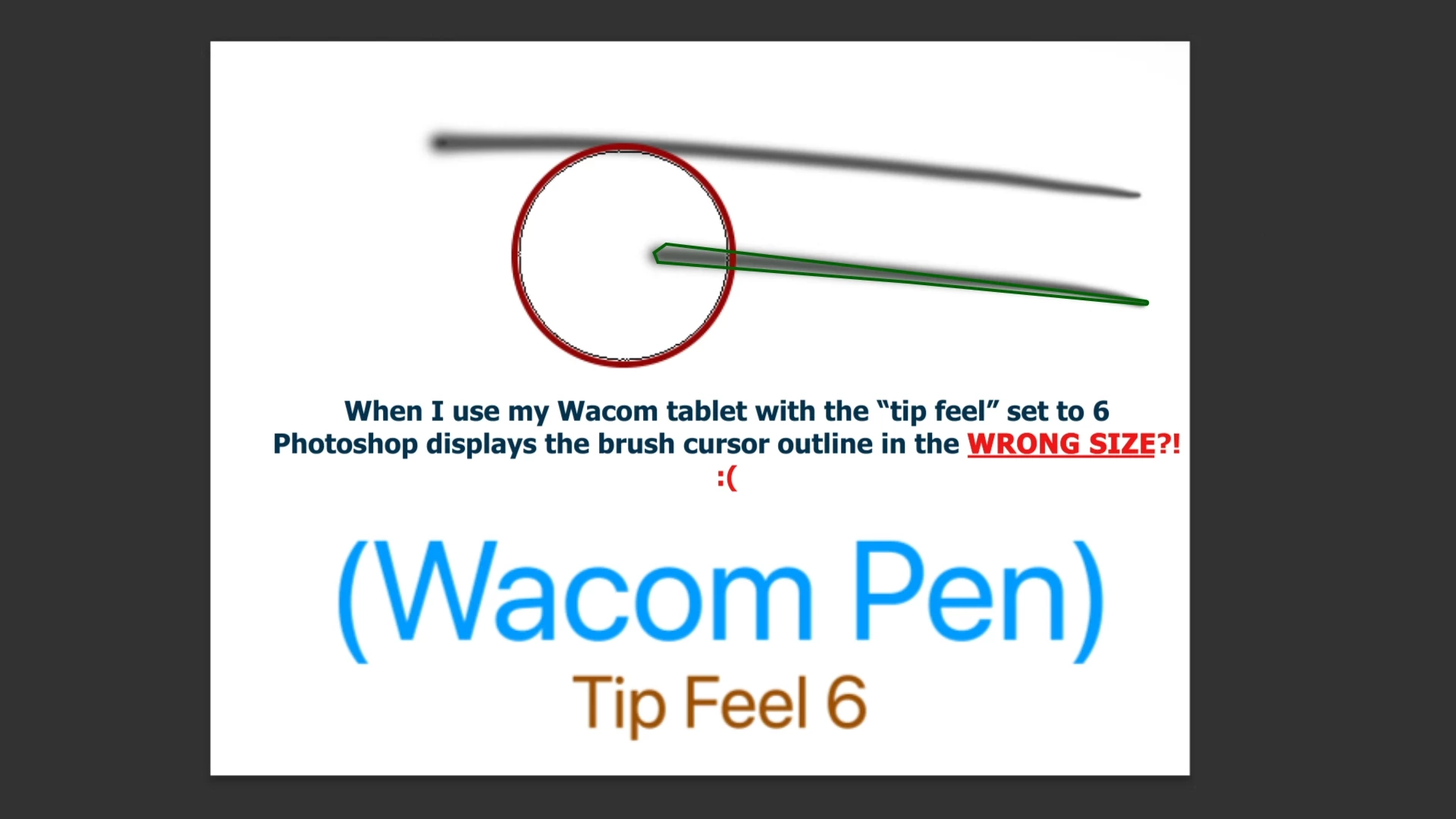
Hi, I am experiencing issues with displaying the correct brush outline when using the Wacom pen in Photoshop.
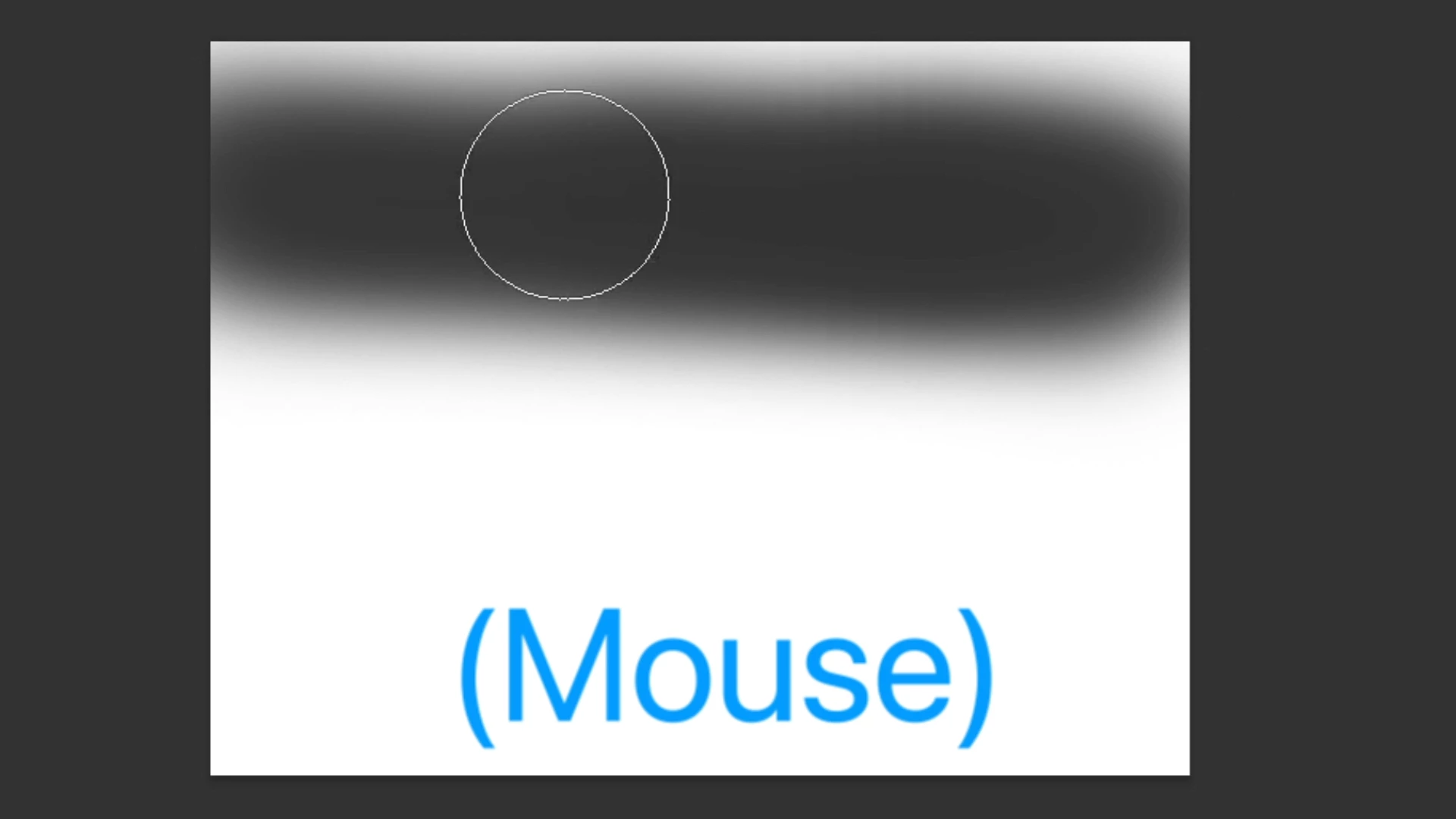
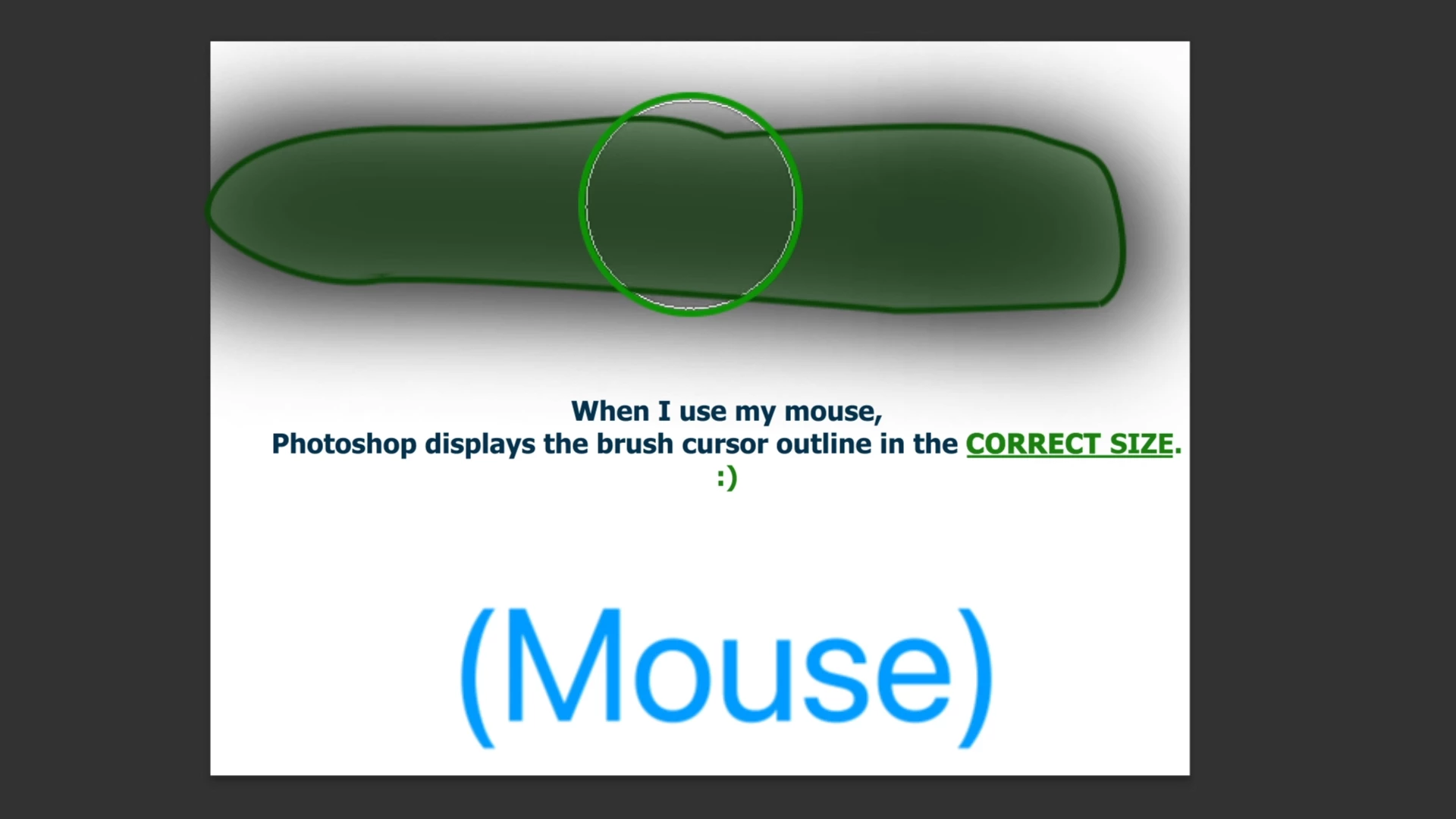
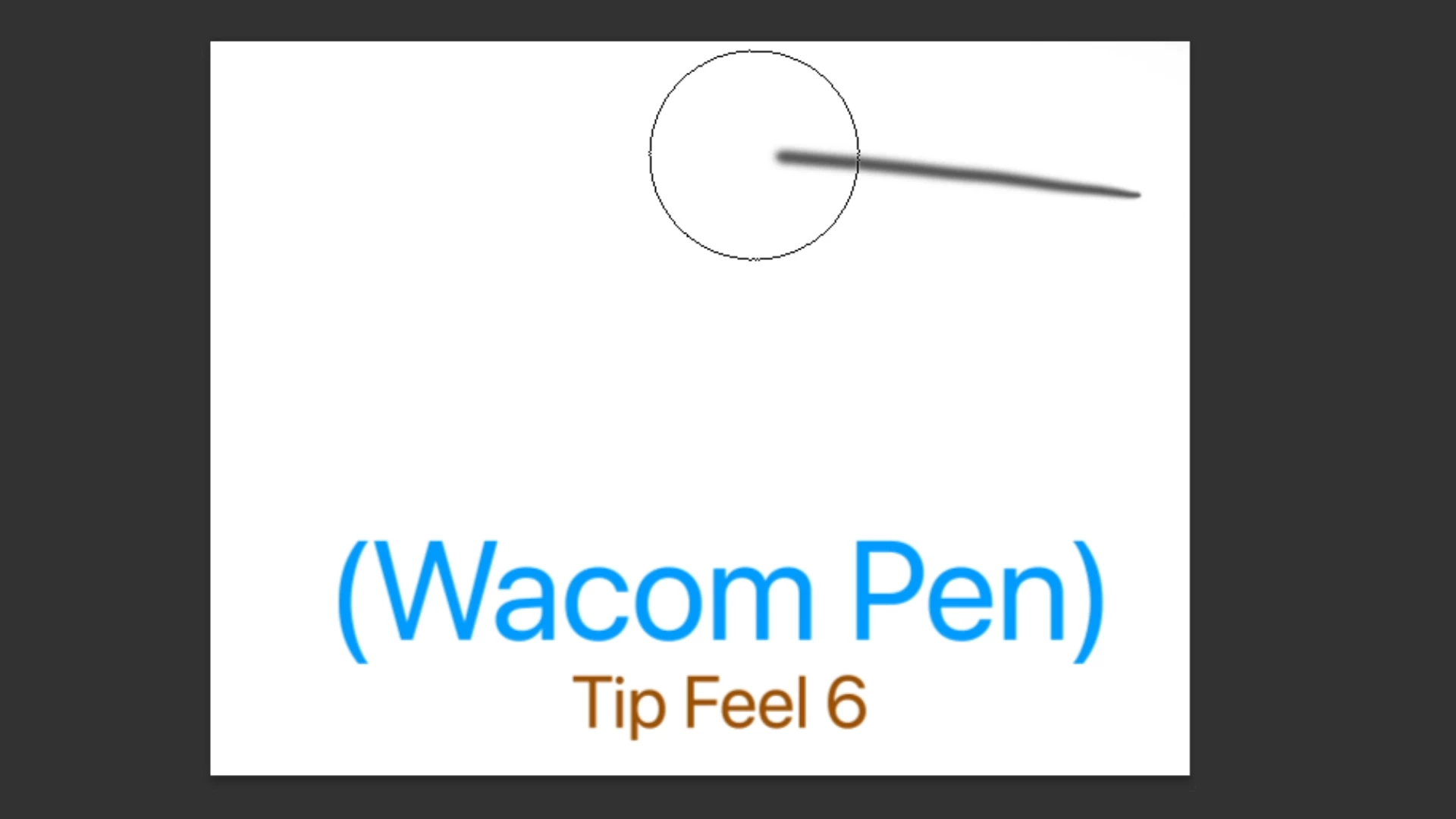
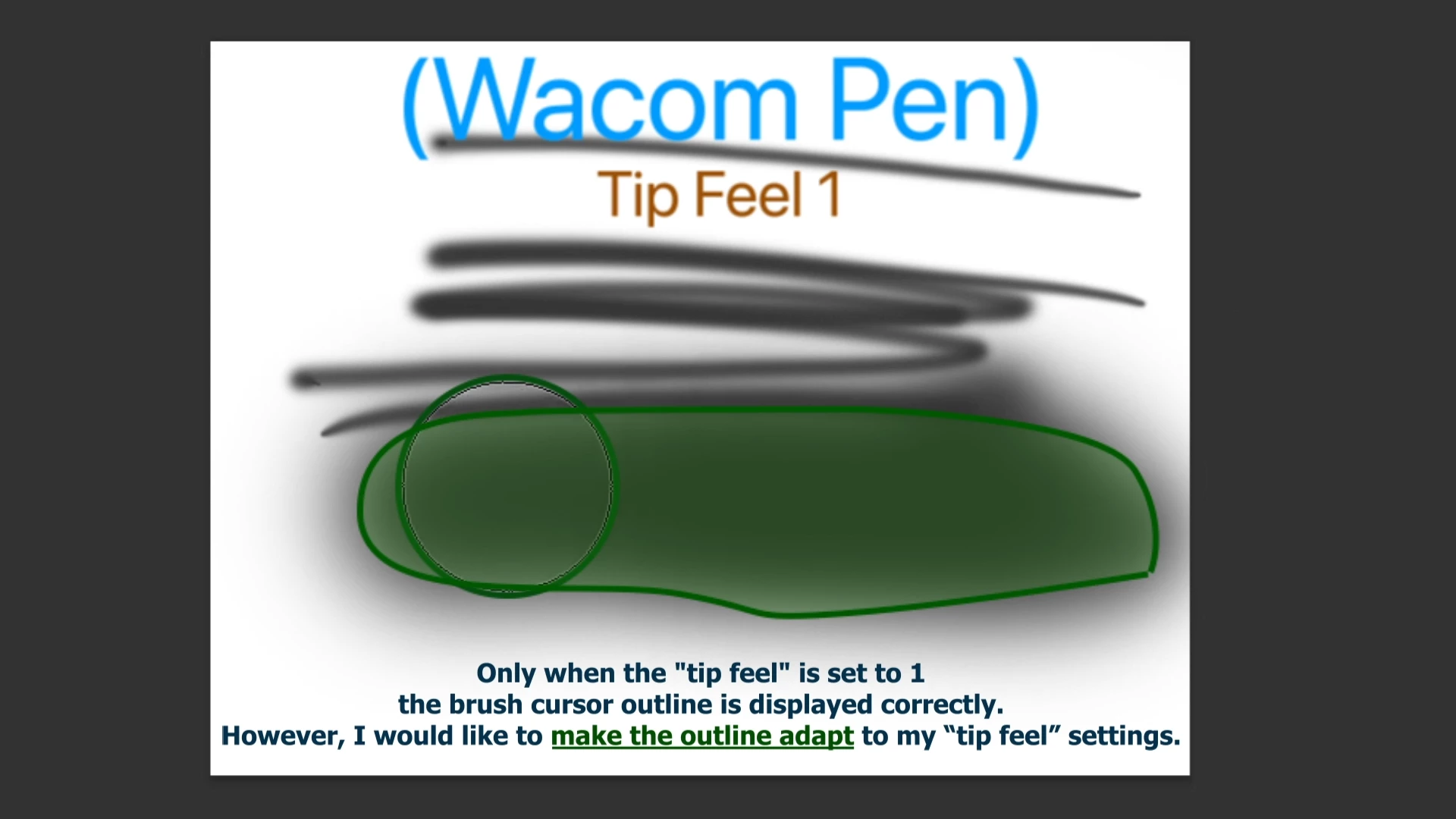
The size appears as normal when using a mouse or with the pen set to Tip Feel 1. However, it doesn't adjust to the correct size when I increase the Tip Feel settings. I hope I hope you are able to provide some assistance.
I use:
MSI 63VR Stealth Pro (Windows 10)
Photoshop
Wacom Intuos Medium (Have updated the drivers)
Here is some pictures of my problem:
 AdChoices