

Weird squares on white background
Hello!
I'm pretty new to Photoshop and I have a problem with "weird squares" showing up on the white background on some of my product images. When I edit my product images I usually use the quick tool, magic tool or pen tool, create a path, then I select the object, and create a seperate layer with it. After that I create a background that I fill with white color. After this I crop the image to a square, then I change it to 800 x 800 px, compress it, and upload it to the website.
Here is one of the products that have this problem (I have used the quick tool for this one):
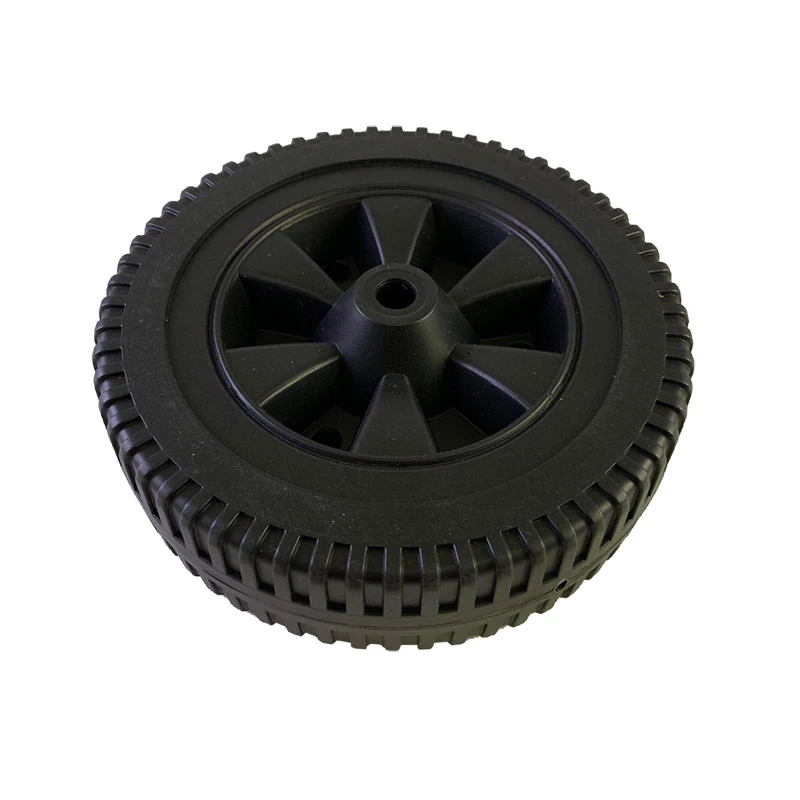
If you tilt your laptop backwords you will see that there are weird squares at the top left and bottom right corners. On a bigger screen I can also see the squares.
Does anyone have any idea what this is and how I can avoid it in the future? I¨ve tried painting with a white brush over these areas but no difference?
Thx for all of your help!
Best regards,
Isabella
 AdChoices