
Answered
Weird white pixels appearing while zooming
So a few updates ago, i realized following:
After zooming in, to a certain percentage, there are weird white pixels appearing on the artboard. (screenshot)
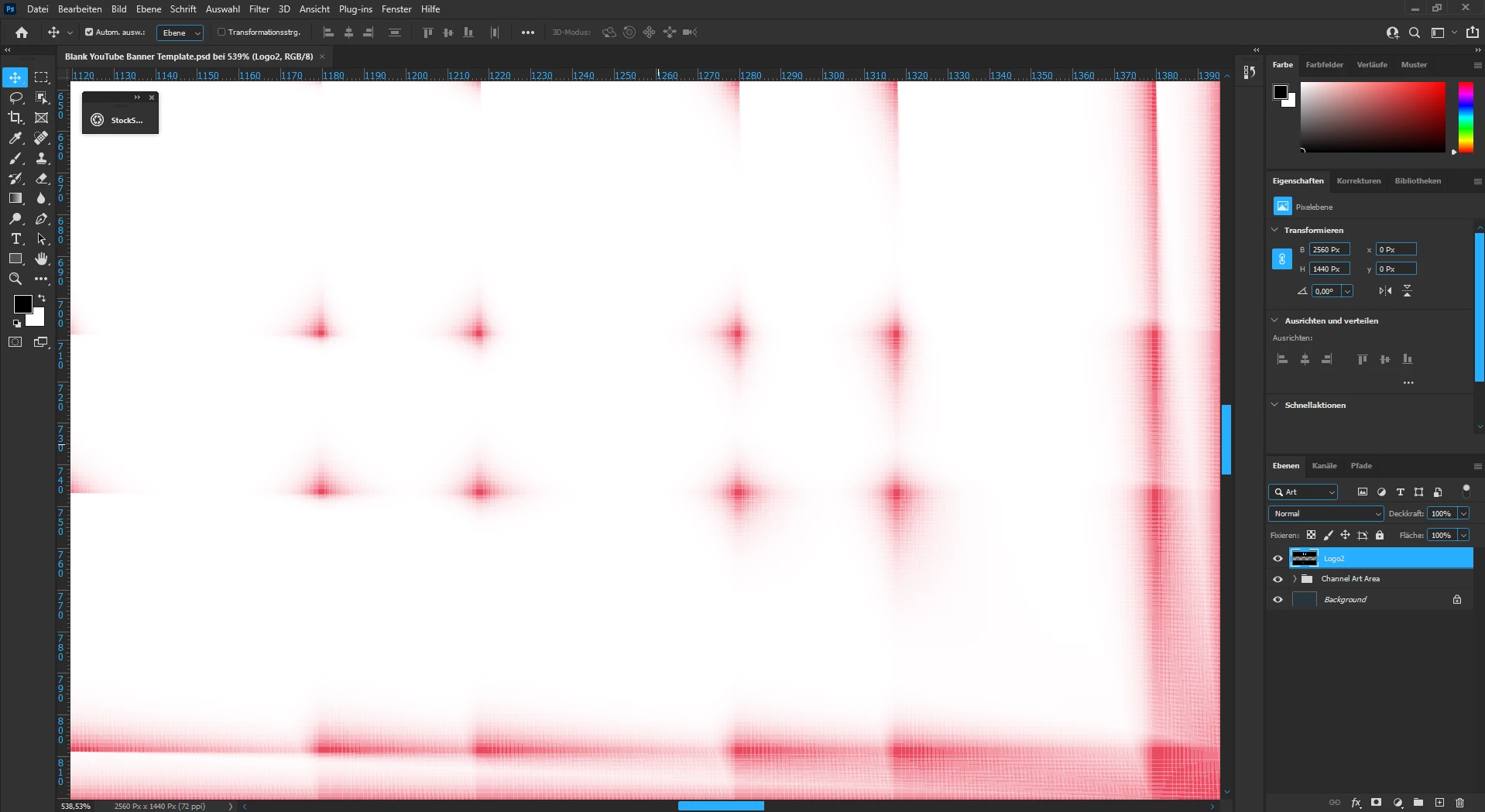
Is there any way to fix it?

So a few updates ago, i realized following:
After zooming in, to a certain percentage, there are weird white pixels appearing on the artboard. (screenshot)
Is there any way to fix it?
Go to Preferences > Technology Previews... and check "Disable Native Canvas" - then restart Photoshop. Does the problem still occur?
Already have an account? Login
No account yet? Create an account
Enter your E-mail address. We'll send you an e-mail with instructions to reset your password.


 AdChoices