

Participant
July 19, 2024
해결됨

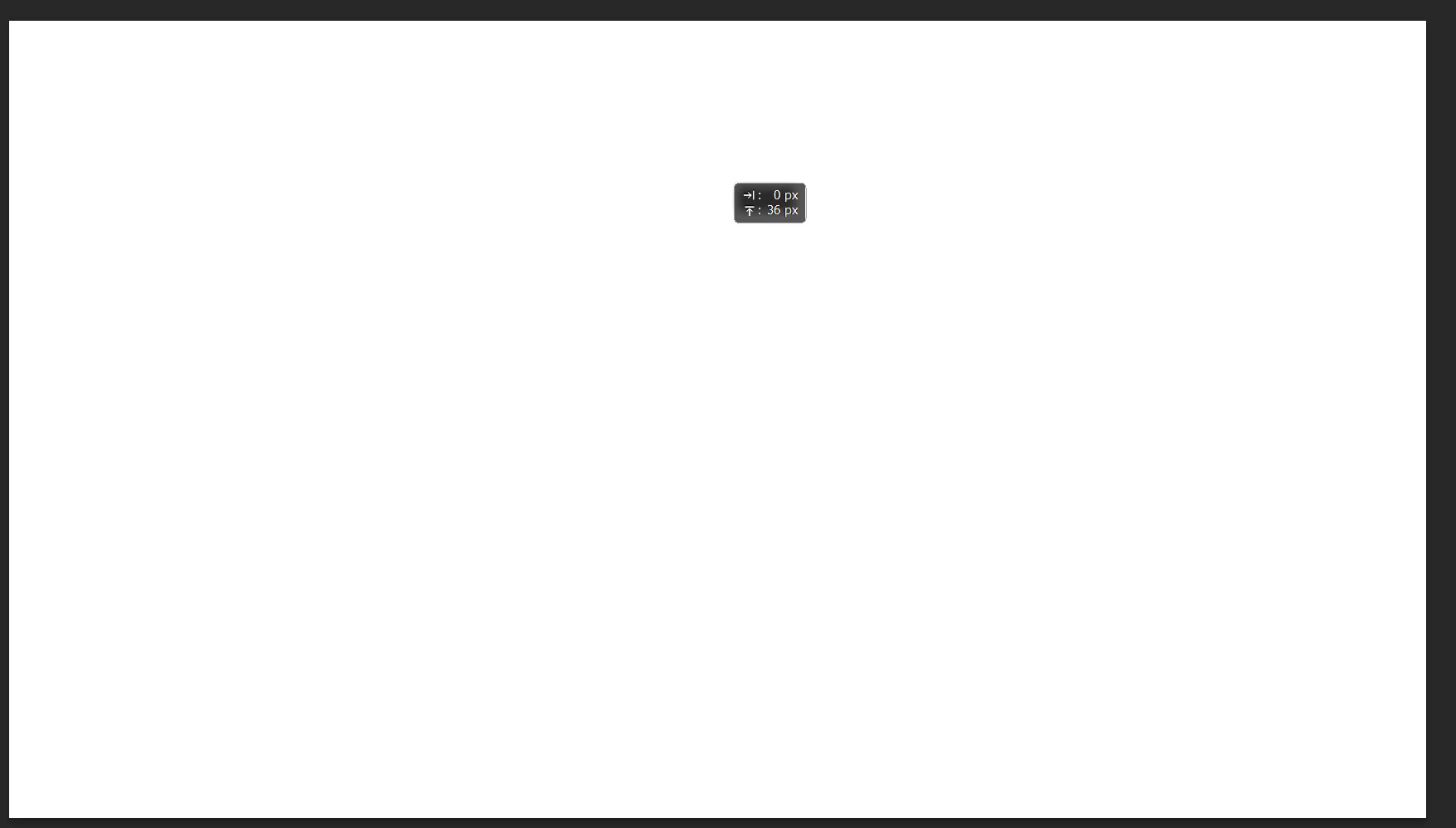
What do I call this gray box with arrows and px and how do I get rid of it?
  • July 19, 2024
  • 2 답변들
  • 1754 조회

최고의 답변: gener7

Photoshop Preferences (Ctrl k)  > Tools > Show Transformation values > choose "Never" from the drop-down menu.


When I use the Move Tool on an object, that "heads-up display" is meant to help me position it or set a certain size. Units can be pixels or other units. Remember where you turned it off if you find a need for it.

2 답변

Trevor.Dennis
Community Expert
Community Expert
July 20, 2024

I have known those 'size' pop-ups to get left behind on the screen.  Moving to another window and back to Photoshop usually fixes it. 

gener7
Community Expert
gener7Community Expert답변
Community Expert
July 20, 2024

Photoshop Preferences (Ctrl k)  > Tools > Show Transformation values > choose "Never" from the drop-down menu.


When I use the Move Tool on an object, that "heads-up display" is meant to help me position it or set a certain size. Units can be pixels or other units. Remember where you turned it off if you find a need for it.

Participant
July 20, 2024

That is a huge help. I set the Transformation values to Never. The darned transformation values box continued to show up until I closed the program and restarted. Many thanks again for the name of the box and the instructions for making it disappear!
