
Answered
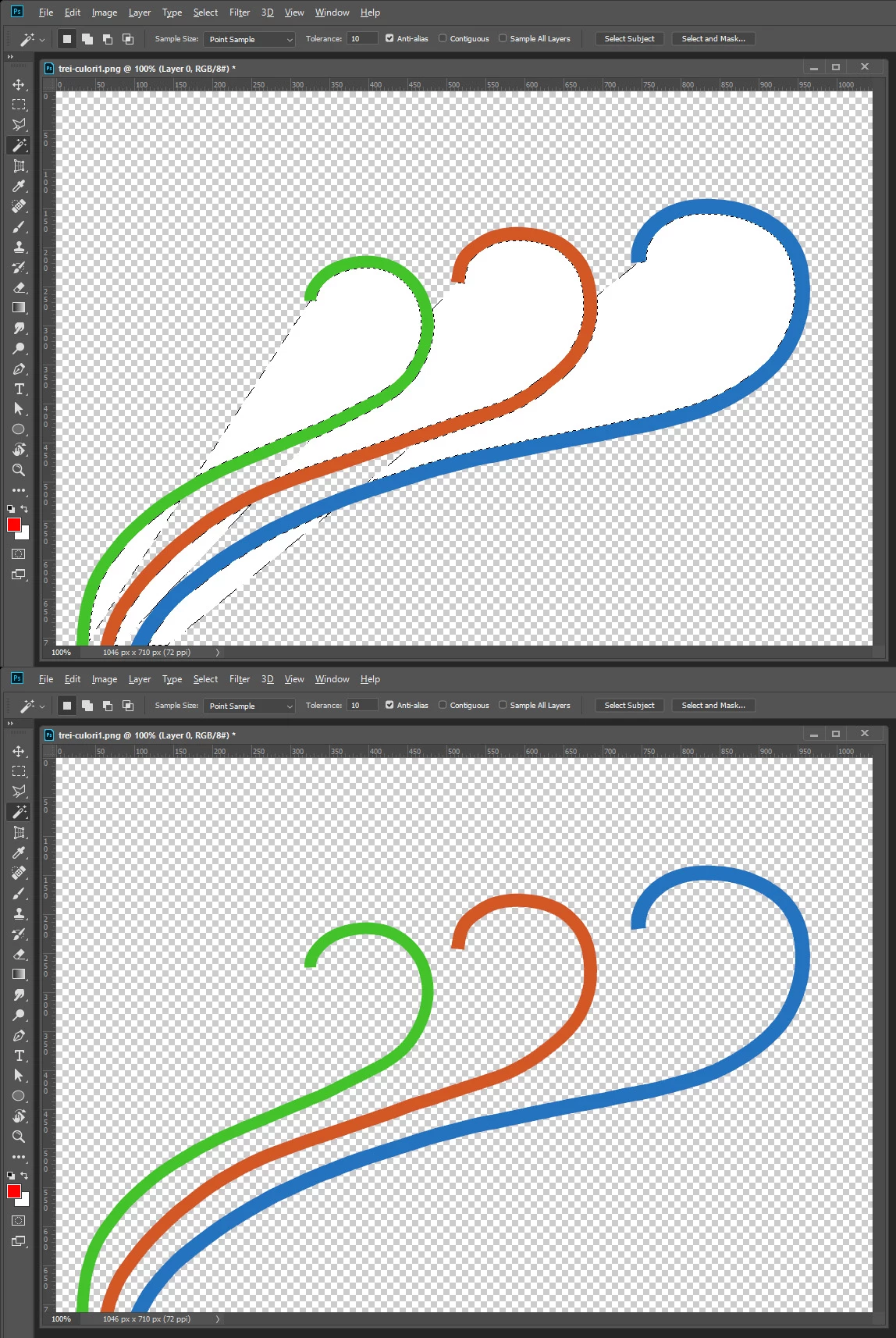
White space that I can`t delete from a PNG .
Hi guys, I am making a website for a client and he asked me to add a drawing on a page.
I made the draw on Illustrator and the image has something like a white shadow, and because I don`t have experience with Illustrator, I have tried to edit the image with Photoshop.
Now the image has a weird white space that is coming from Illustrator images that I can`t get rid of to make the image a clean PNG.
Tried with all the Eraser tools, Magnetic lasso and so on but still no use, I cant get rid of that white space. What can I do?
 AdChoices