
Why do my animation timeline frames go out of alignment & jitter in playback?
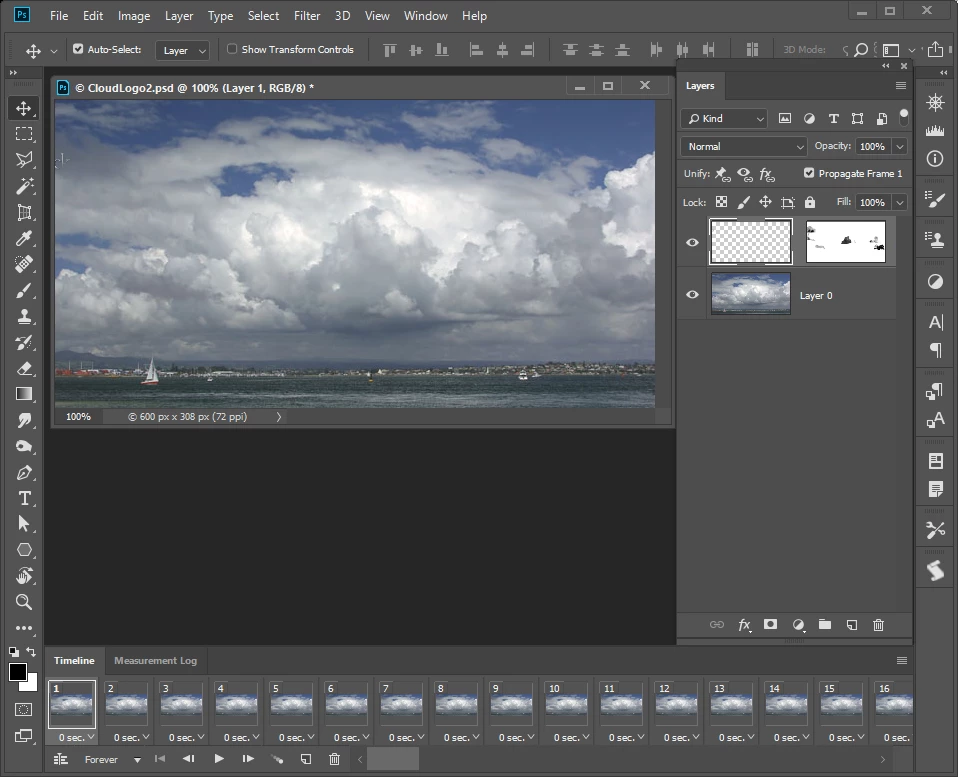
I'm trying to create a "simple" (or so I thought) animated gif in Photoshop CC from appx 15 layers but keep butting up against this problem:
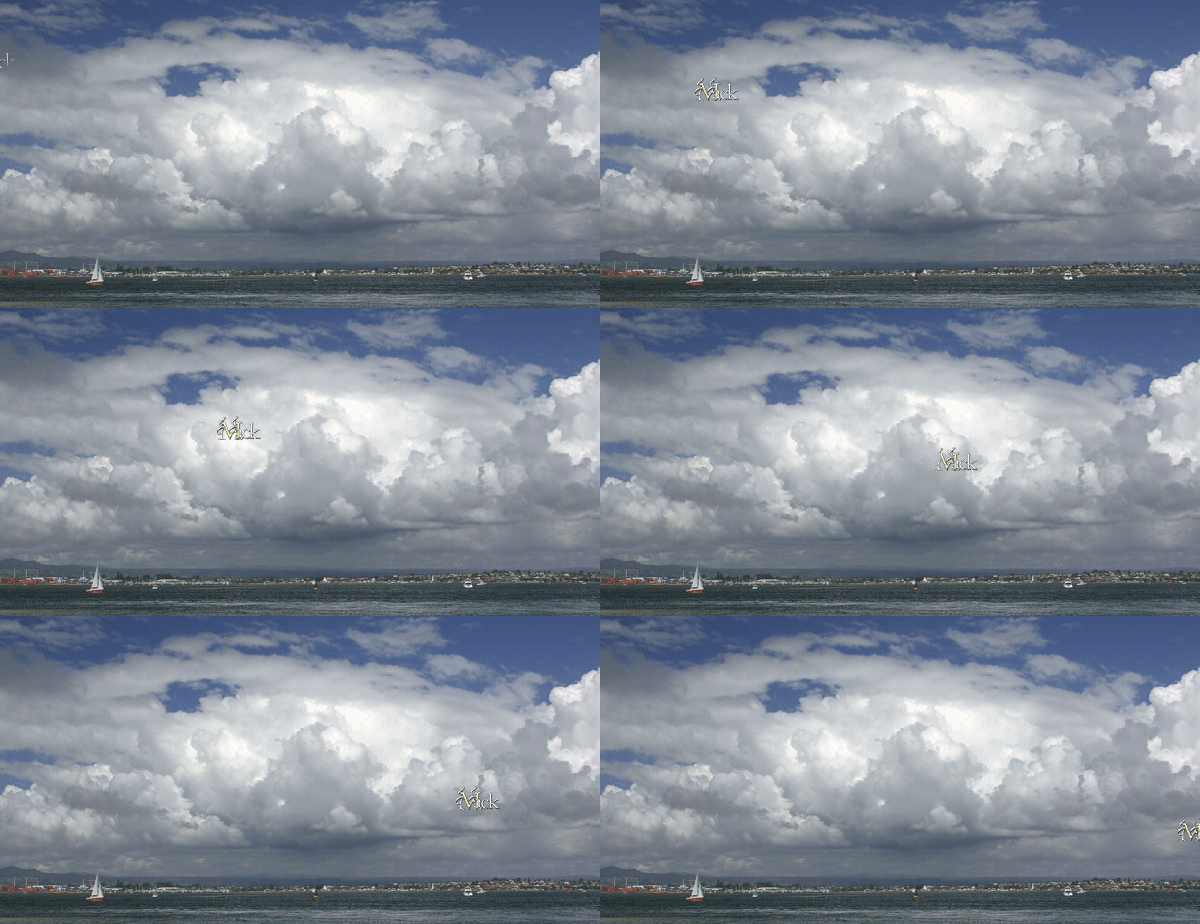
When I playback a timeline frame animation, the frames jitter around even though they're all in alignment in the layers panel. Could it be because my images are larger than the 300x90 window I'm working with? My layers were composited together from several layers but they all used the identical bottommost layer so that the animation would take place above a stationary background. That bottommost layer was considerably larger than the window, and the rest of that image is still there when I use the move tool on the layer. I tried inverting the selection tool to get rid of the image beyond the window, but get a 'no pixels are selected' message. is there any way to lock the layers into place or are the frames going out of alignment for some other reason? I see there are other ways to create animations but they all look even more complicated. HELLLLP!!!
 AdChoices