Participant
Aug 5, 2015 7:10 PM UTC
Answered

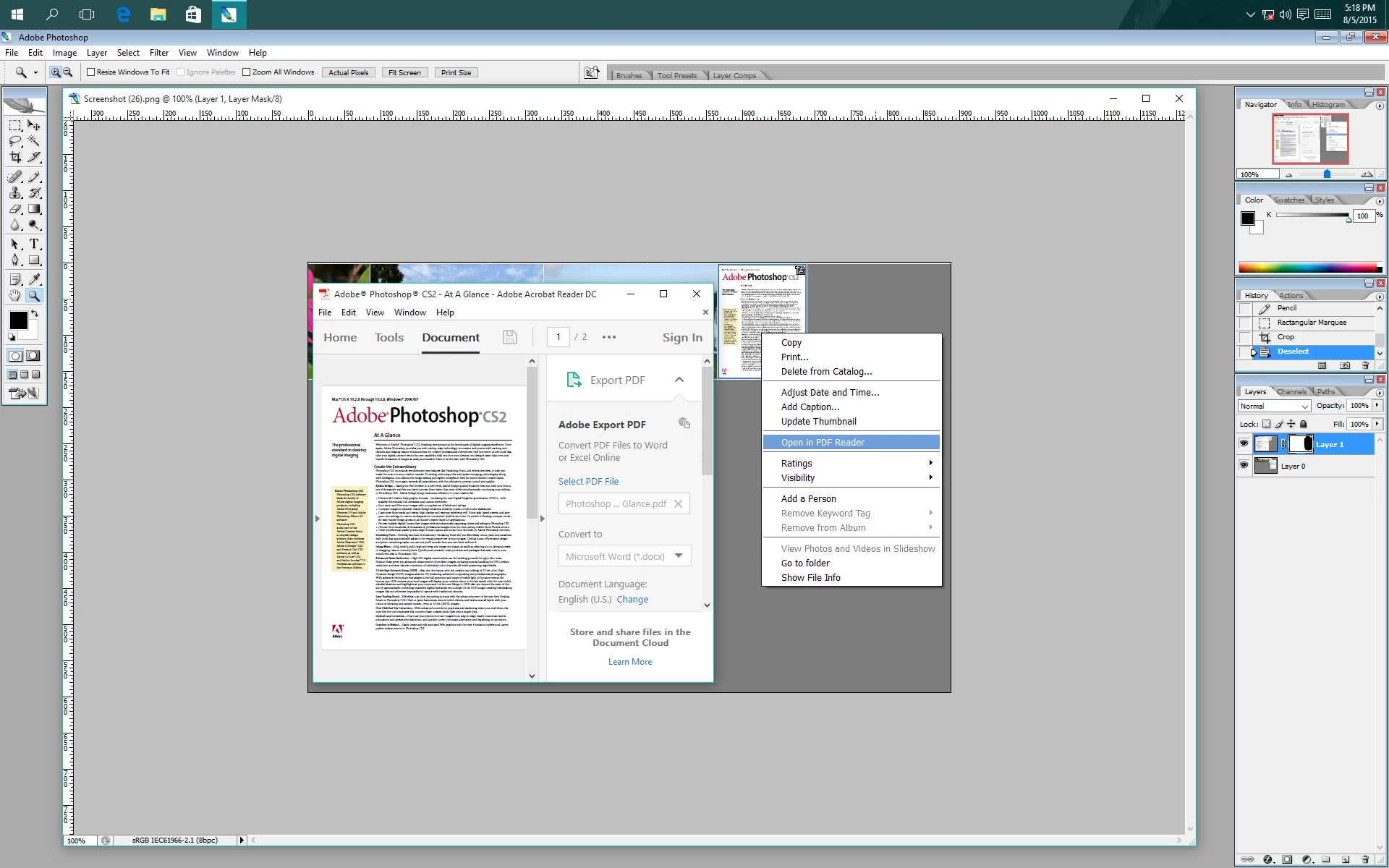
Will PhotoShop CS2 run under the new Windows 10 operating system?

Will PhotoShop CS2 run under the new Windows 10 operating system?

    This topic is closed to new replies. Start a new post to keep the conversation going.
    Jeff Arola
    Jeff ArolaCorrect answer
    Community Expert
    Aug 5, 2015 9:20 PM UTC

    Photoshop cs2 should work on windows 10 or least it does here.

    Just be aware that you won't be able to use your original photoshop cs2 you bought from adobe, because the activation servers for photoshop cs2 were disabled.

    So you would need to download a non activation version of photoshop cs2 and use the serial provided on the download page.

    Activation server shut down for Creative Suite 2, Acrobat 7, and Macromedia products

    Error: "Activation Server Unavailable" | CS2, Acrobat 7, Audition 3

    21 replies

    Participant
    Dec 2, 2019 5:23 AM UTC

    Simply pin it to taskbar and it worked.

    Translate
    Jan 22, 2018 12:13 AM UTC

    Ok, I've run into a problem with installing and running CS2 Photoshop on my laptop. I currently have Windows 10.

    Basically I've come across the common 'freeze at initialising menus' problem, and honestly? Being a dinosaur at computers I'm at my wits end trying to fix this issue and don't know what to do. I've tried moving the preferences file; doesn't work. I'm honestly not sure what other options I have. I've tried the whole ctrl, alt and shift at start up; still freezes. Uninstalling and re-installing doesn't work, nor does repairing the program in the Apps folder. Can anyone help me?

    Translate
    Jeff Arola
    Community Expert
    Community Expert
    Jan 22, 2018 2:21 AM UTC

    If you right click on the photoshop cs2 shortcut, click on Run as Administrator, does cs2 start?

    Translate
    Jan 22, 2018 4:35 PM UTC

    Hi there Jeff!

    I thought I had something when the interface showed up when I ran the program on admin, but alas it still froze at Initialising Menus.

    Translate
    Jul 24, 2016 2:47 PM UTC

    I also used the c2 and the plan was to upgrade to win 10.

    http://kursusjogja.com/

    Translate
    John T Smith
    Community Expert
    Community Expert
    Jul 24, 2016 2:50 PM UTC

    An idea that MAY work to install and/or run old programs in Windows 10... works for some, not for others

    -http://www.tenforums.com/tutorials/15523-compatibility-mode-settings-apps-change-windows-10-a.html

    -or Run as Administrator http://forums.adobe.com/thread/969395 to assign FULL permissions may help... says Encore, but sometimes required for ALL Adobe programs (this is NOT the same as using an Administrator account)

    Translate
    tammys6242288
    Participant
    Jul 24, 2016 1:07 PM UTC

    Hello. I own legal Photoshop CS2 Software Program and my old computer Dell 2003 with XP was replaced with a refurb Dell 2006 with XP about 4 years ago. I ran into the issue of the serial number not being valid and was able to sucessfully download the replacement from Adobe.

    Now, That computer was fried due to a power surge and I have a Lenovo with Windows 10. (Going from XP to Windows 10...LOL!!) I want to state that I Once again am happy to report that I have downloaded the Adobe software and it works on my Windows 10.

    Translate
    Participant
    Jun 9, 2016 12:49 AM UTC

    It will be better if you download each application individually but not the CS2 pack. At least it is ok for me

    Translate
    Participant
    Jun 7, 2016 10:33 AM UTC

    hi i downloaded windows 10, also Ps cs2 .... but im facing an issue with not being able to open Ps from the start menu or desktop or anywhere..

    it seems that i'm missing the application to open Ps

    can someone help

    thanks

    Translate
    Participant
    Jun 8, 2016 11:57 PM UTC

    Wanted to second what michaelc6272838 says above. PS CS2 crashed every time I tried to open it, but his comment prompted me to try opening it directly (navigating to C:\Program Files (x86)\Adobe\Adobe Photoshop CS2 and double-clicking on the actual PS exe) as opposed to using the Start Menu shortcut.


    Now it opens okay. Just a tip for anyone having the same trouble.

    Translate
    Participant
    Sep 9, 2017 2:10 PM UTC

    Thank you, I just made a shortcut on my desktop now!

    Translate
    dougs30412847
    Participant
    Aug 25, 2015 4:23 AM UTC

    I was able to install CS2 in Windows 10, but on my Samsung ATIV 700t I haven't been able to get pen input to function. The pen works happily with other drawing apps, and it worked reasonably well in CS2 when I had Windows 8.1 on the same machine, but under 10 the pen just freezes when I touch the screen, and doesn't free up until I move the cursor using the touchpad. I'll post here if I find a solution, but so far I haven't been able to solve it through the obvious stuff (driver updates, pen settings, etc.)

    Translate
    Participant
    Dec 13, 2015 9:44 PM UTC

    Hey I've also been having a similar problem. On my previous lenovo laptop I managed to upgrade to Windows 10 from Windows 7 and CS2 worked fine, but when I tried installing it onto my new Lenovo laptop the pen input lags behind in the matter of seconds, no matter what size my canvas is. However it also works fine with other drawing apps, including CS2 InDesign, Illustrator and ImageReady.

    Translate
    xtnh
    Participant
    May 29, 2016 7:23 PM UTC

    I installed CS2 under Windows 10 in WinXP SP3 compatibility mode and at first tried to run it in that compatibility mode too.

    After occurance of severel problems I switched to Windows 7 mode and now everythings fine (or at least seems to be fine ;-)!).

    Translate
    Aug 19, 2015 3:54 PM UTC

    I have PS CS2 installed on Windows 10 but I'm experiencing issues (menus disappearing then reappearing and just a bit slower overall than with Windows 7). A friend stated that it "could" be because I have the 64bit version of 10...whereas I had the 32bit version of 7.

    I have another laptop on which I plan to install the 32bit version of 10. I'll then install CS 2 to see if the issues are resolved and  post back.

    Translate
    cd88167643
    Participant
    Oct 9, 2016 7:49 PM UTC

    Hi AshleyQ!  Where did you get a copy of 32-bit Windows 10?  I seem to only be able to find the 64-bit version

    Translate
    Inspiring
    May 23, 2022 2:22 PM UTC

    I have lots of 32 stuff on my Win 10 x 64 Home' works perfectly

    Translate
    Jeff Arola
    Community Expert
    Jeff ArolaCommunity ExpertCorrect answer
    Community Expert
    Aug 5, 2015 9:20 PM UTC

    Photoshop cs2 should work on windows 10 or least it does here.

    Just be aware that you won't be able to use your original photoshop cs2 you bought from adobe, because the activation servers for photoshop cs2 were disabled.

    So you would need to download a non activation version of photoshop cs2 and use the serial provided on the download page.

    Activation server shut down for Creative Suite 2, Acrobat 7, and Macromedia products

    Error: "Activation Server Unavailable" | CS2, Acrobat 7, Audition 3

    Translate
    Benjamin Root
    Legend
    Aug 5, 2015 7:45 PM UTC

    That is a very good question. For sure Adobe won't be testing it, so you'll have to try yourself or wait until (if) someone else does.

    Benjamin

    Translate