
Answered
Windows 10 - CR3 Files. Can't associate CR3 files to Photoshop 2019
.When I click on a .CR3 file, to open it, it always asks "what I want to open it with" Even when I tell it to "always open with Photoshop" it will not associate the files type with Photoshop.
(No problem with CR2 or JPEG)
Window 10 64 bit Home and Pro.
Photoshop 2019 20.0.1.
Is there a work round for this.
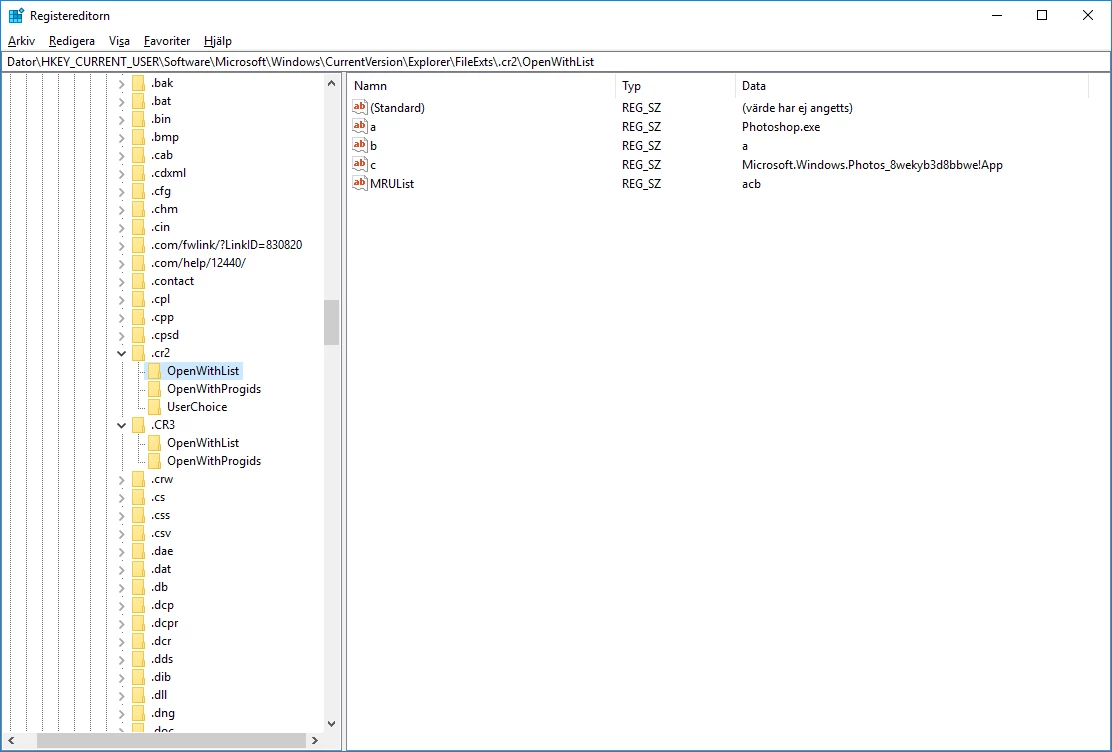
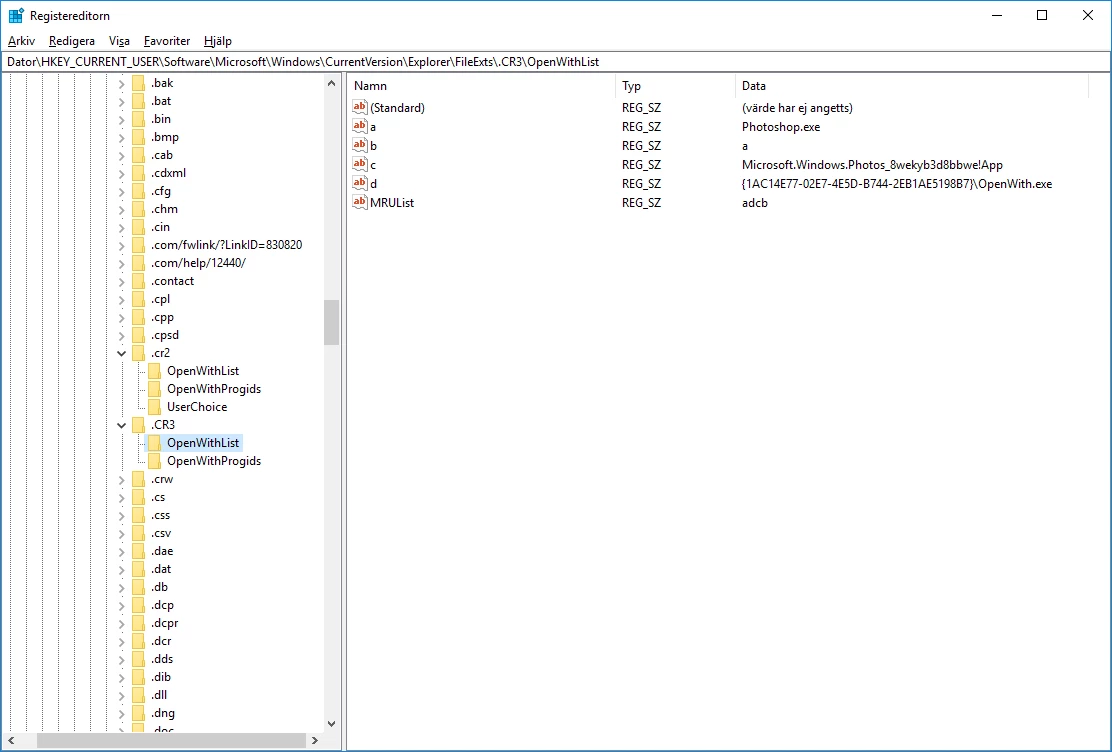


 AdChoices