
Answered
x-y coordinates obscure path points
When I try to move a path point with the direct-select (A) tool, a small set of x-y coordinates automatically pops up, and it often obscures the point I'm trying to move.
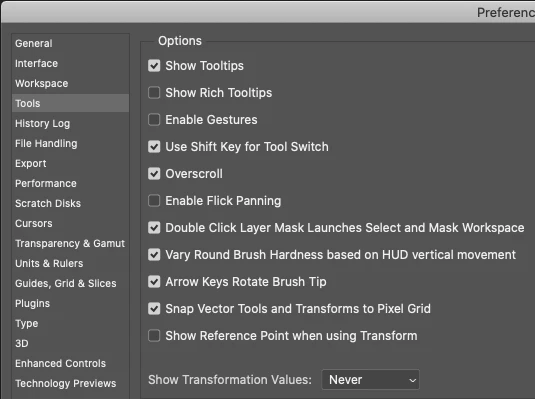
I have tried unsuccessfully to turn this off, including toggling on-and-off the following:
View / Extras
View / Show / [everything under Show]
I have also looked under Photoshop Prefs, and can't find anything that affects this.
A picture's worth a thousand words...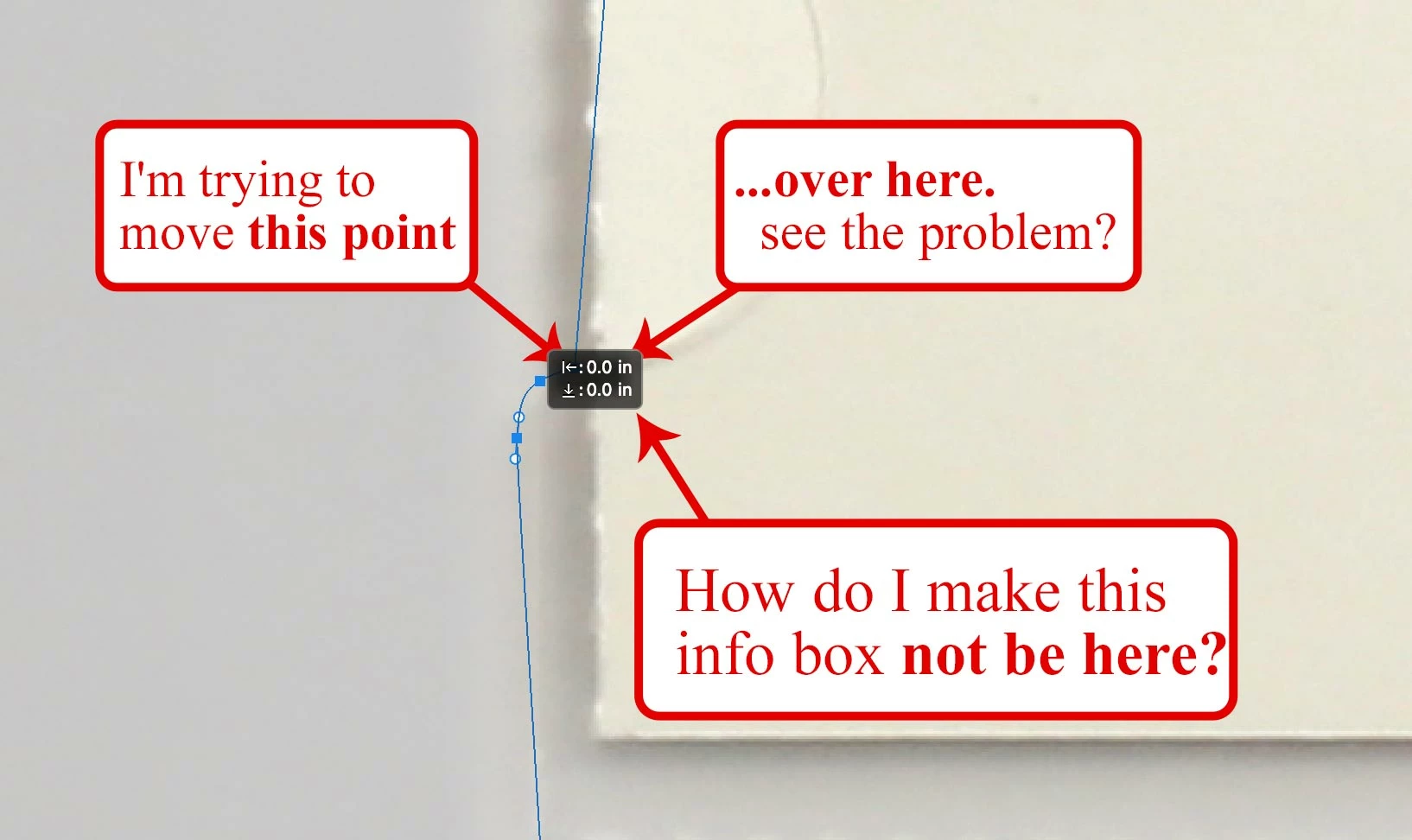
How do I get rid of the info box?
The usual snarky repliers who spend a paragraph making semantic corrections, or flexing their 3 year-old Photoshop muscles will kindly not reply to this one. Unless you have the answer 🙂
Thanks!
 AdChoices