tania32458
Participant
July 20, 2021
질문

How can I save multiple selections only (made w polygonal lasso) w/o losing the subsequent steps ?

  • July 20, 2021
  • 4 답변들
  • 1091 조회

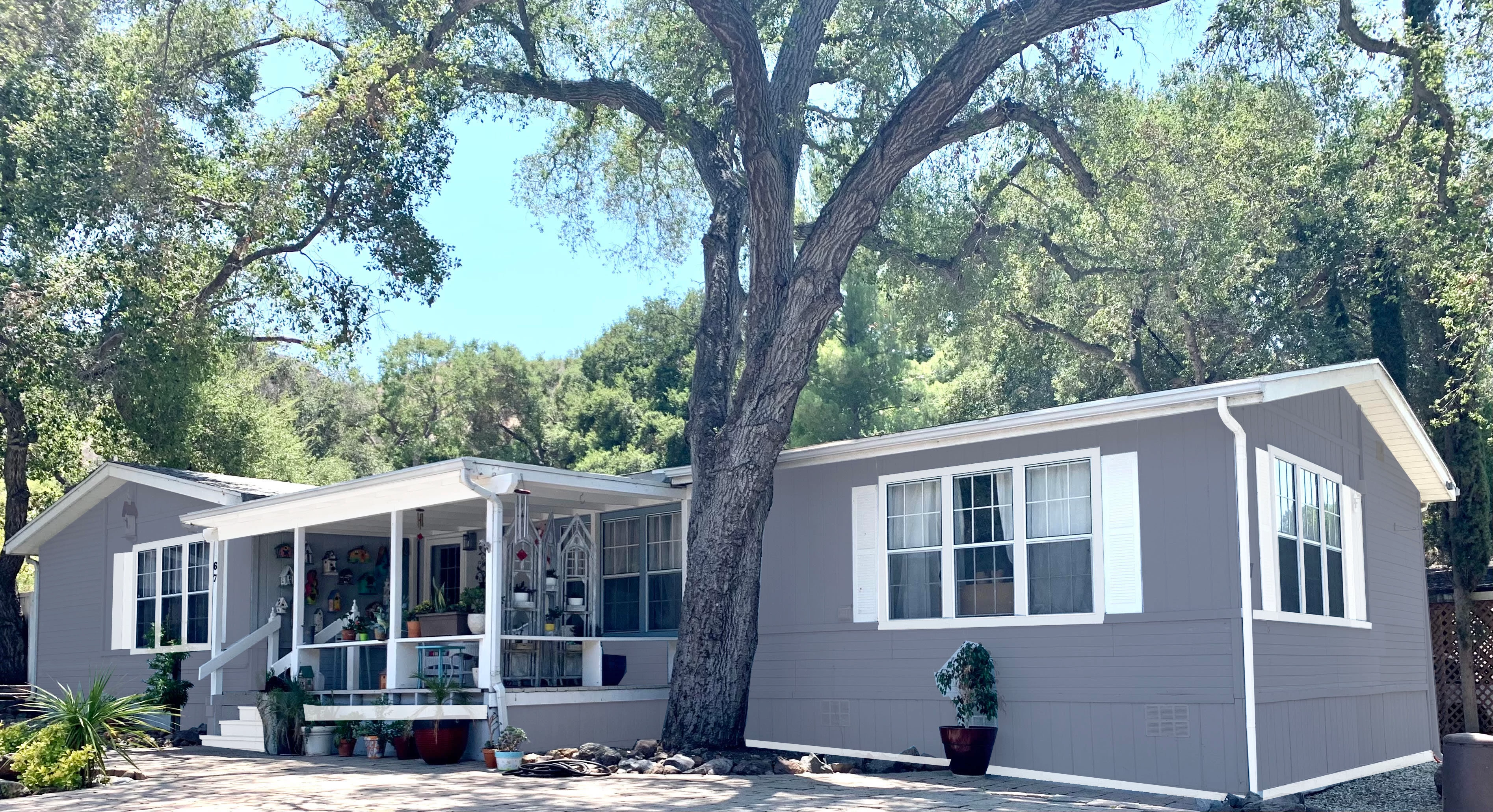
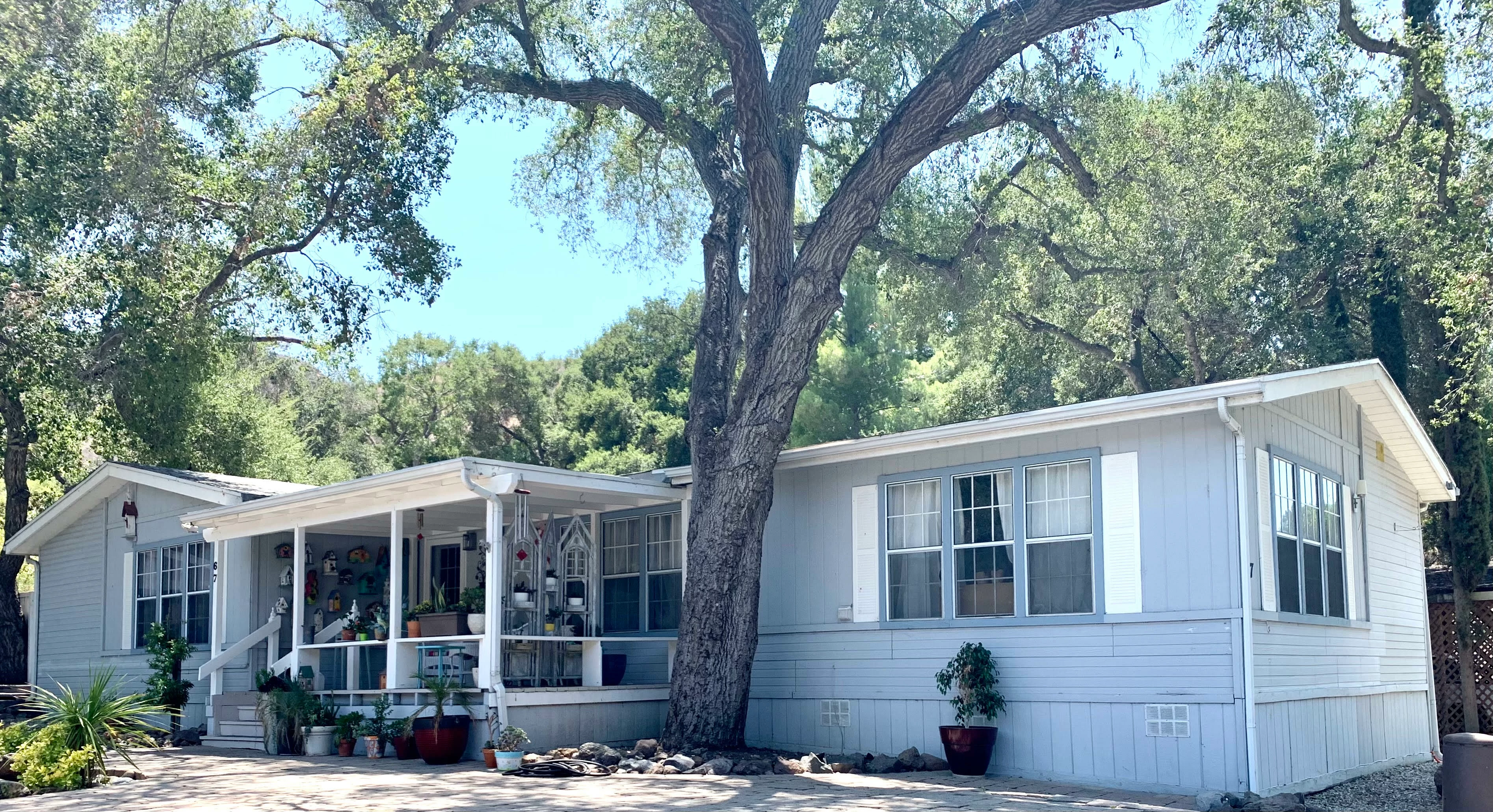
I did several selections of different areas of the house and then immediately filled with paint bucket after each selection. I now want to go back to the individual selections and change the colors without losing all my subsequent steps. Ideally I'd also like to merge the selection areas into 3 groups (non-contiguous selections):  house, trim and shutter colors. In hindsight, I probably should've done the selections and then saved the selections (how?) THEN played with the paint colors via paint bucket??

Thanks in advance for any suggestions!!
이 주제는 답변이 닫혔습니다.

4 답변

Kukurykus
Legend
July 20, 2021
barbara_a7746676
Community Expert
Community Expert
July 20, 2021

When selections are saved, they are stored in the Channels panel.

You will have more flexibility if you put each filled selected on a separate layer. Layers can be merged at any time.

You can lock transparent areas to make it easier to fill a layer with a different color.


tania32458
tania32458작성자
Participant
July 20, 2021

Thank you!!!

melissapiccone
Community Expert
Community Expert
July 20, 2021

Are the areas in their own layers or at least all in one layer that is not the image layer? The paint bucket is an old, worthless tool. I'm guessing you are fairly new to PS - just because you used the paint bucket. A better way to do this is using layer masks. You mask out the areas you don't want to change, leaving the areas you want to change and then you can use a color overlay or lots of other adjustments / adjustment layers. This also saves your selections. I have an old video that introduces masking:

Melissa Piccone | Adobe Trainer | Online Courses Author | Fine Artist
tania32458
tania32458작성자
Participant
July 20, 2021

Thank you!!

Participating Frequently
July 20, 2021

I don't know about your experience level, so I'll try to keep it simple. Put the selections and fill them all on separate layers. Lock the transparency on the fill layers, then you can change the color very easily without saving the selections.

There are better ways to do the same thing, such as using solid color adjustment layers and masks, but again I don't know your experience level.

tania32458
tania32458작성자
Participant
July 20, 2021

Thank you. I'm beginner beginner so I appreciate!!