

Simple Logging Utility
Hi Everyone --
I wanted a way to easily create unique log files for each run of my scripts so I wrote a simple library to help with that:
GitHub - sidpalas/extendscript-logging: logging utility for Adobe ExtendScript
I'm using Photoshop CC 19.1.3 on macOS High Sierra. If you are on another version/system YMMV (May need to tweak path definitions for Windows?).
Example usage can be found in main.jsx, the contents of which are included below:
#target photoshop
//@include "./logging.jsxlib"
var defaultLog = new LogFile();
defaultLog.log("Logging to the default log!");
defaultLog.log("Logging to the default log again...");
var normalLog = new LogFile('normal');
normalLog.log("Logging to the normal log!");
var specialLog = new LogFile('special');
specialLog.log("Logging to the special log!");
This produces 3 log files with a date/time stamp in the filename and each logged message:
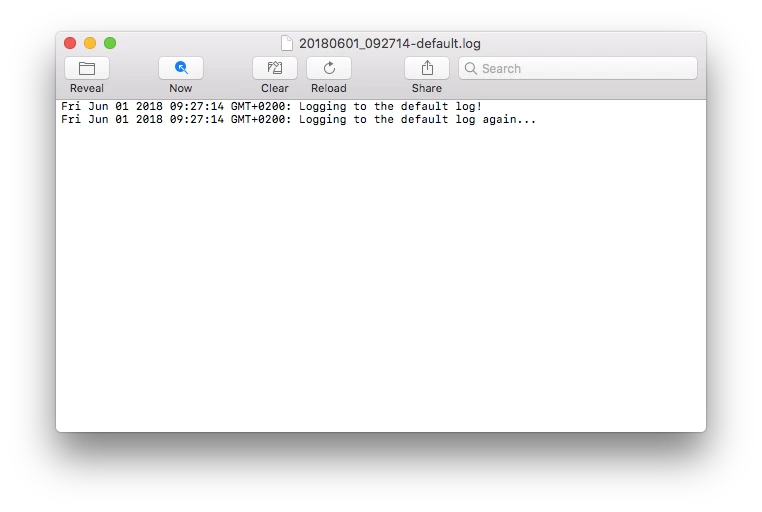
Feel free to use/adapt to your needs. I'm happy to answer any questions people have about it as well.
Cheers,
Sid
Message was edited by: sid palas (changed syntax from original posting and updated usage examples)


 AdChoices