
boba44585016
Known Participant
March 5, 2020
Question

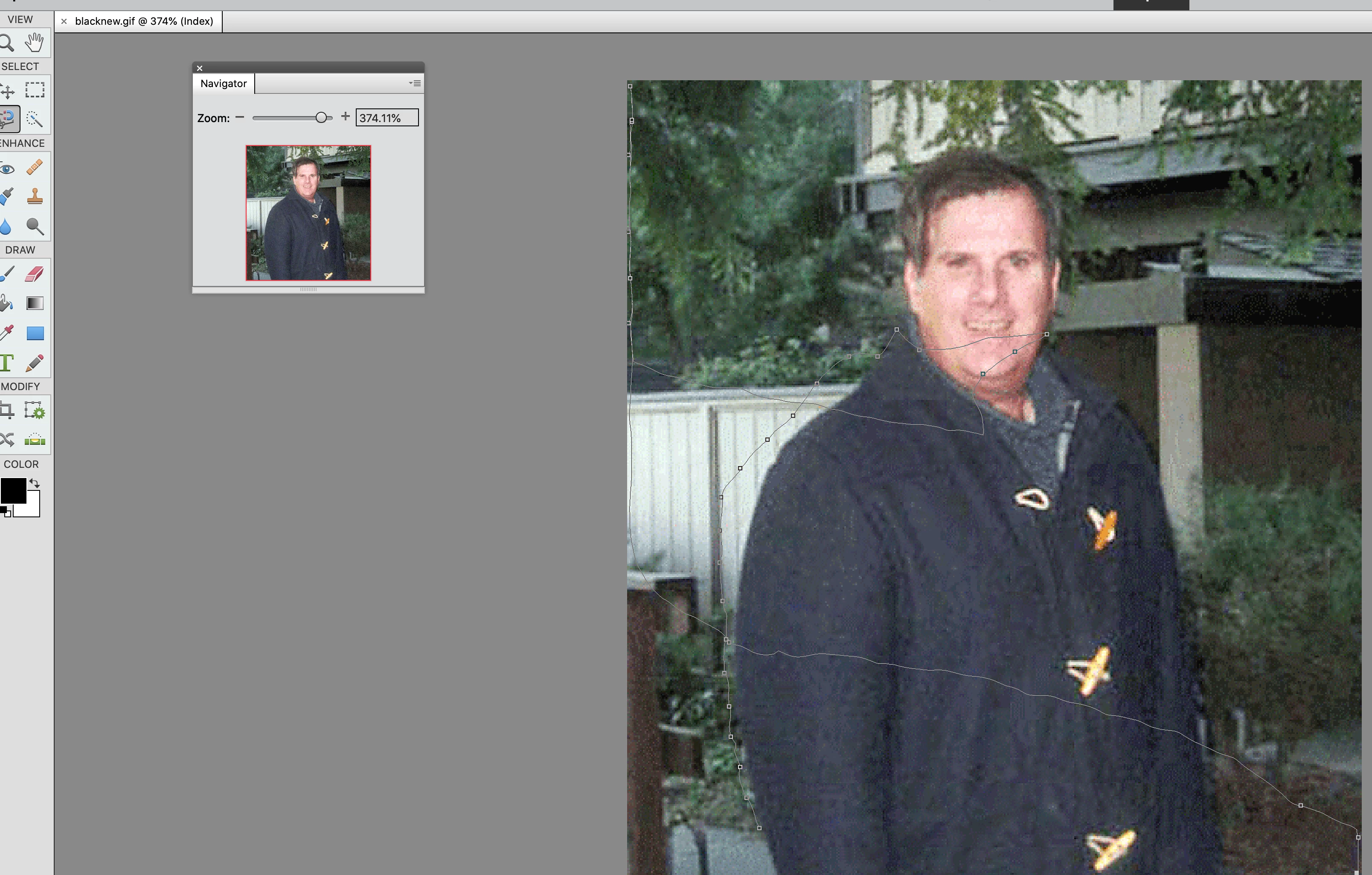
2020 the magnetic tool doesn't work correctly?

  • March 5, 2020
  • 2 replies
  • 593 views

I used photoshop 7. on a pc and I used  the magnetic lasso and i closed to the image. 

I just bought Adobe element 2o20 on a mac now. I tried to use the magnitic lasso. but the magnitic lasso doesn't work correctly. Can anybody helo me please?


    This topic has been closed for replies.

    2 replies

    Greg_S.
    Community Expert
    Community Expert
    March 5, 2020

    Take a look at this thread.


    Essentially, once you have made your selection, press Cmd+J and your selection will be placed on a new layer.  You can then delete the Background layer so that only your selection remains.  But look at the thread for other workflow options.


    Using the Refine Edge dialog, you can also output the selection to other options such as a new document.


    boba44585016
    Known Participant
    March 5, 2020

    Thanks a lot for helping me :-}

    boba44585016
    Known Participant
    March 5, 2020

    I clicked on new document but Doesn't highlight it. How do I highlight it?

    Greg_S.
    Community Expert
    Community Expert
    March 5, 2020

    Can you be more specific about how the tool is not working?


    You may want to try some of the newer selection tools available in Elements 2020.  For example, here I used the Auto selection tool and drew a rectangle around the man in your photo, with the following result (which can be fine-tuned in the Refine Edge dialog.


    boba44585016
    Known Participant
    March 5, 2020

    I found the refine edge tool


    I like usingthe refine edge tool and I clicked ok but I went back and I saw the backgroung again. How do I move only the image on a mac?