

TACrites
Known Participant
October 2, 2022
Answered

Accessing Adobe Elements from my Android Pixel 6 Pro Phone?

  • October 2, 2022
  • 1 reply
  • 951 views

I'm looking to access my Adobe Organizer Elements 2021 on my Windows 10 desktop computer from my Android Pixel 6 Pro Phone. 


I really only would like to browse photos from my phone as to  show people certain photos of interest.  Can anyone tell me the best way to accomplish this?


I used to do this with Google photos but have since move most all of my Google photos into Elements.
This topic has been closed for replies.
Correct answer Walter_H

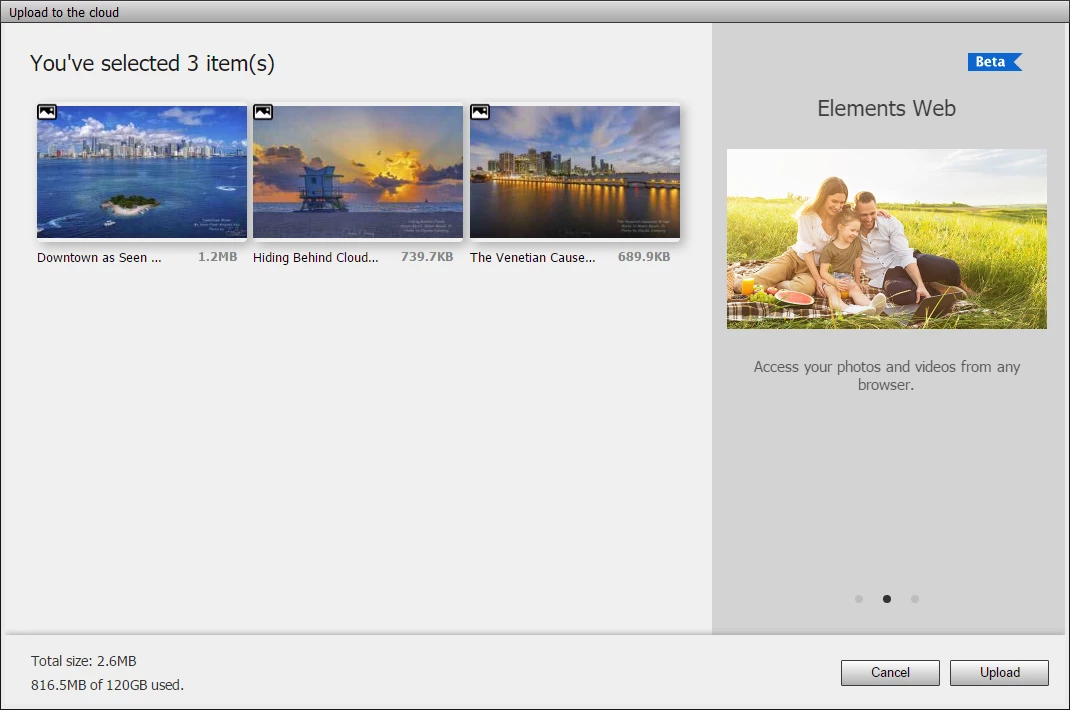
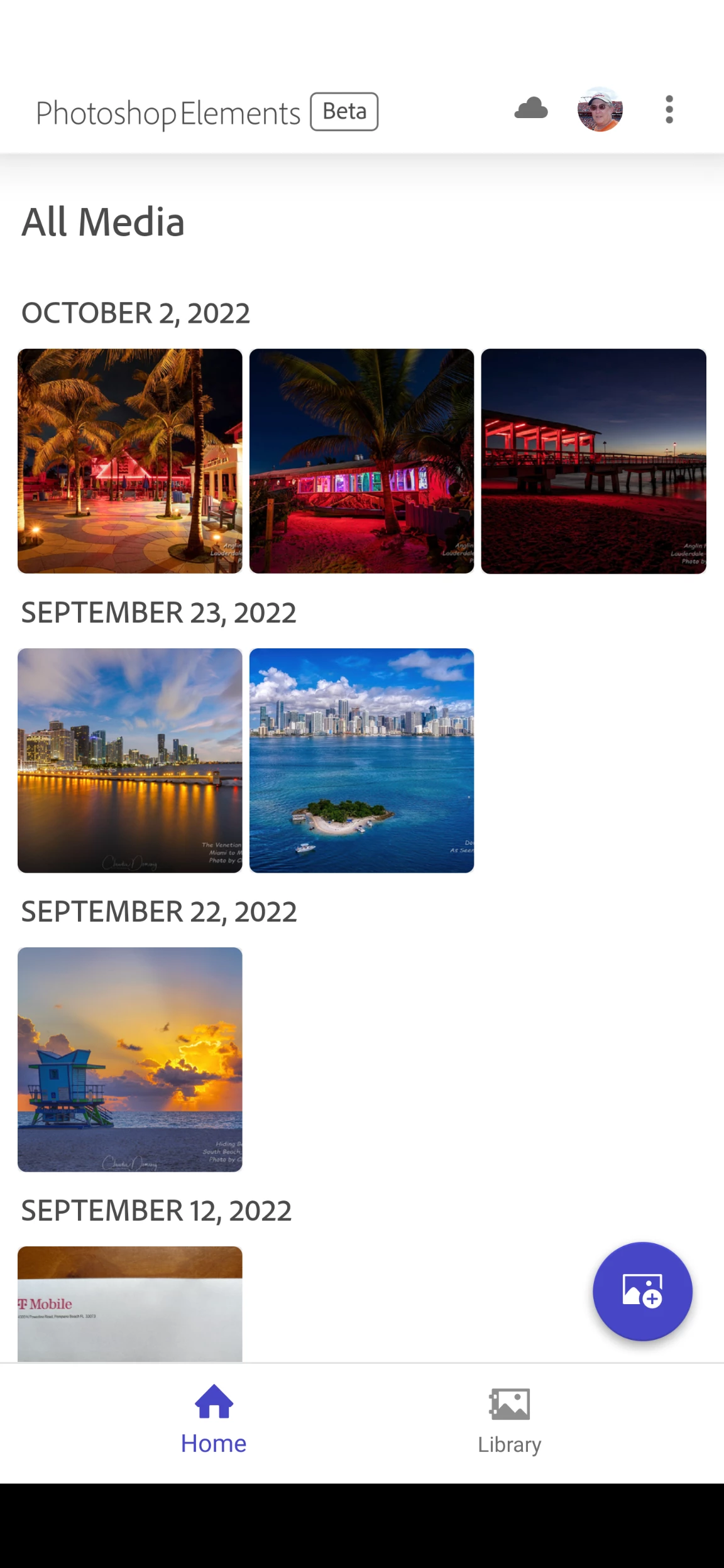
If you upgrade to the new Photoshop Elements 2023 you could try this Photoshop Elements app for Android. It lets you upload photos and videos from the Organizer to the cloud that you can view on your Pixel. I also have a Pixel 6 Pro and this Elements app works great!

1 reply

Walter_H
Walter_HCorrect answer
Legend
October 2, 2022

If you upgrade to the new Photoshop Elements 2023 you could try this Photoshop Elements app for Android. It lets you upload photos and videos from the Organizer to the cloud that you can view on your Pixel. I also have a Pixel 6 Pro and this Elements app works great!

--Walter in Davie, FL
TACrites
TACritesAuthor
Known Participant
October 6, 2022

Ok, so I bought/up graded to 2023.  Where in Elements Organizer 2023 on my desktop do I upload photos to the cloud, that I can then view on my phone?


Walter_H
Legend
November 28, 2022

Walter, FL.  Could you point me to some sort of userguide that shows how the phone App can be used in conjunction with the desktop software?  I have PSE 2023, but it would be useful to have some sort of initial editing tool on my phone for phone pictures.  Or is the App simply used for uploading to the Cloud so that I can import to my pc?


Andy, the app is still in Beta testing mode and is only available to PSE 2023 users. It currently does not have any editing capabilities.


It allows you to upload photos from your PSE Organizer to the Cloud (Elements Web) and from your Android phone to the Cloud (Elements Web). Once your photos have been uploaded to the cloud, you can access the Elements Web via the Organizer and create slideshows or collages.


Also, photos that have been uploaded from your Android to the cloud can be imported into the Organizer on your computer.


And, photos that you have uploaded from the Organizer to the Cloud can be viewed on your Android via the app.


And, you get some storage space on the web. My account shows 120 GB available.


There is NO user guide or help available that I am aware of.


--Walter in Davie, FL