
Participant
November 28, 2016
Question

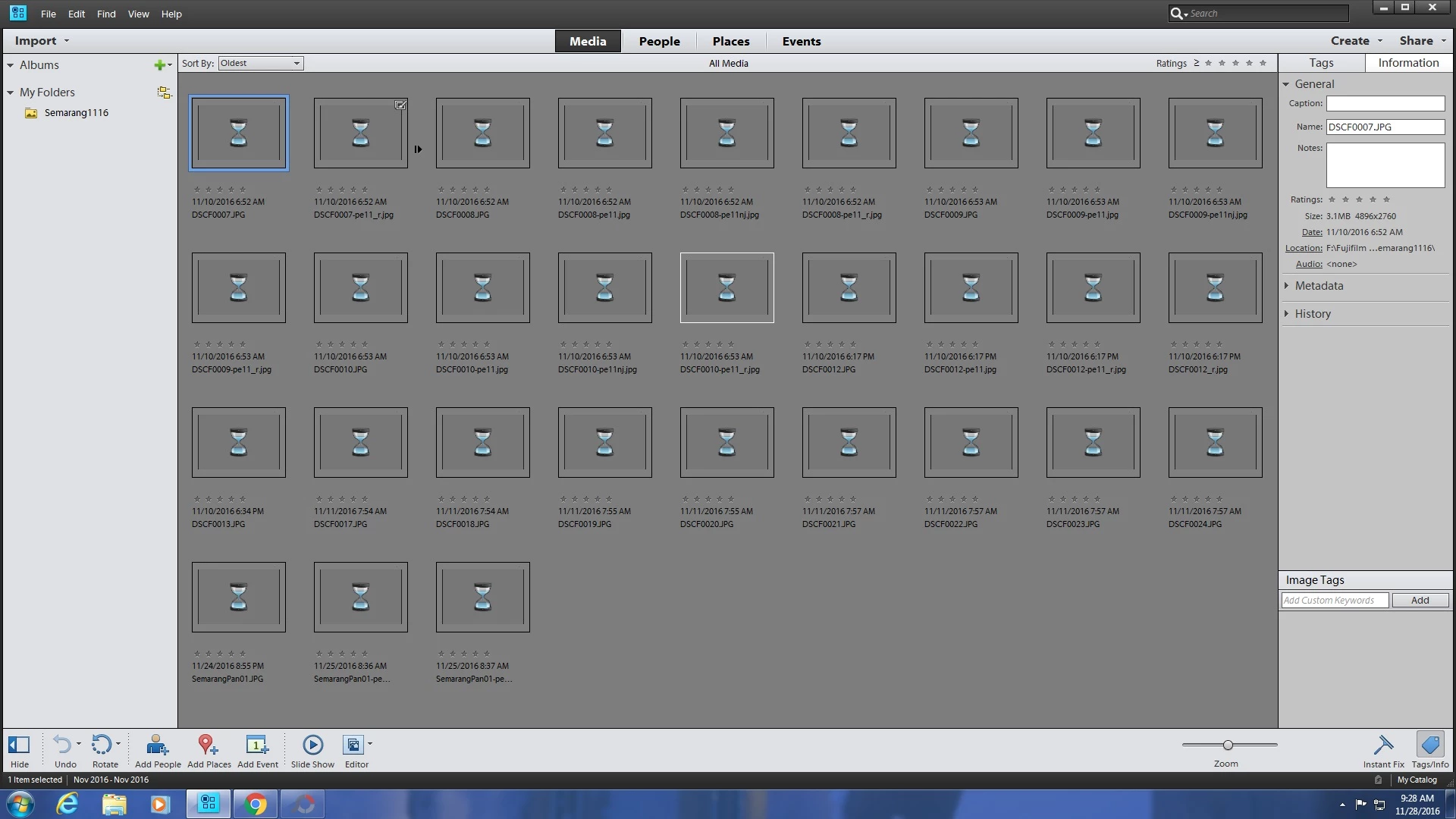
Adobe Photoshop Elements 11 won't show images.
  • November 28, 2016
  • 1 reply
  • 501 views

This just happened since about one month ago, after my PC was crashed  and I had to clean it up and reinstall the Photoshop Elements. The individual images can only be seen when setting 100% view in Organizer or in Editor only. My PC has Windows 7 Ultimate 32 bit operating system.

Appreciate if someone can help me resolving the problem.

Thank you for your help.

    This topic has been closed for replies.

    1 reply

    Participating Frequently
    November 28, 2016

    Try out the instructions mentioned in the article Photoshop Elements (PSE) knowledge base.: How to correct hourglass (generic) thumbnail in Elements Organizer??

    On doing so, thumbnail generation will start again and if the file size is large, this process will take some time.

    Requesting you to leave Elements Organizer idle for some time after following the instructions mentioned in the article and let us know your observations.

    Thanks,
    Anwesha

    Participant
    November 29, 2016

    Dear Anwesha, Please accept my apology, as after second try of your advise, my Elements Organizer became normal and shows the images thumbnail as before. Thank you again.