
Answered
Brush tool paints layers that are NOT selected :(
Hi all,
I use Elements 2018. I cut out an image. Deleted the back ground and treid to paint on part of it using the brush tool but it still paints the back ground. Tried putting it over a white BG, selecting the layer then paiting and it still pains the background too no matter what. Does the same thing using color replacement tool etc.
It is possible to paint only the background layer, but not only the top layer. The yellow dot is what I pained with the brush for an example. Does anyone know how to fix this?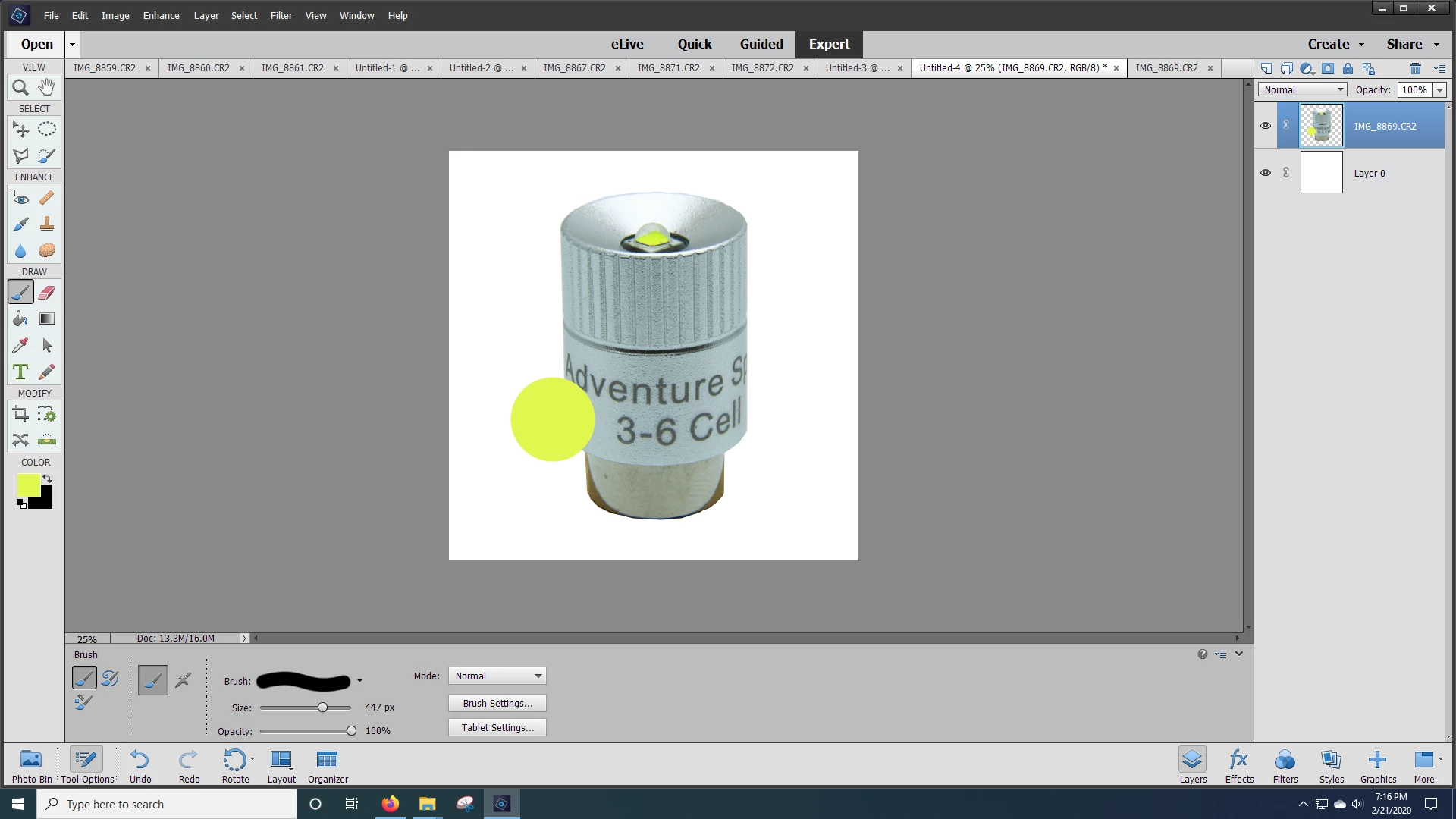
 AdChoices