

Question
Calibration problem in PSE 2019
Whenever I try to use the pencil/brush/eraser tool on a specific pixel, I have to align it slightly up and to the left of where I actually want it to go.
Some screenshots of where I clicked (using the built-in trackpad) vs. where Photoshop placed the pixel:


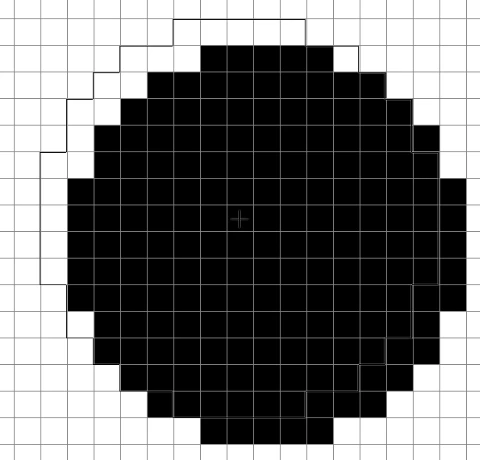
I'm currently using Photoshop Elements 2019 on a 2013 MacBook Pro with OS Mojave. I used PSE 11 for years and never had this problem, so I'm inclined to think it has something to do with the program itself. Does anyone know what's going on here/if I can fix it?
Thanks! Sorry if I left anything out.
 AdChoices