



Camera Raw renders Raw files with JPEG-like adjustments
I recently started working more frequently with RAW files in Camera Raw. I've been shooting JPEG+RW2 with my Panasonic camera. Today, something changed. I preview my photos using Picture Information Extractor (PIE), so I can see what both the JPEG and Raw files look like. If the JPEG is really good, I edit that in Photoshop Elements 2018. If not, I open the Raw file in Elements. When I opened my last two Raw files in Camera Raw, what Elements displayed on the screen looked exactly like the JPEG file; it had preprocessed the Raw file. Here's what the Raw file looked like in PIE:
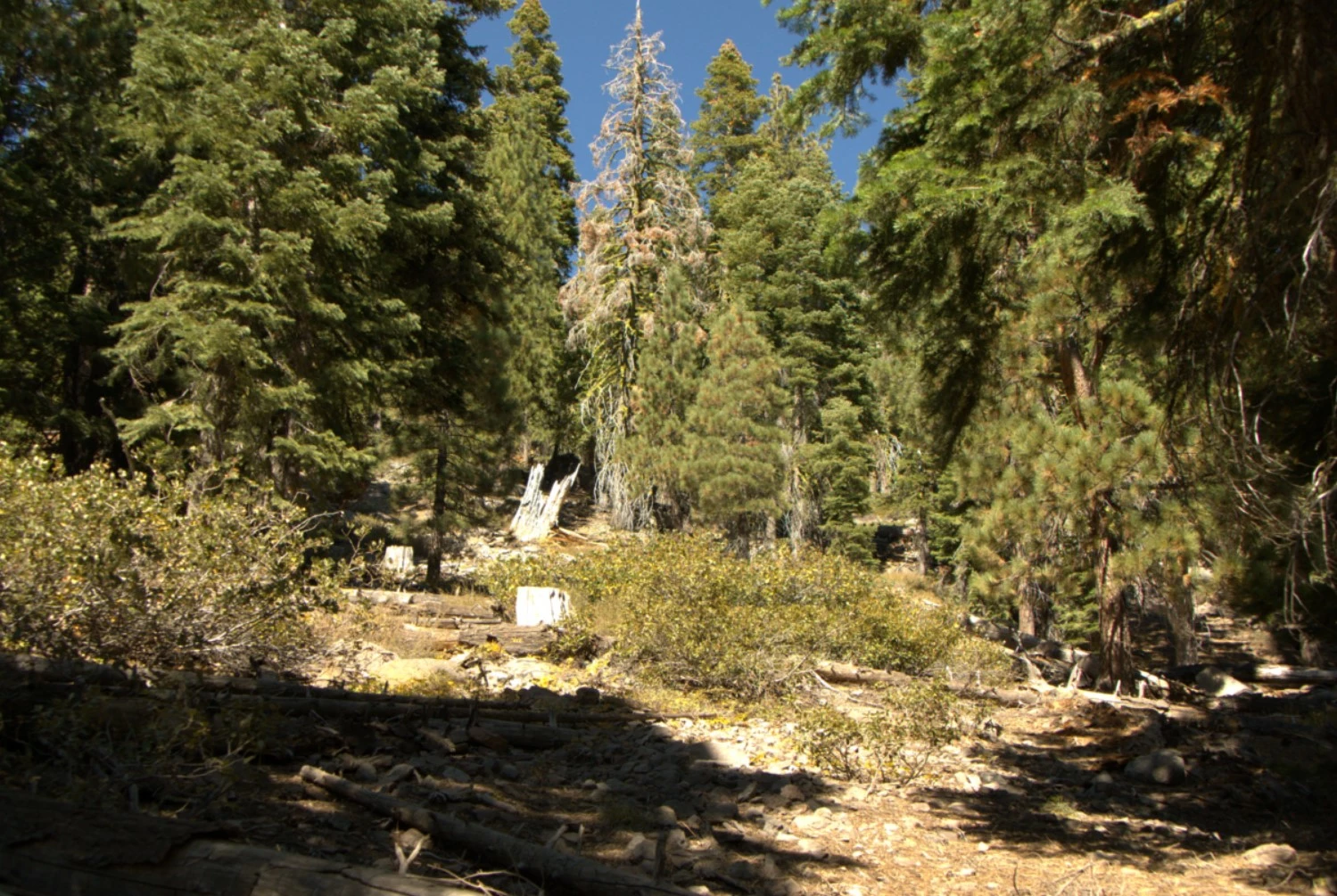
But what Elements displayed is identical to the JPEG version of the photo:
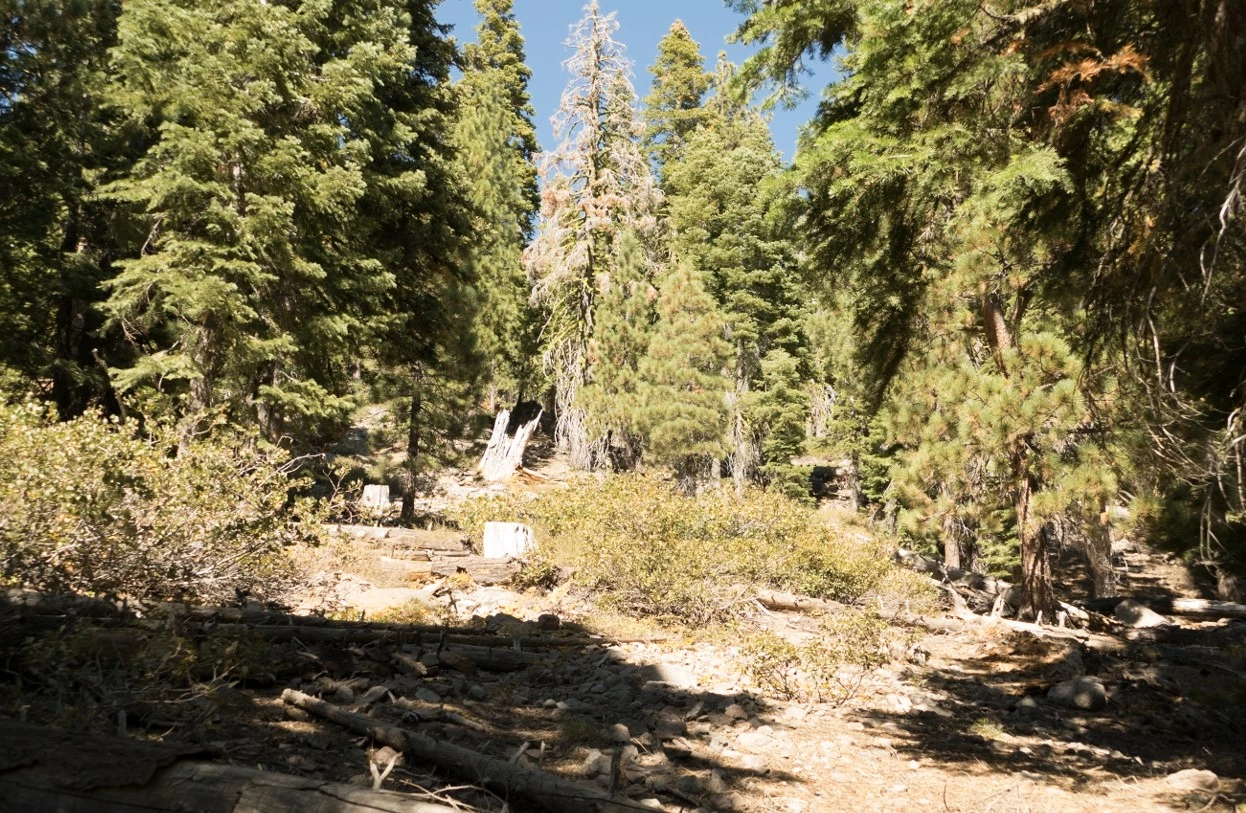
This never happened before; what PSE displayed upon open was identical to what PIE showed me. I have not consciously changed any settings in PSE. As a check, I installed Faststone Image Viewer and opened the same file in that. At first, it rendered the file like the JPEG, but it prompted me to select the settings I wanted for viewing RAW files. The default was Embedded Preview Image. When I changed that to Actual Size, it rendered the RAW file the same way that PIE did (Half Size seemed to produce the same result). I looked for a setting like that in PSE Camera Raw, but didn't find any.
Here's what the Camera Raw Preferences show:
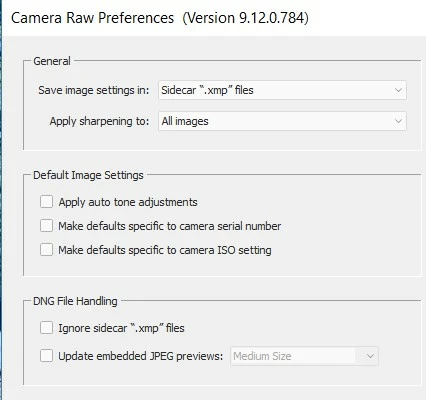
Does anybody know what might be going on here to change the Camera Raw behavior, and how I can get it back to the way it was? All that processing on the RAW file seems to be defeating the purpose of using RAW.
 AdChoices