marianneo92948270
Participant
September 29, 2020
Question

Converting NEF to DNG quality loss

  • September 29, 2020
  • 5 replies
  • 991 views

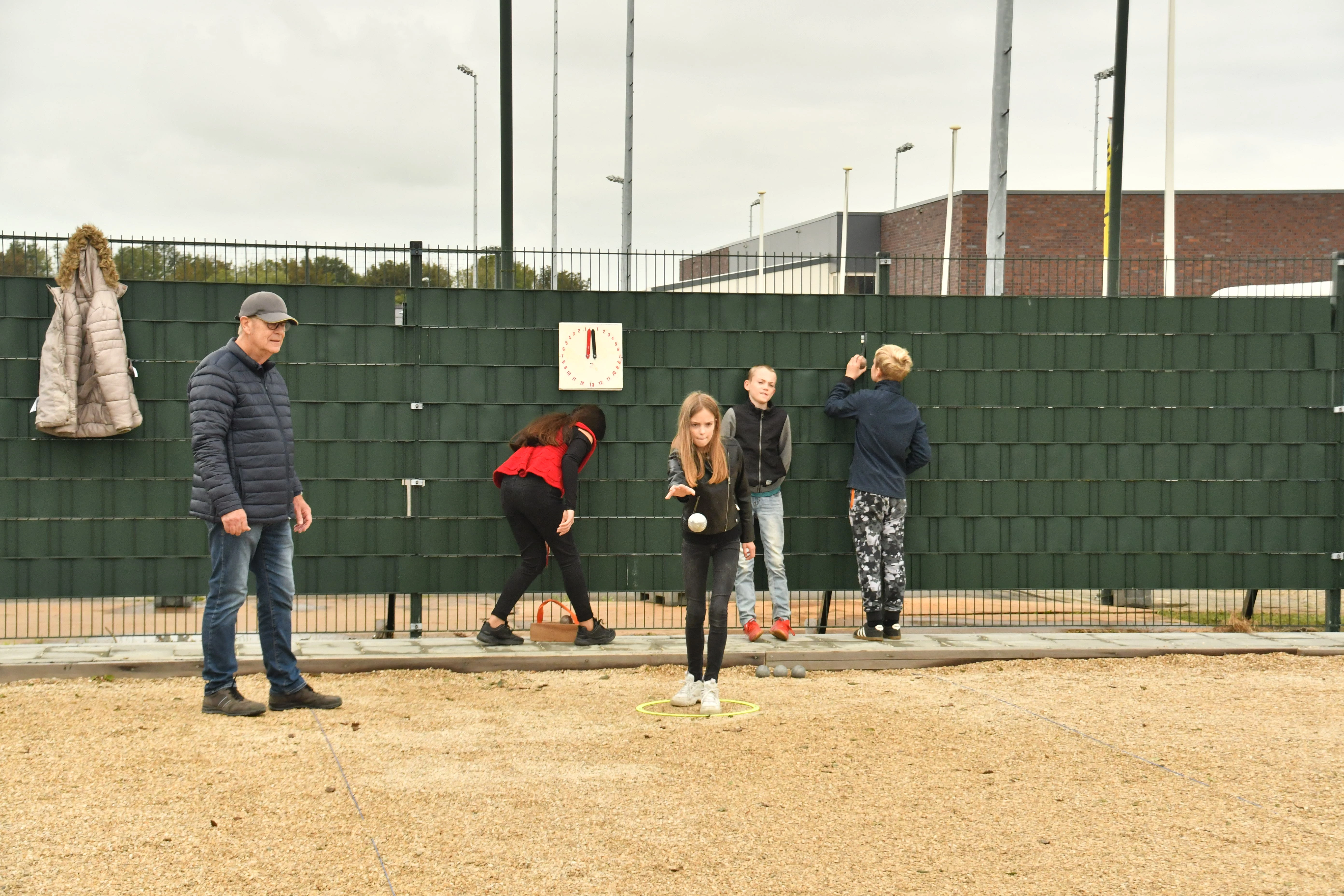
I use PSE 13 and I downloaded DNG converter for the NEF photo's/ There wuld be no quality loss but why are the NEF photo's much more brighter then the converted DNG photo's? 
Thanks for help., Maranne

This topic has been closed for replies.

5 replies

Jeff Arola
Community Expert
Community Expert
September 30, 2020

What i was getting at is how did you view the D7500 nef so you could post the screenshot comparison?


Also Nikon offers ViewNX-i & Capture NX-D for free, which should open and edit your Nikon D7500 nefs.

https://downloadcenter.nikonimglib.com/en/products/261/VCNXSP.html

Jeff Arola
Community Expert
Community Expert
September 30, 2020

In what program are you viewing the D7500 nef files?

marianneo92948270
Participant
September 30, 2020

I cannot view the  D7500Neff files. I have to convert to DNG. And then I use PSE13 Even ViewNX 2 doest work with this.

Jeff Arola
Community Expert
Community Expert
September 29, 2020

What operating system are you using and version of camera raw in pse 13 do you have?


What version of the DNG Converter did you download?


Which nikon camera are the nef files from?


marianneo92948270
Participant
September 30, 2020

Hi Jeff, thanks vor your reaction. I downloaded the 12.2.1.417   That's the newest I gess. My camera D5300 is okay with camera raw., but my D7500 is new and I cannot downlad the right version of Camera raw because PSE 13 doesnt support D7500. That why I use the DNG conerter.

Operating system is:windows 10 

jane-e
Community Expert
Community Expert
September 29, 2020

Hi

Since your question is about Photoshop Elements 13, I have moved this from the Photoshop forum where you posted.

~ Jane

AxelMatt
Community Expert
Community Expert
September 29, 2020

In which program do you have opened the left picture.

I think this is the embedded jpeg which has applied all settings of the picture style you have set in your camera.


My System: Intel i7-8700K - 64GB RAM - NVidia Geforce RTX 3060 - Windows 11 Pro 25H2 -- LR-Classic 15 - Photoshop 27 - Nik Collection 8 - PureRAW 5 - Topaz Photo