
creating smooth lines that are of equal width
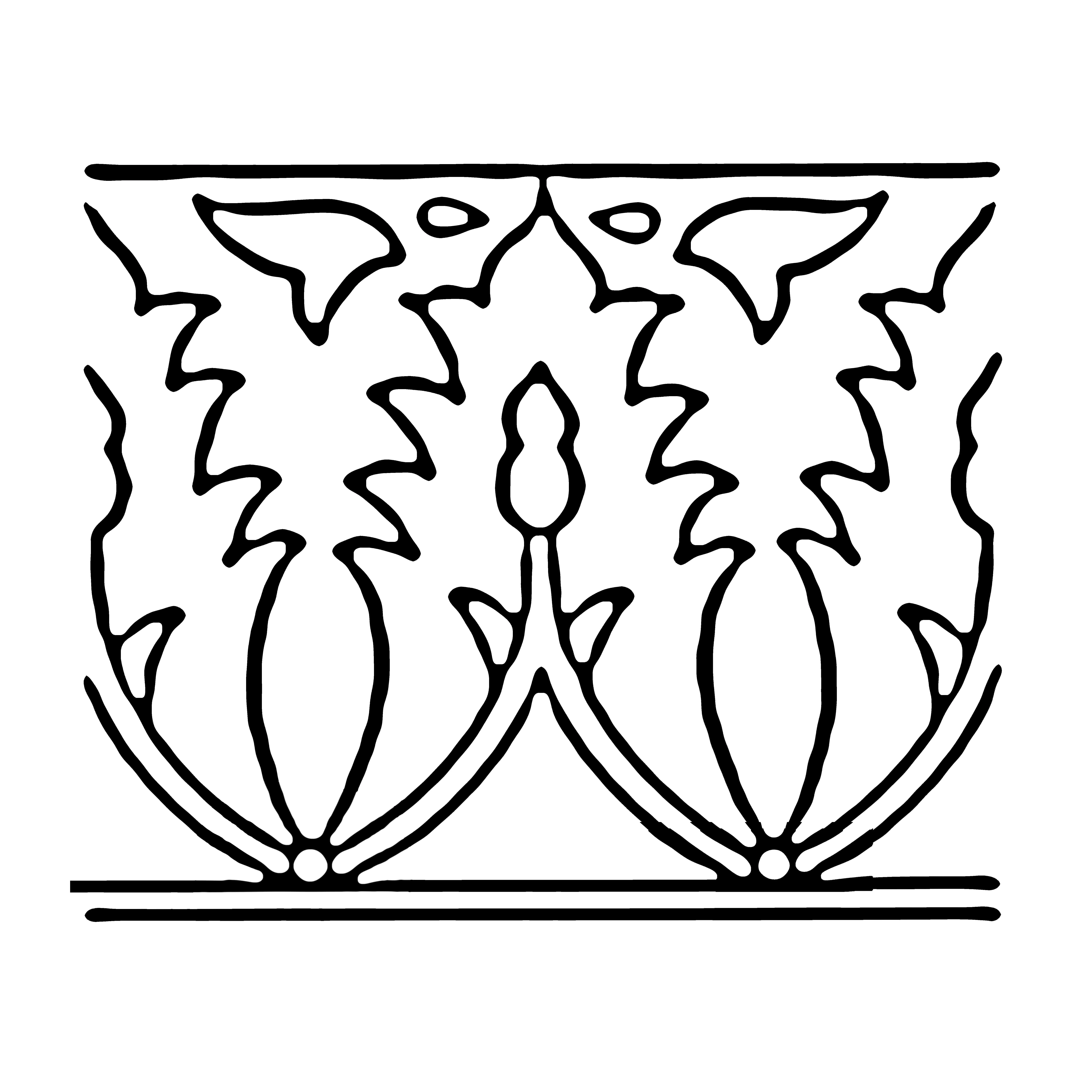
Hello. I'm working with some black and white art that I am using to make silk screens where the black lines essentially become outlines on a silkscreen where I can push a resist line (a line that holds back or resists ceramic glaze) that is squeezed into contained areas and then fired in a kiln. A lot of the images that I start with are of poor quality so I have been spending a lot of time trying to make the lines smooth and uniform. Generally, I use Gaussian blurs to get the job done but one problem persists: I end up with lines that are not of equal width which is aesthetically displeasing. I also don't like how time consuming it is to use the eraser to add/subtract width and then go back over with Gaussian blurs. I've tried using the filters Minimize and Maximize and they do a pretty good job of making all lines thicker or thinner but then I still have the inequality issue. I'm hoping that there is a command that I am missing that would make all lines of equal width. Is there such a command in PSE 14? Thank you.


 AdChoices