
Inspiring
December 1, 2018
Question

Elements Organiser 2019 - problems with file location - help would be appreciated

  • December 1, 2018
  • 4 replies
  • 1324 views

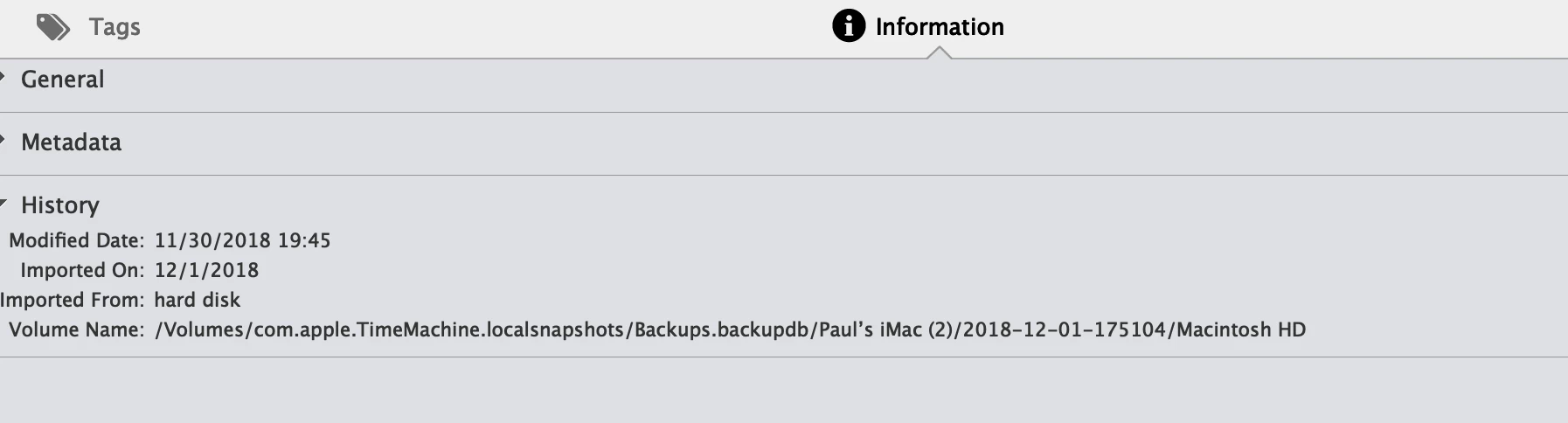
I am using Photoshop Elements 2019 and like the Slideshow facility that it has.  The only problem is that I keep having missing files and can't reconnect.  I can see that the trouble is that they are being sent to my Mac Time Machine backup
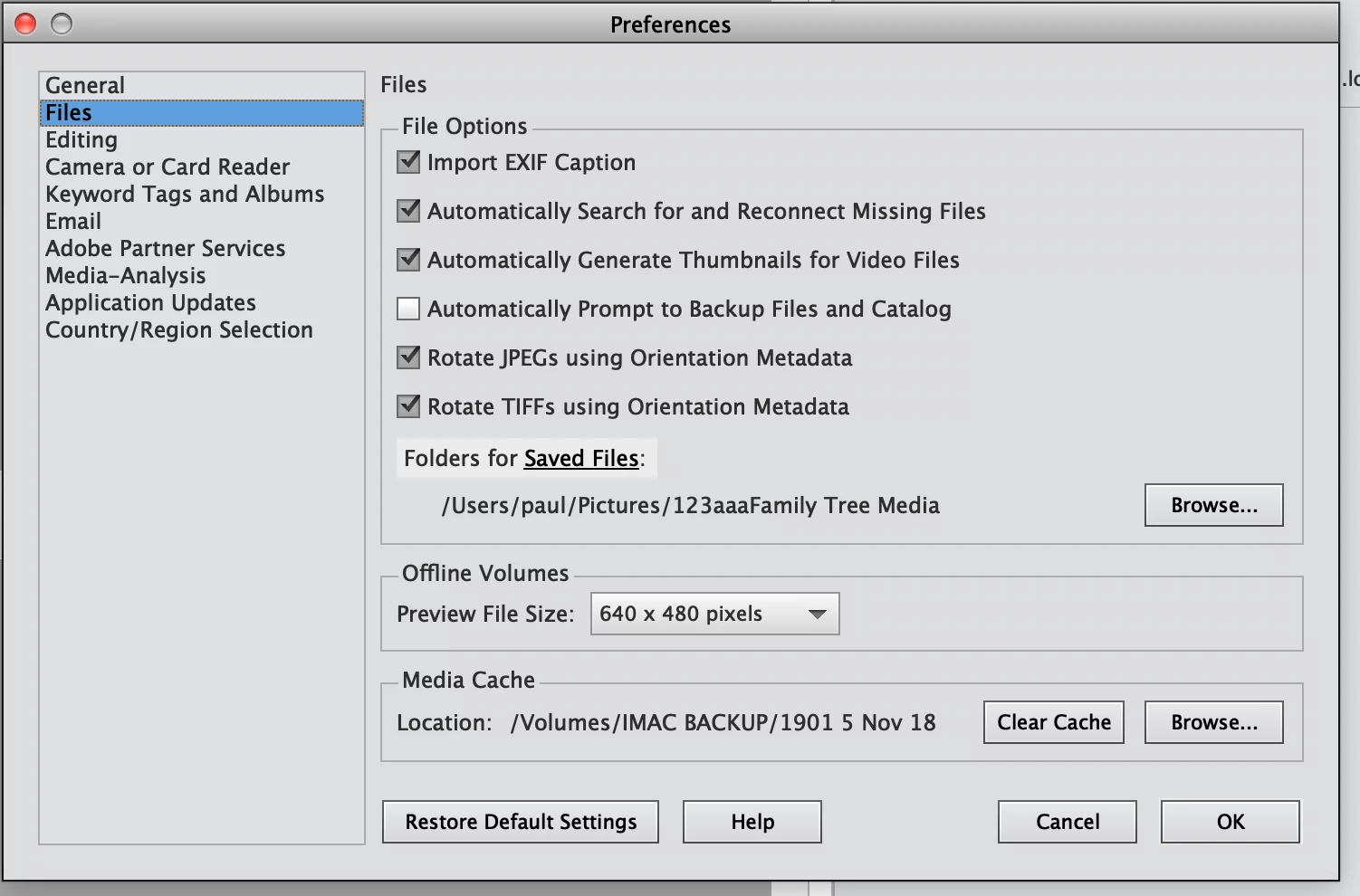
I can't see how this is happening as I have my preferences set as:
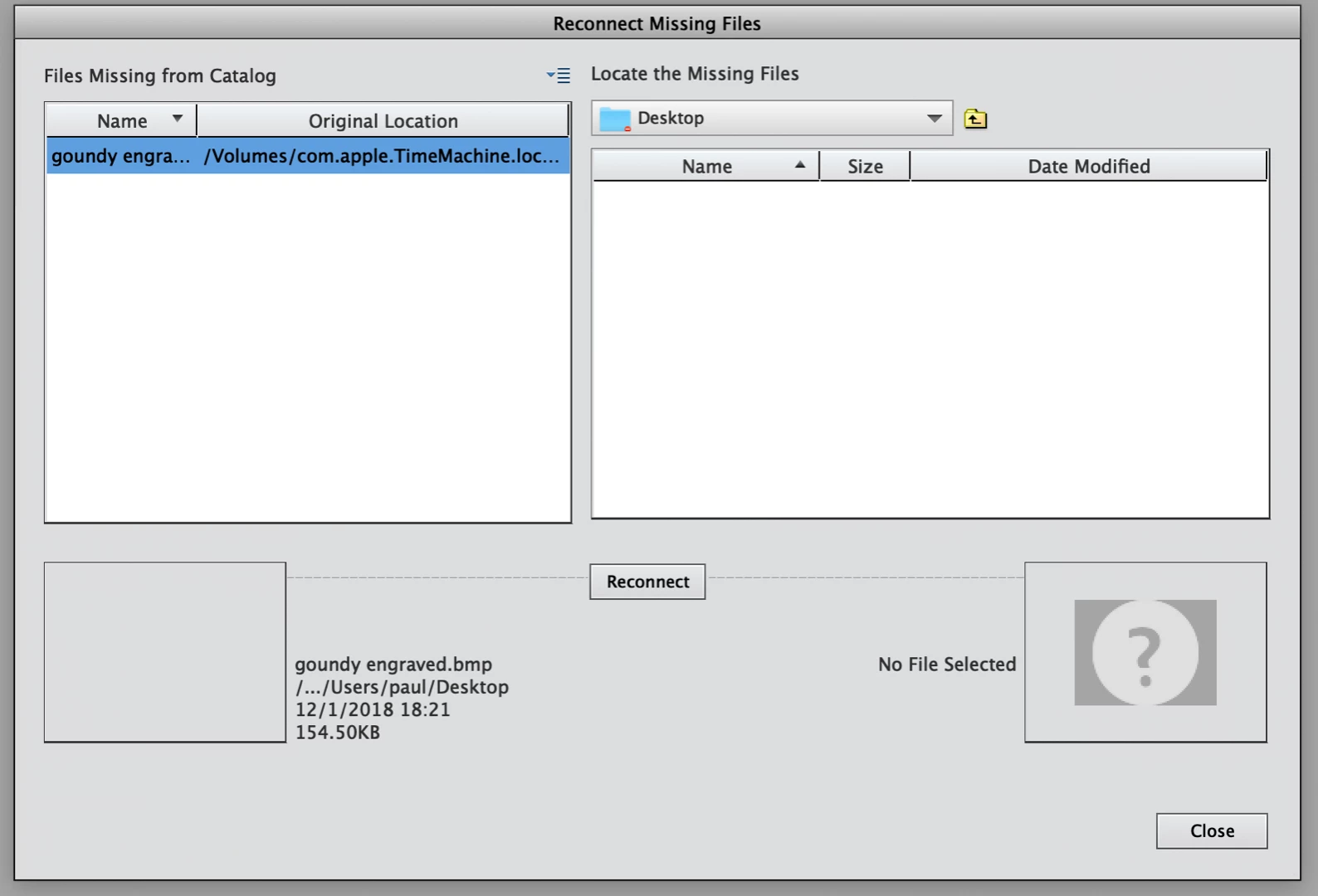
The following is just a sample of the reconnect screen.
Can anyone please tell me what I am doing wrong?

Many thanks

Paul

This topic has been closed for replies.

4 replies

Participating Frequently
April 4, 2020

for the last few times i have downloaded from my camera on to adobe elements 2019 organizer properly dated and titled did NOT OPEN IN THE 2019 ORGANIZER and i had to look all over the place for the file and is still not recorded in the ORGANIZER

Participating Frequently
April 4, 2020

Hi peter here I am afraid to use this RECONNECT as i do think i will have more of my photos with the big  ? over them

and cannot do anything to remove it 

Inspiring
December 5, 2018

Sadly seems Organiser will not work with Mac Time Machine.  Have to look for an alternative.  Many thanks for the help though - it was really appreciated.

Regards

Paul

pchisham
Inspiring
March 3, 2019

Could you expand on 'sadly seems Organiser will not work with Time Machine'?

I have just started using a Mac & have installed PSE 2019 (previously had used PSE on Windows machine).

Am using PSE OK; am using Time Machine OK (or thought I was until I read your thread!).

Thank you

MichelBParis
Legend
March 3, 2019

pchisham  wrote

Could you expand on 'sadly seems Organiser will not work with Time Machine'?

I have just started using a Mac & have installed PSE 2019 (previously had used PSE on Windows machine).

Am using PSE OK; am using Time Machine OK (or thought I was until I read your thread!).

Thank you

See:

Elements Organizer 14 and 2019 on Mac OS Keep Switching to Time Machine

I am not a Mac user myself.

Greg_S.
Community Expert
Community Expert
December 1, 2018

I know nothing about MACs so I can only give you some general suggestions.

Is this a new catalog that you have created?  How did you import the files into the catalog?  Did you try to import from a backup?  If so, how?

Before creating a slideshow, you need to repair the catalog itself so that you have no missing files.  In the Find menu, click All Missing Files.  This will present you with thumbnails of all the disconnected files in your catalog.  How many are there?  Is it all of your catalog or just a few files?

Depending on your answers to these questions, we can make some suggestions to fix the problem.

MichelBParis
Legend
December 1, 2018

I am not a Mac user, but I do remember the PSE expert Barbara Brundage stating that you should not use the Time machine with the organizer.