
Participant
November 5, 2018
Answered

elements organizer 2019 - some jpg's not loading

  • November 5, 2018
  • 2 replies
  • 1896 views

I installed Photshop and Premier Elements 2019 recently.  I've noticed that some jpg's aren't displaying in Elements Organizer, nor can they be opened in Photoshop Elements.  These same jpg's which won't display in Elements Organizer or open in Photoshop Elements display normally in other applications without issue, for example: file explorer, microsoft photo app, google photos, etc.  My OS is Win10.  The one variable I've noticed is that the jpg's that I can't open or view were originally from images shared with me via Facebook then downloaded to my laptop, I know this because the filename starts with FB.  I've imported ~1000 photos to Elements Organizer as a test, so far so good, only the images originally downloaded to my laptop from Facebook are not displaying.   No error messages display, I just get the attached view.  Any ideas?
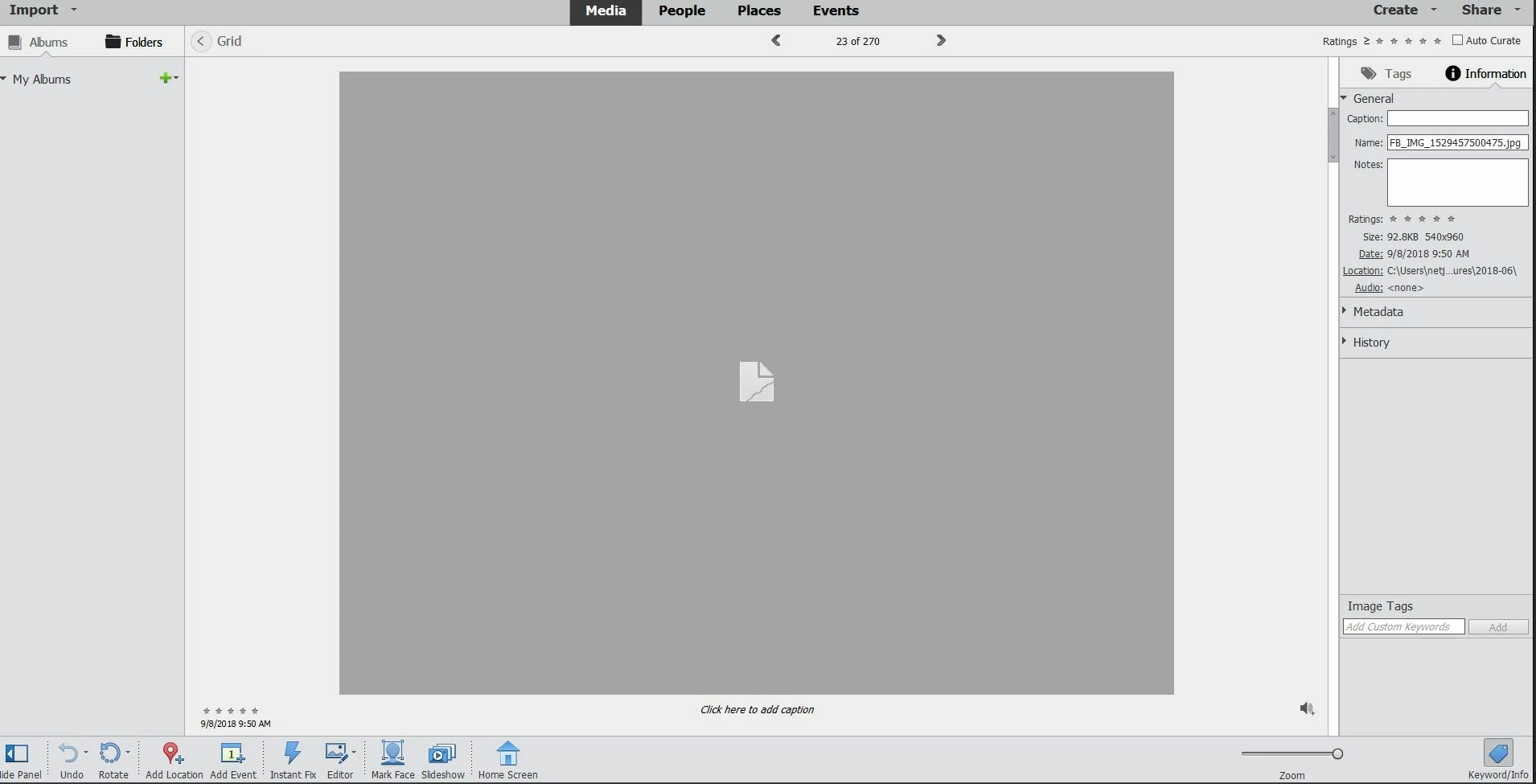
    This topic has been closed for replies.
    Correct answer MichelBParis

    jsfam  wrote

    I installed Photshop and Premier Elements 2019 recently.  I've noticed that some jpg's aren't displaying in Elements Organizer, nor can they be opened in Photoshop Elements.  These same jpg's which won't display in Elements Organizer or open in Photoshop Elements display normally in other applications without issue, for example: file explorer, microsoft photo app, google photos, etc.  My OS is Win10.  The one variable I've noticed is that the jpg's that I can't open or view were originally from images shared with me via Facebook then downloaded to my laptop, I know this because the filename starts with FB.  I've imported ~1000 photos to Elements Organizer as a test, so far so good, only the images originally downloaded to my laptop from Facebook are not displaying.   No error messages display, I just get the attached view.  Any ideas?
    It's a known issue.

    Some Jpegs from facebook or other web sites include special items in the metadata header which are not considered as standard by Elements. The workaround is to open and save those jpegs in one of those free editors than don't worry with metadata standards.

    2 replies

    MichelBParis
    Legend
    October 22, 2020

    @corradom33202328 ,

    You say:

    "I have just come across the same issue. If I understand your answer correctly I cannot use Photoshop Elements for Facebook pictures which means that my catalogue will be incomplete. Is that correct?"

    And:

    "I forgot to add that in my case even after saving the pictures in Microsoft photos I was unable to import them in Photoshop"


    Not all photos from Facebook, WhattsApp or other social media have the same issue. It looks like you can open those files in Microsoft Photos and save them, but Elements (which version?) can't open them? Did you try the other known workaround which is to use the 'Open in Camera raw' file command?

    Known Participant
    October 22, 2020

    Thanks for your reply. By playing around with your suggestion I decided to try first with another format and by saving the photos as PNG files I have been able to load them on Photoshop. Thanks again

    MichelBParis
    MichelBParisCorrect answer
    Legend
    November 5, 2018

    jsfam  wrote

    I installed Photshop and Premier Elements 2019 recently.  I've noticed that some jpg's aren't displaying in Elements Organizer, nor can they be opened in Photoshop Elements.  These same jpg's which won't display in Elements Organizer or open in Photoshop Elements display normally in other applications without issue, for example: file explorer, microsoft photo app, google photos, etc.  My OS is Win10.  The one variable I've noticed is that the jpg's that I can't open or view were originally from images shared with me via Facebook then downloaded to my laptop, I know this because the filename starts with FB.  I've imported ~1000 photos to Elements Organizer as a test, so far so good, only the images originally downloaded to my laptop from Facebook are not displaying.   No error messages display, I just get the attached view.  Any ideas?

    It's a known issue.

    Some Jpegs from facebook or other web sites include special items in the metadata header which are not considered as standard by Elements. The workaround is to open and save those jpegs in one of those free editors than don't worry with metadata standards.

    Known Participant
    October 22, 2020

    I have just come across the same issue. If I understand your answer correctly I cannot use Photoshop Elements for Facebook pictures which means that my catalogue will be incomplete. Is that correct?

    Known Participant
    October 22, 2020

    I forgot to add that in my case even after saving the pictures in Microsoft photos I was unable to import them in Photoshop