

Zavija
Participating Frequently
March 25, 2025
Question

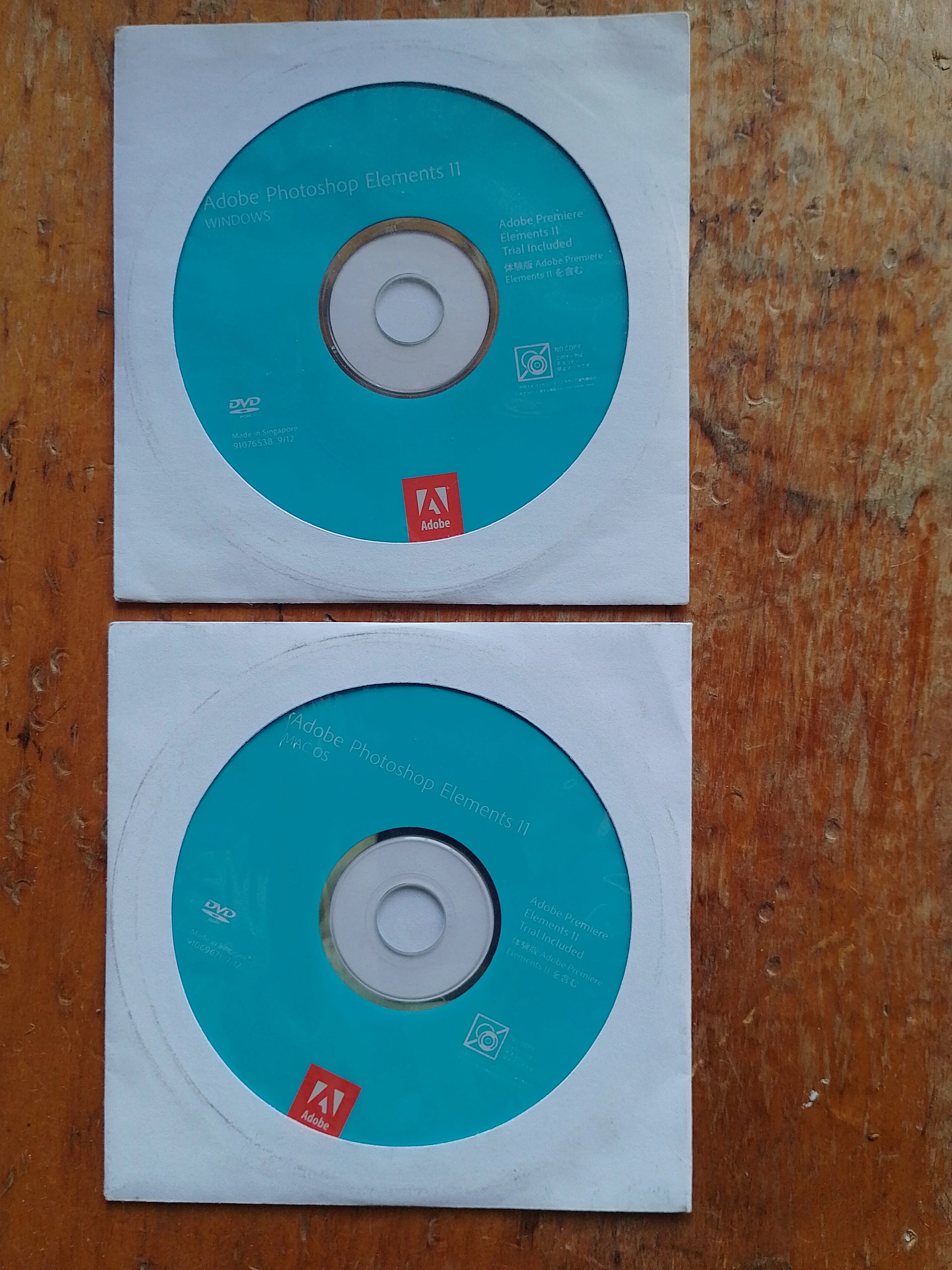
Help required reinstalling 'Photoshop Elements 11' on brand new Win11 Pro Laptop...??? March 2025

  • March 25, 2025
  • 3 replies
  • 1025 views

How can you install (reinstall) 'Photoshop Elements 11' in a brand new Win11 Laptop without it (Adobe) causing a permanent loop error in 'Automatic Repair' in Windows11, requiring a full system install and loss of files?! Seems also today, Adobe will NOT even communicate beyond AI or BOT, for any real people!! Please, please, can someone help me?? [I have my original CD programme disks & code.]
3 replies

Participant
November 1, 2025

Did this install issue ever get a workable solution. Got a new windows 11 laptop and can't install photoshop 11. Updated to windows 11 on my old laptop that has photoshop already installed and continues to work after the update.

Greg_S.
Community Expert
Community Expert
March 25, 2025

Elements 11 runs just fine on Windows 11.  But you may have to install it in Compatiblity mode.  See my instructions here.


Please post a screenshot of any error messages you receive.  You may also have to activate the program offline by following the instructions found here.

Zavija
ZavijaAuthor
Participating Frequently
March 25, 2025

Hi Greg & thanks, I have scanned your notes 'install in compatibility mode', which seems to be a change after installing? I have the programme on CD, but once installed computer is locked completely, so your ONLY option is to reload Windows11 Pro plus for it to work. It does not say, this is something you can do on the CD 'before' installing?

Participant
August 2, 2025

I hit this issue (Automatic Repair screen on Win11 right after reboot for PSE11 installation) also, trying to move to a new Win11 laptop.

1. PSE11 installation has a problem with installing a device driver that is incompatible with a memory integrity setting in Win11 (I got a warning message about it during the install/setup of PSE11). The Memory Integrity setting was On during the PSE11 installation/setup process.
Here's where to find the setting in the Settings Win11 app.


2. You CAN recover from this Automatic Repair reboot loop, by booting from a Win11 installation UEFI flash drive, but it involves several steps to get to a point where you have the option to repair your WIn11 config by recovering to a System Restore checkpoint.

3. As luck would have it, the PSE11 install process actual *creates* a System Restore point before the fatal reboot, and the recovery process will show the System Restore point as the most recent restore point.

4. The checkpoint restore took a pretty long time to complete (with a tiny green progress bar in a tiny popup), be patient. Once this process completes, the subsequent reboot gets you back to Win11 prior to PSE11 installation.

Stay tuned about more discoveries

Participating Frequently
March 25, 2025

I've just been through the same problem.  PSE11 won't run under Windows 11.  When I tried the computer crashed and everything had to be reinstalled.  I ended up getting PSE24, which was still available at the time.  That works but it has some limitations.  I found that I had to avoid using the full screen with the organizer, so just a bit smaller than full screen.  Maximising the display resulted in being unable to access the menu items at the top of the screen.

Zavija
ZavijaAuthor
Participating Frequently
March 25, 2025
Many thanks for your comments regarding this problem. It appears Adobe are now forcing and manipulating their customers... who now appear unimportant to Adobe, due to the fact they no longer allow anyone to communicate with a real person, sad but their choice!! I have been teaching and using Photoshop for over 20 years, so their current lack of customer support does not help.