
Participating Frequently
July 17, 2018
Answered

How do I vectorize a drawing in Photoshop Elements?

  • July 17, 2018
  • 2 replies
  • 20990 views

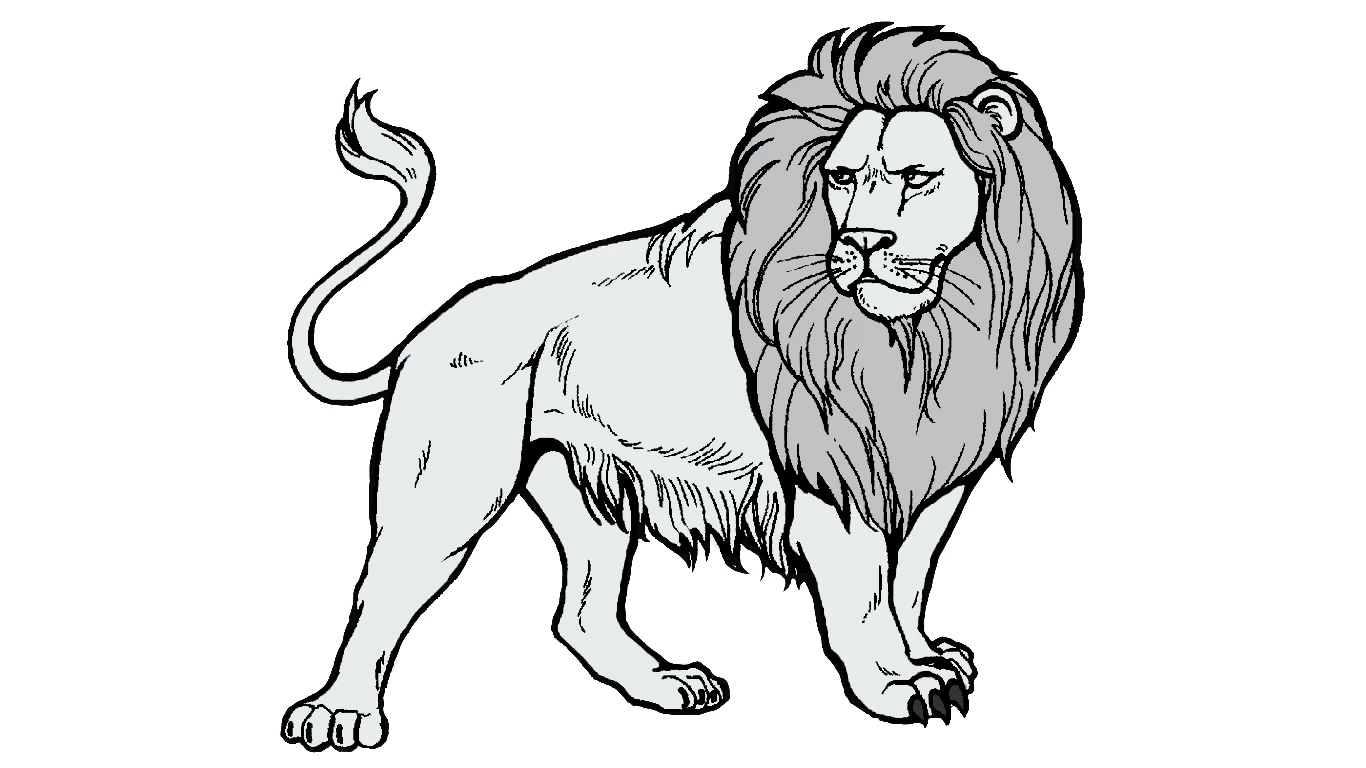
I have Photoshop Elements 15 and I want to vectorize a drawing.

Anyone know how to vectorize it?

I don't have illustrator nor can use the trial.

(I already used the trial a while ago)

I googled but can't seem to find the way.

I have it in JPEG or PDF.


Thank you for your help!
This topic has been closed for replies.
Correct answer MichelBParis

rinetta  wrote

Thank you very much for your reply!

I will try the "Inkscape software".

Can SVG be saved as PDF?

And can I open SVG in Photoshop Elements?

I want to put the vectorized image together with another image that is in pdf.

Thank you.

I am not proficient with Inkscape, but I think what you want to achieve would be best done in Inkscape, where you can output pdf files.

Photoshop Elements supported file formats

Elements does not support SVG format.

2 replies

MichelBParis
Legend
July 17, 2018

There is no vectorization tool in Elements.

The nearest you could do with external add-ons (like the affordable Elements+) would be to make selections of the black and the grey.

The scripts to restore the Photoshop tool 'make path from selection' will create paths (vectors) which you can save in .psd or .tiff formats.

There are a number of online vectorization tools.

A serious free tool to vectorize jpegs could be the Inkscape software, which can save the vectorized file in SVG format.

rinettaAuthor
Participating Frequently
July 17, 2018

Thank you very much for your reply!

I will try the "Inkscape software".

Can SVG be saved as PDF?

And can I open SVG in Photoshop Elements?

I want to put the vectorized image together with another image that is in pdf.

Thank you.

MichelBParis
MichelBParisCorrect answer
Legend
July 17, 2018

rinetta  wrote

Thank you very much for your reply!

I will try the "Inkscape software".

Can SVG be saved as PDF?

And can I open SVG in Photoshop Elements?

I want to put the vectorized image together with another image that is in pdf.

Thank you.

I am not proficient with Inkscape, but I think what you want to achieve would be best done in Inkscape, where you can output pdf files.

Photoshop Elements supported file formats

Elements does not support SVG format.

Sahil.Chawla
Adobe Employee
Adobe Employee
July 17, 2018

Moved to Photoshop Elements