

Issues with subtract function on Photoshop
Hello! I'm a big fan of the adult cartoon South Park and i downloaded a South Park fourth grader character base a year ago, unfortunately, i ended up losing the original base but i was able to find a copy in my iPad on Affinity Photo and i exported to PSD in the desktop version of the Serif app.
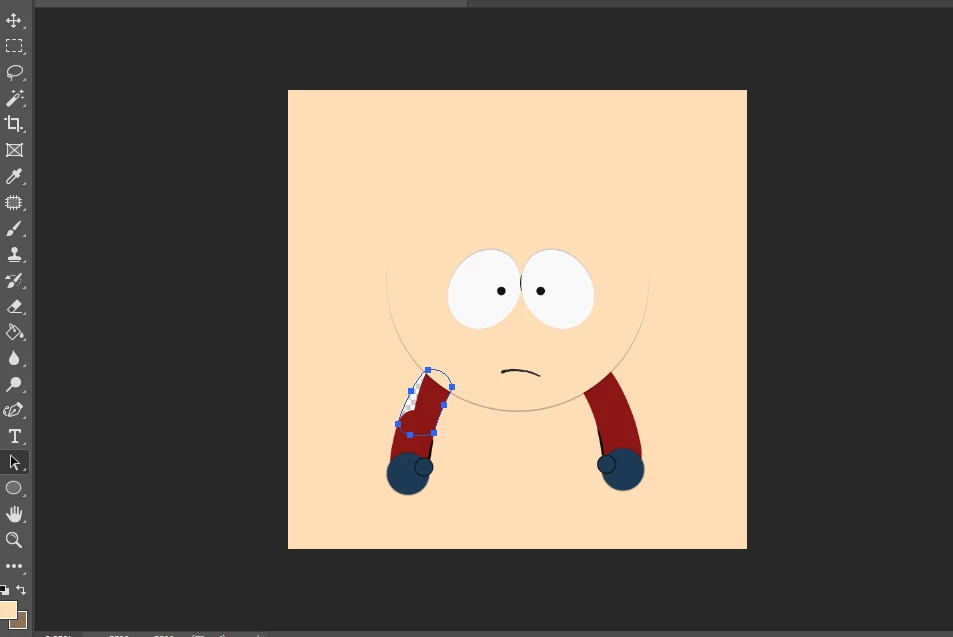
Everything went fine until i noticed one glaring issue...the bare arms were like this:
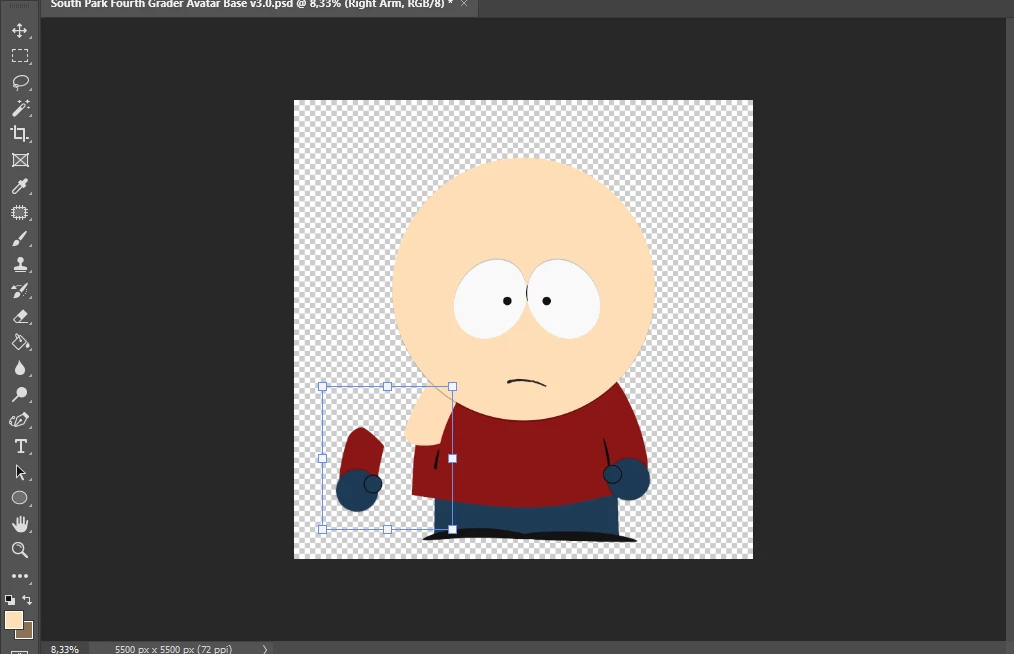
I subtracted the arms but sadly, when i try to move the right arm folder, the bare arms doesn't move and yes i checked auto select! I turned off this function before but still doesn't work.
and is not just the bare arms, i also subtracted the bare forearms and they don't work as well.
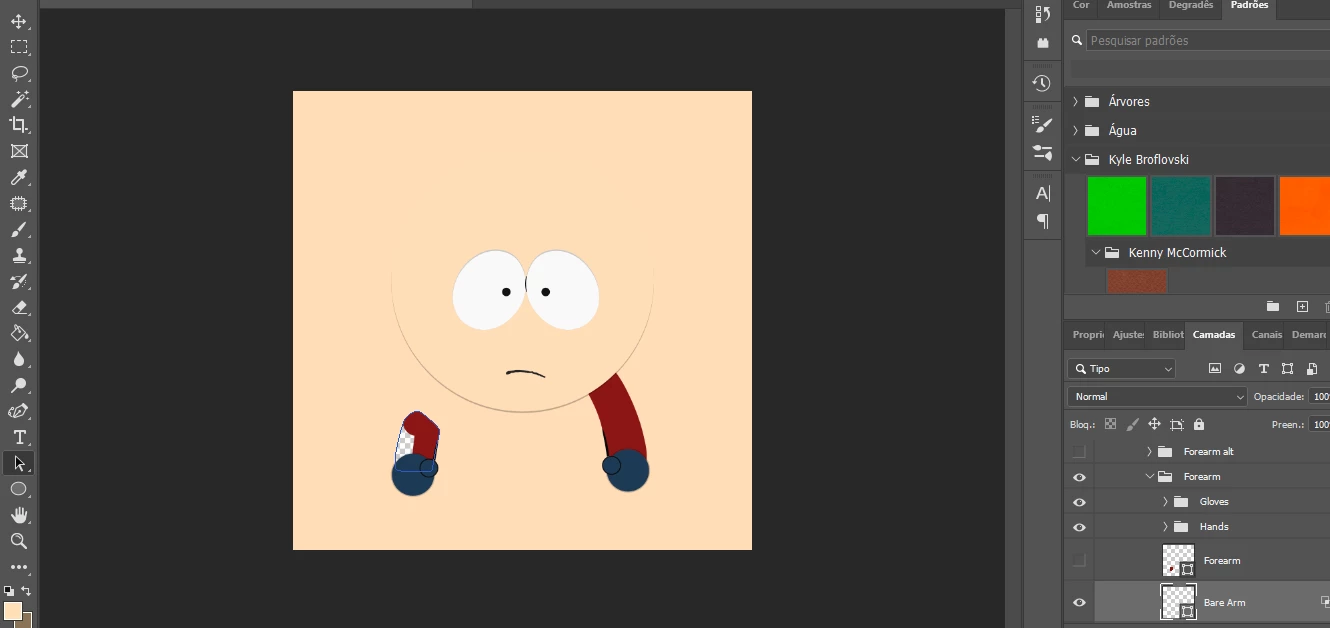
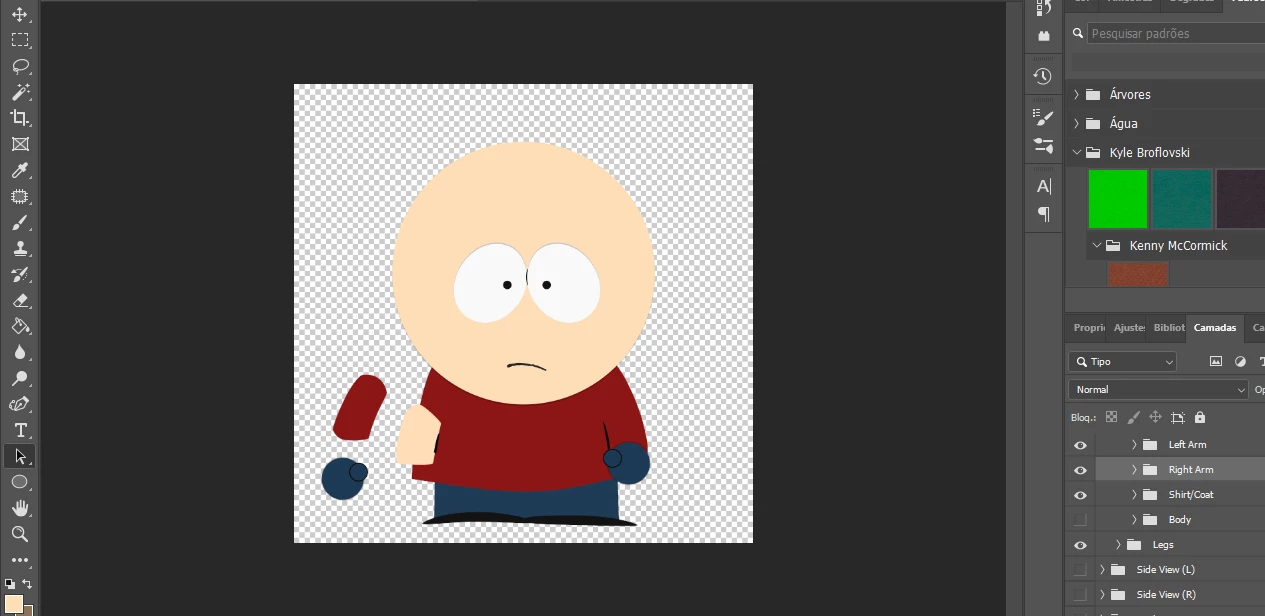
At first, i thought it was a problem with Affinity Photo but i could move the arms folder just fine without any issues with both the copy saved in Affinity Photo and the psd file that i exported from this software.
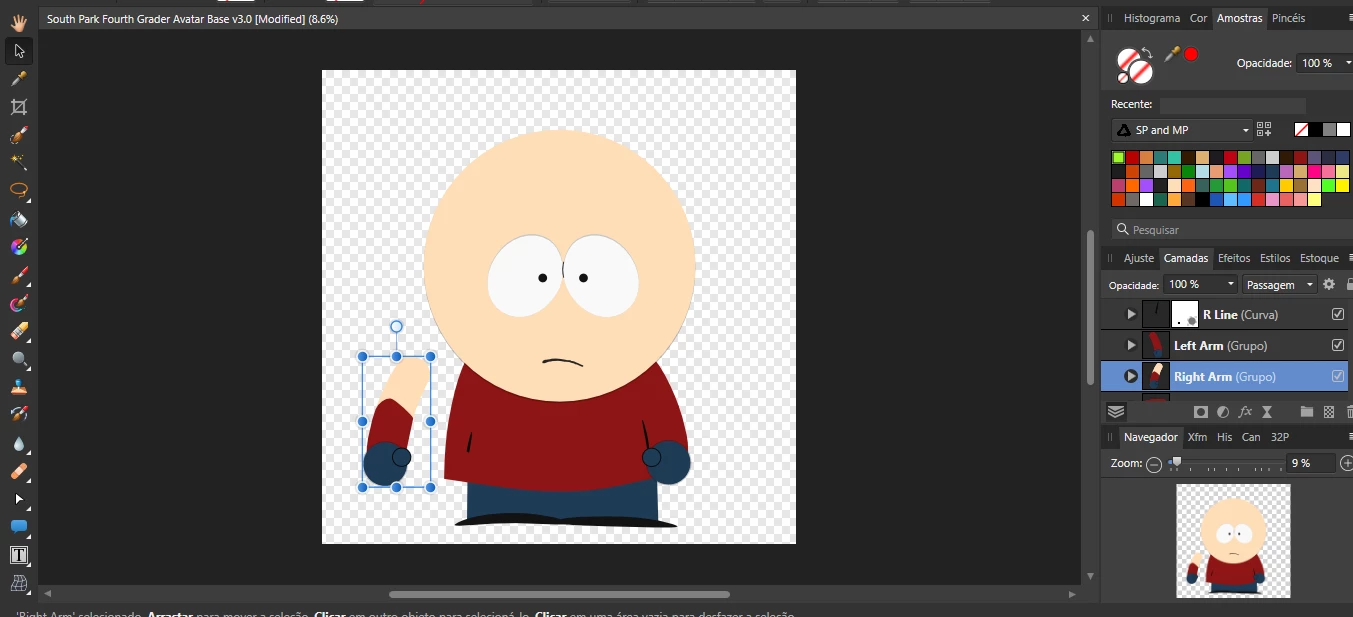
Afphoto file
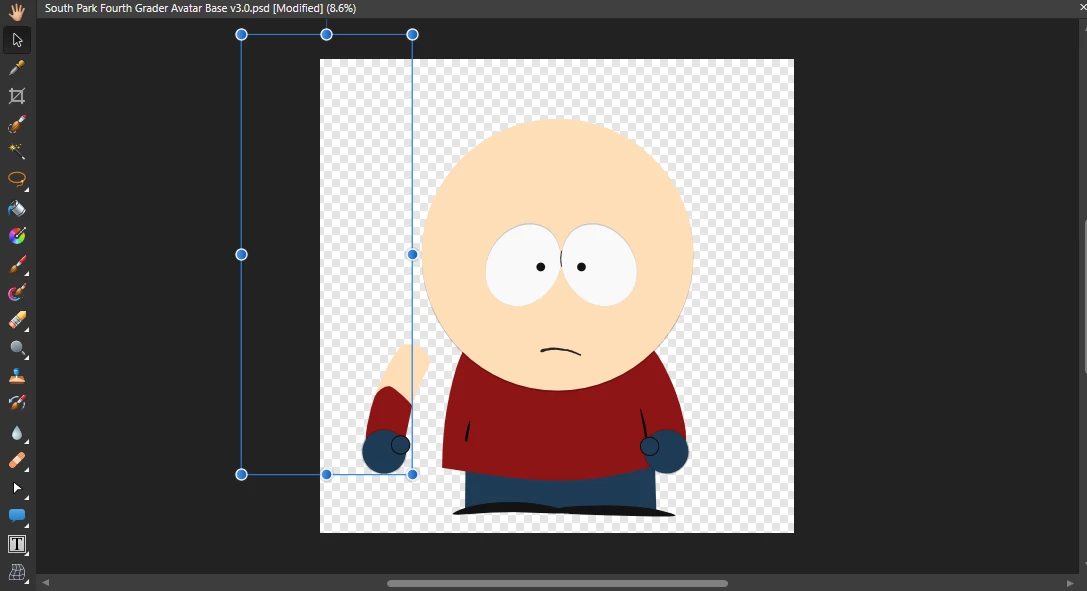
PSD file
Can someone help me to fix this issue?
 AdChoices