

Keyword tag editing after big upgrade to 2020
I've taken the plunge and upgraded my old PSE 10 to PSE 2020. My keyword tags have imported OK, but they don't have any icon images like they used to have, and the tag/icon edit function doesn't seem to work as it used to, or as suggested in the Adobe Help info for 2020. Details below, using the "Blackpool" place tag as an example. Can anyone help with advice or suggestions? Thanks.
PSE 10 had tags like this, with an icon image (for Blackpool). With a right-click (and selecting edit) you could then edit the icon image, as shown:
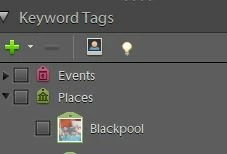
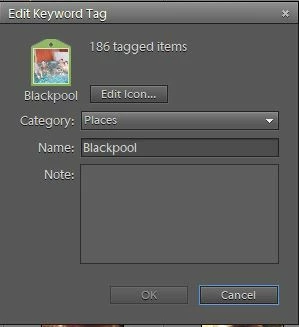
For the same converted catalog in PSE 2020 the tags look like this (ie the icon image for Blackpool seems to have disappeared in the catalog conversion?):
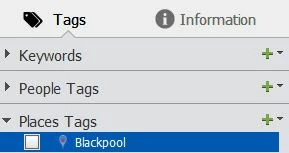
I'd like to put the icon images back. The Help page suggests you can Edit the tag (like you used to in PSE 10). But I can't bring up any such option. The "+" sign just wants to add another Place Tag. And the right-click on the Blackpool tag brings up this dialog box. But it has no "Edit" option.
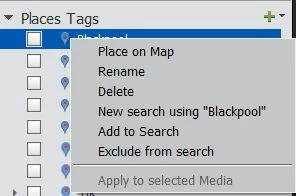
For information, my Keyword tag preferences are currently set as below......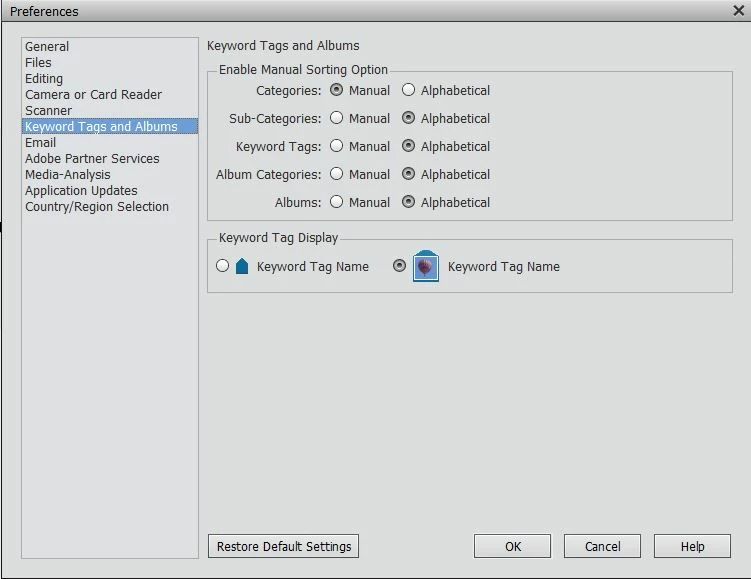
Have I missed something obvious?
 AdChoices