

Question
PE15 Printing issue
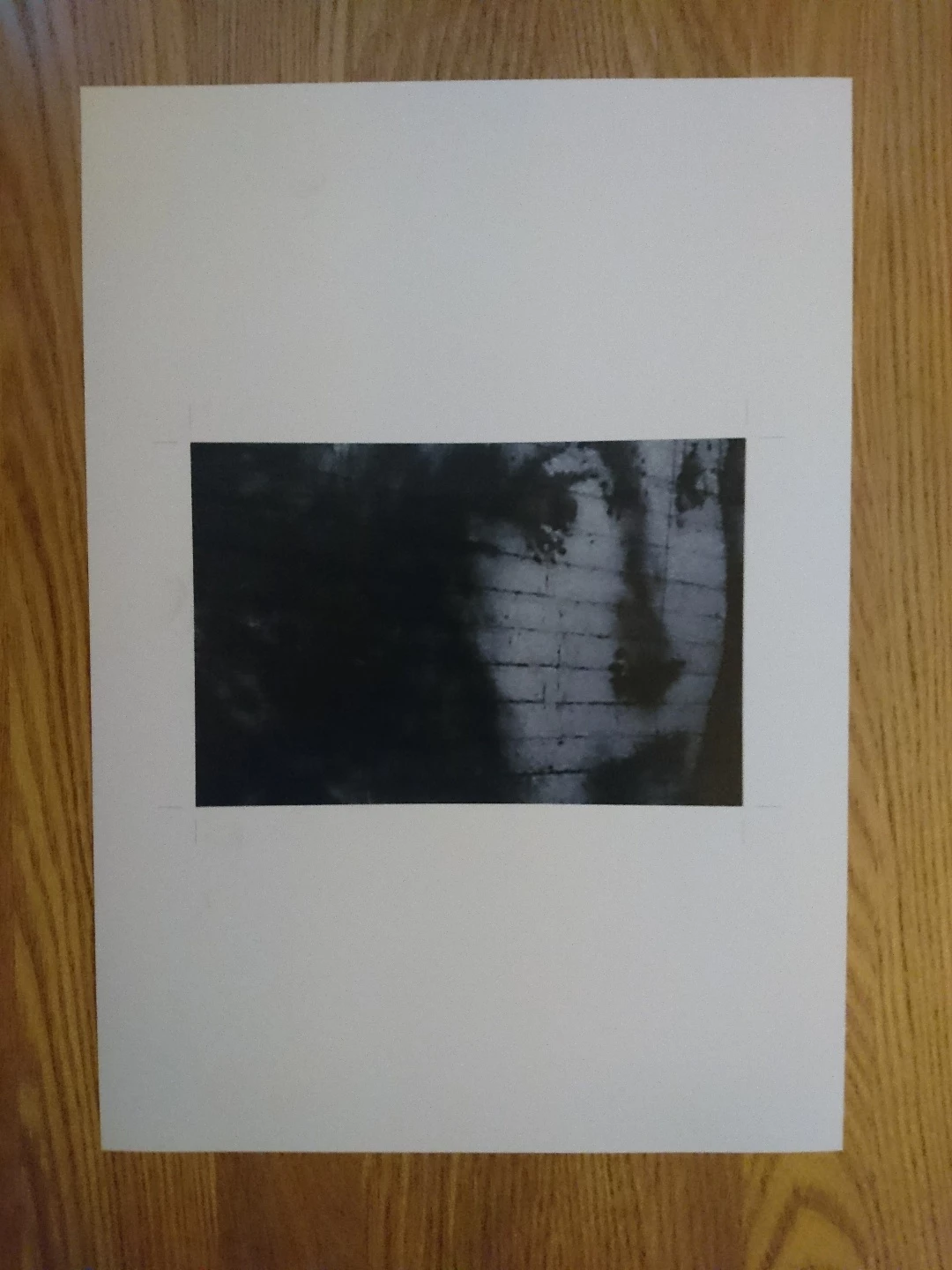
I recently upgraded from Photoshop Elements PE 11 to PE15. Irun Windows 10 on a laptop and on a desktop, in the same Homegroup. I have an HP 6520 printer attached by USB to the desktop and by WiFi to the laptop. When I print an image from the PE menu the landscape selection seems to work correctly but when trying to print an image in portrait the final image is severely cropped (see attachment). I’ve checked and confirmed that the portrait options have been selected in PE. All worked correctly in PE 11. Any suggestions as to what might be wrong please before I waste any more paper ?
The HP print function works perfectly by the way.
 AdChoices