
Exit
  • Global community
    • Language:
      • Deutsch
      • English
      • Español
      • Français
      • Português
  • 日本語コミュニティ
  • 한국 커뮤니티
0

Photoshop 23 Printing a Disaster

Community Beginner ,
Apr 12, 2024 Apr 12, 2024

I’ve used various Photoshop versions for years. My old Photoshop 13 works fine on an old laptop, but for a new Windows 11 notebook Adobe obliged me to purchase Photoshop Elements 23, which has made quality printing impossible. The Change Settings and then Advanced Settings bring up a very impoverished menu. No utilities option, no ability to change the quality of printing, only two printing paper options (matt or glossy) make quality printing impossible. I’ve uninstalled and re-installed 23, removed and added my Epson Photo R2000 printer, and updated Epson printer drivers. No change. Any suggestions? After decades, I’m ready to leave Photoshop for a better company/product.
TOPICS
Problem or error , Windows
654
Translate
Report
Community guidelines
Be kind and respectful, give credit to the original source of content, and search for duplicates before posting. Learn more
community guidelines

correct answers 1 Correct answer

Valorous Hero , Apr 12, 2024 Apr 12, 2024

A lot of the options available are based upon your printer.  I have a color lazer printer- I can't use glossy paper in it and that is not an option. 

About every 6 months I make sure I have the latest printer sonftware installed.  

I just checked:  I have a firmware update and a software update to do-- somethings like basic printer drivers rarely change over time. 

Yes, I have software that montiors program updates, however, somethings I prefere to manually- like updating my printer software. 

2024-04-12_161748.png

It ap

...
Translate
Community Expert ,
Apr 12, 2024 Apr 12, 2024

I don't believe there have been any changes in the Elements print engines since Elements 13.  So, everything should be working as it did in your older version.  All of the options you mention should be controlled by the printer driver.  The problem may be with the default printer you have selected.  If you want to show us some screenshots of what you see on your old computer with Elements 13 and what you are seeing on your new computer (with Elements 2023?), we may be able to help you.


Translate
Report
Community guidelines
Be kind and respectful, give credit to the original source of content, and search for duplicates before posting. Learn more
community guidelines
LEGEND ,
Apr 12, 2024 Apr 12, 2024

If you attempt to print from another application, do you have more paper choices?


Translate
Report
Community guidelines
Be kind and respectful, give credit to the original source of content, and search for duplicates before posting. Learn more
community guidelines
Valorous Hero ,
Apr 12, 2024 Apr 12, 2024

A lot of the options available are based upon your printer.  I have a color lazer printer- I can't use glossy paper in it and that is not an option. 

About every 6 months I make sure I have the latest printer sonftware installed.  

I just checked:  I have a firmware update and a software update to do-- somethings like basic printer drivers rarely change over time. 

Yes, I have software that montiors program updates, however, somethings I prefere to manually- like updating my printer software. 

2024-04-12_161748.png

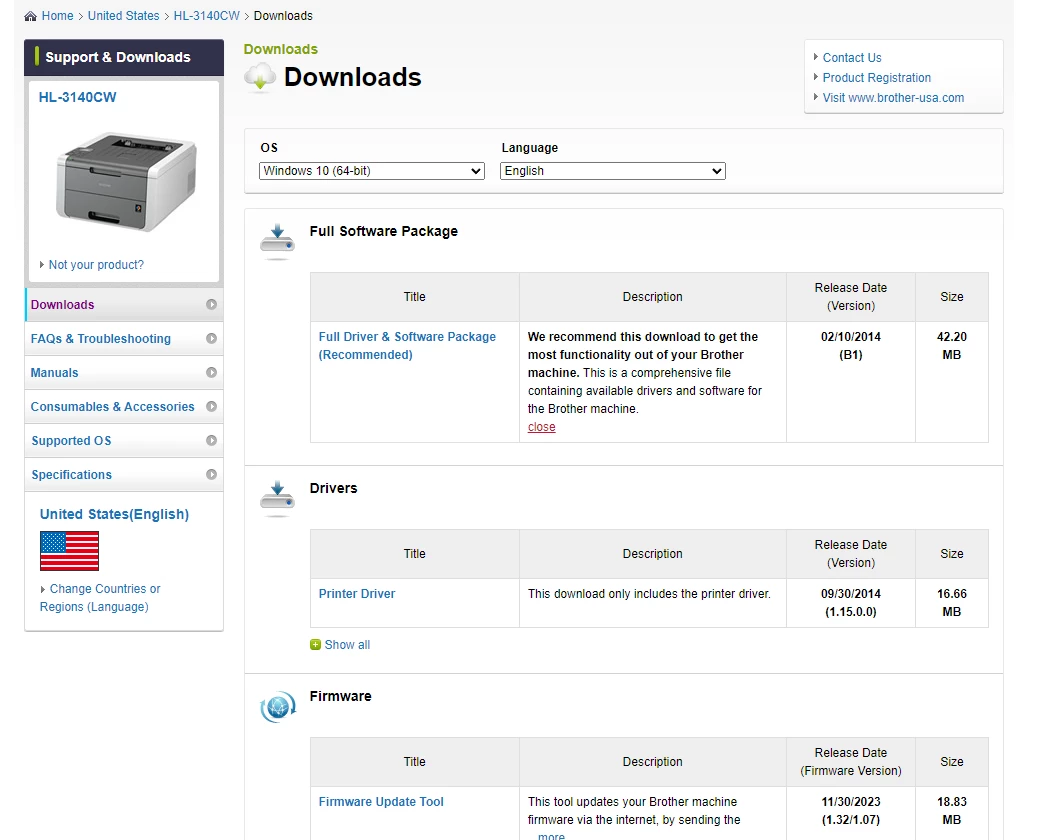
It appears than many of the drivers / updates / utilities for your printer are pretty old, but there are a couple of things that less than 2 years old.

You may haveto change your os i nthe pull down menu:

https://epson.com/Support/Printers/Single-Function-Inkjet-Printers/Epson-Stylus-Series/Epson-Stylus-...


Translate
Report
Community guidelines
Be kind and respectful, give credit to the original source of content, and search for duplicates before posting. Learn more
community guidelines
Community Beginner ,
Apr 13, 2024 Apr 13, 2024

Thank you gentleman and thank you Glenn.  I had previously tried to download the Utility & Driver Combo software at the link Glenn shared (changing to Windows 11), but this time downloaded the three packages in the order of when published, from oldest to newest, which did the trick.  (Below is the screenshot with the full Advanced Settings dialog back and working.)Screenshot (34).png

Translate
Report
Community guidelines
Be kind and respectful, give credit to the original source of content, and search for duplicates before posting. Learn more
community guidelines
Valorous Hero ,
Apr 13, 2024 Apr 13, 2024

Thanks for the update, and for a real screenshot!   Many times users take a picture with their phones and post that- often missing critical information. `

Translate
Report
Community guidelines
Be kind and respectful, give credit to the original source of content, and search for duplicates before posting. Learn more
community guidelines
Explorer ,
Apr 13, 2024 Apr 13, 2024

To be honest : I don´t understand why you have to install an additional driver here.

I have an Epson Stylus Photo R3000, and I´m using the driver  which was shipped with Windows 11.

No need to download anything from the internet here ...

For the R2000 it should be the same.


Translate
Report
Community guidelines
Be kind and respectful, give credit to the original source of content, and search for duplicates before posting. Learn more
community guidelines
Valorous Hero ,
Apr 13, 2024 Apr 13, 2024
LATEST

His printer to the best of my knowledge first came out about 11 years ago--- amazing it even turns on after that long- age like that can account for many things.

Translate
Report
Community guidelines
Be kind and respectful, give credit to the original source of content, and search for duplicates before posting. Learn more
community guidelines