
Photoshop elements 14 having trouble with selection and feathered edges
Hi everyone,
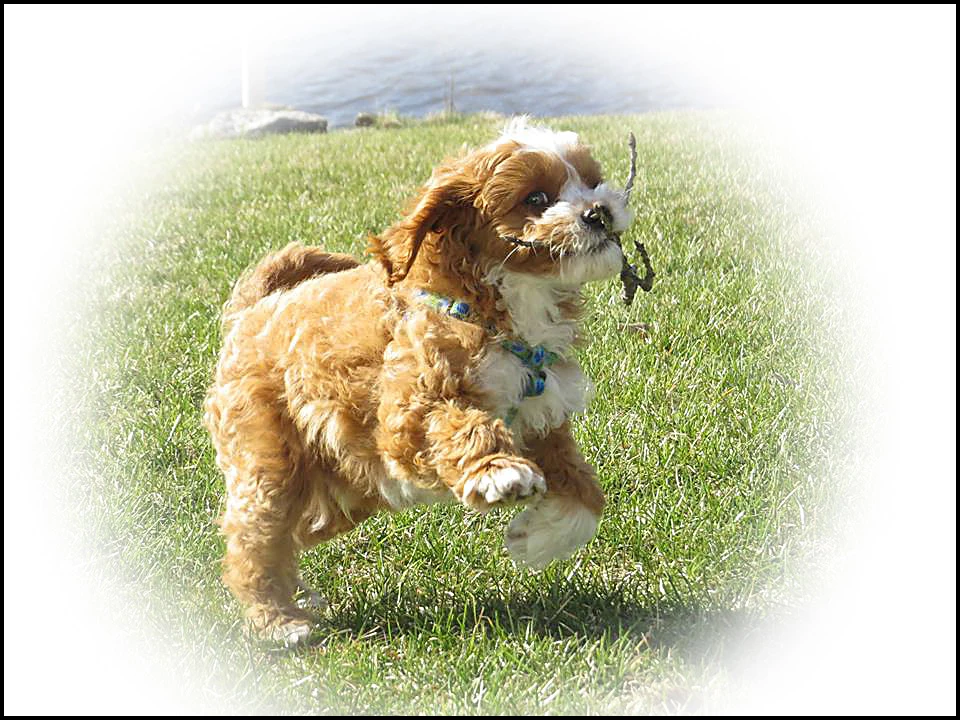
I'm trying something new which I haven't done before, and while at first it looked just fine, when printing, it came out different than it appeared on screen. I have a lot of African wildlife images and I just make some selections (oval and round for different shots), feathered the edges and saved for web png-24 with transparency. I thought they might print nicely on tee shirts instead of having just a square or rectangle etc. I've got some greeting card stock at home, so I tried a couple of images on that first to see how it might print. While the image itself appears to be okay and shaped correctly, when I print I get oval curved edges all around EXCEPT for a straight edge on the bottom. I've tried image/transform/free transform and made the images smaller, but still get the same line at the bottom. I would attach examples, but I can't figure out how to attach images to this post. Does anyone have any ideas? I may be missing something very simple, but I'm fairly new to this particular editing trick and I'm learning as I go along. I don't want to send an image to be printed on a tee shirt and have it come back to me looking bad. If anyone can tell me how to attach an image, I'll be happy to attach a couple of examples.
Thanks for input.
Mary Lippold, Los Angeles
 AdChoices