
Participant
September 19, 2017
Answered

Photoshop Elements 15, Camera Raw upgrade failing, Can you help me?

  • September 19, 2017
  • 1 reply
  • 1140 views

Upgraded to Photoshop Elements 15 yesterday in order to get back some functionality that had become lost to previous version.

This morning the automated update process advised me that  "Photoshop Camera Raw 9.10" is required, so I clicked on <Update>. Almost instantly I get the following error message.
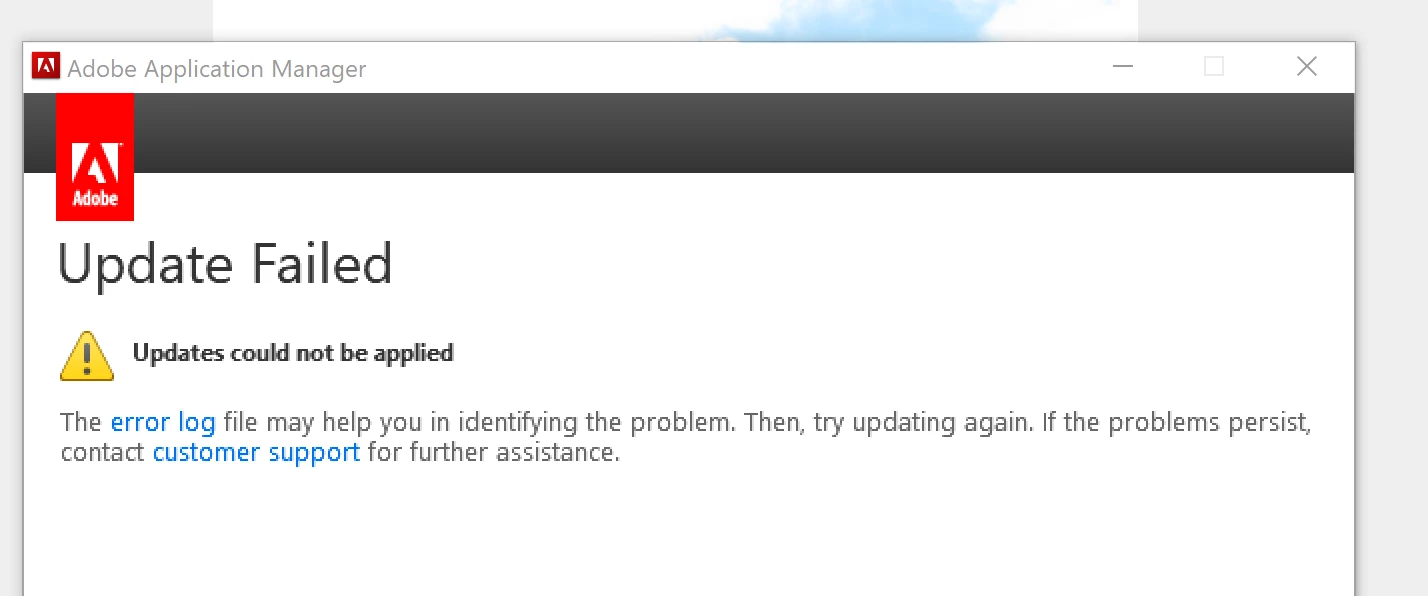
When I follow the "error log" link, the following less than helpful message is displayed
I have searched the Adobe site but cannot find this update available as a download.

Every time I now restart Elements 15, I get the upgrade message and this is beginning to get on my nerves.

Can anyone advise me where to go for the upgrade?

Thank you
This topic has been closed for replies.
Correct answer GautamBahl

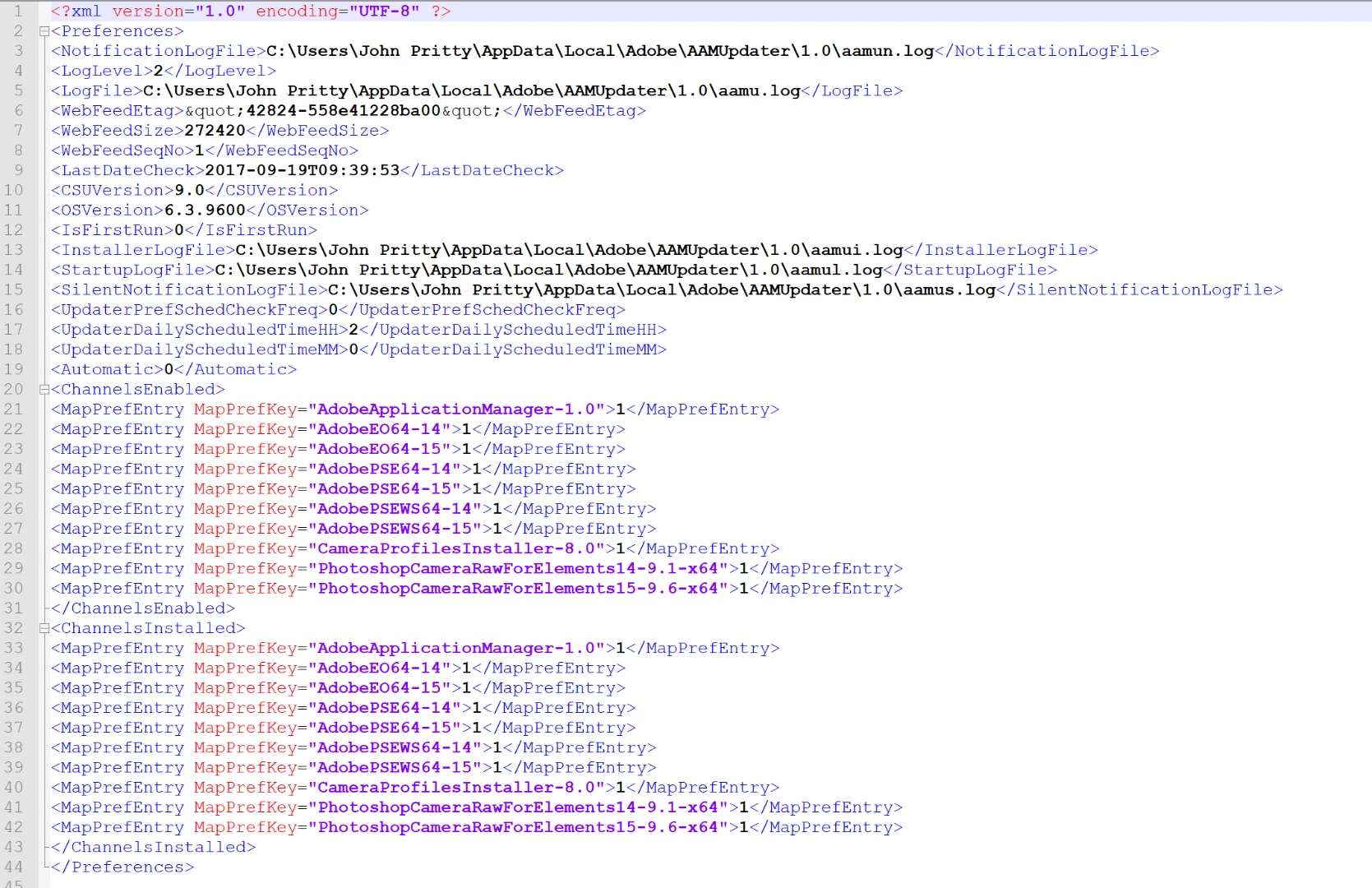
Found the file, but <suppressed> element not included. (see below)


Hi John,

There are permissions issues on your original account.

Please create a hidden admin account on your machine. Refer to the below article.

Enable the (Hidden) Administrator Account on Windows 7, 8, or 10

Install the update in hidden admin, once it is installed, log out from this account and log in back to your original account.

The update should now reflect in your original account.

Post that disable hidden admin (Instructions in the above link)

Regards,

Gautam

1 reply

GautamBahl
Inspiring
September 19, 2017

Hi John,

Can you please check the following location and locate the file "AdobeUpdaterPrefs.dat"

C:\Program files(x86)\common files\adobe\AAMUpdaterInventory\1.0\AdobeUpdaterAdminPrefs.dat

Please open the file with notepad and locate for the suppressed value. Change the value from 1 to 0 and save the changes.

Then try to install the patch or update again.

PS: Elements 15 is shipped with camera raw 9.6 and you can update till 9.10 version.

Camera Raw plug-in and Adobe application compatibility

Regards,

Gautam

Participant
September 19, 2017

Unable to locate this "dat" file on the path you have supplied; in fact unable to locate "AdobeUpdaterAdminPrefs.dat" on the entire PC.

GautamBahl
Inspiring
September 20, 2017

Good morning Gautam,

You got it that time, the camera raw plug-in update is installed, and reports itself at the correct version when I run elements under my original account.

Thank you very much indeed for the assistance.

Kind regards,

John


Thank you for confirming John. Could you also update on your twitter post as well that the issue has been resolved where you had posted about the issue.

Regards,

Gautam