

Answered
Photoshop elements 2016 on RDS Server
Hi
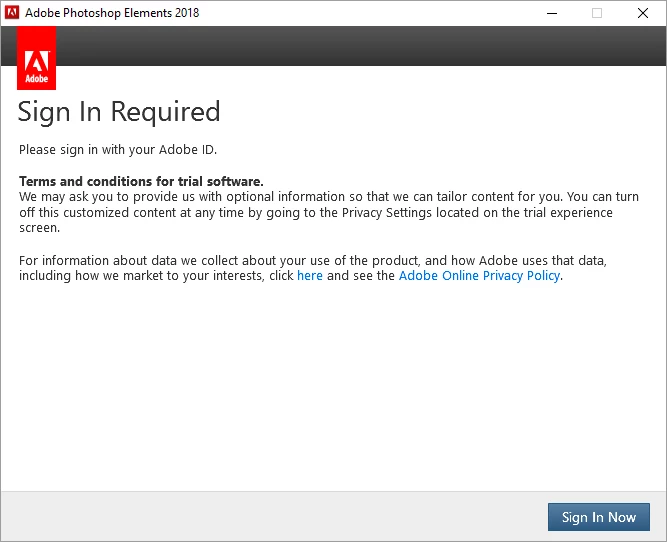
i am struggling with trying to suppress the sign in box upon starting Elements.
I have bought a Elements license for 20 users and installed the application on a Citrix Xenapp server using the serial number and All good... But I want to be able to launch the applikation without having to login to Adobe cloud. Is it possible to do that? None of the users that are going to use Photoshop have a cloud login.
Adobe have "how to" Using Adobe provisioning toolkit enterprise edition but I can not find Windows "LEID" for Photoshop Elements 2016 so I dont think it is supported Adobe Creative Cloud licensing identifiers
 AdChoices