I am glad you were able to solve that issue, your workaround is quite logical. The small disadvantage is that if you delete from catalog and from disk, you may lose links to stacks, version sets, albums or creations, even if you recover your tags and captions as well as the thumbnail.
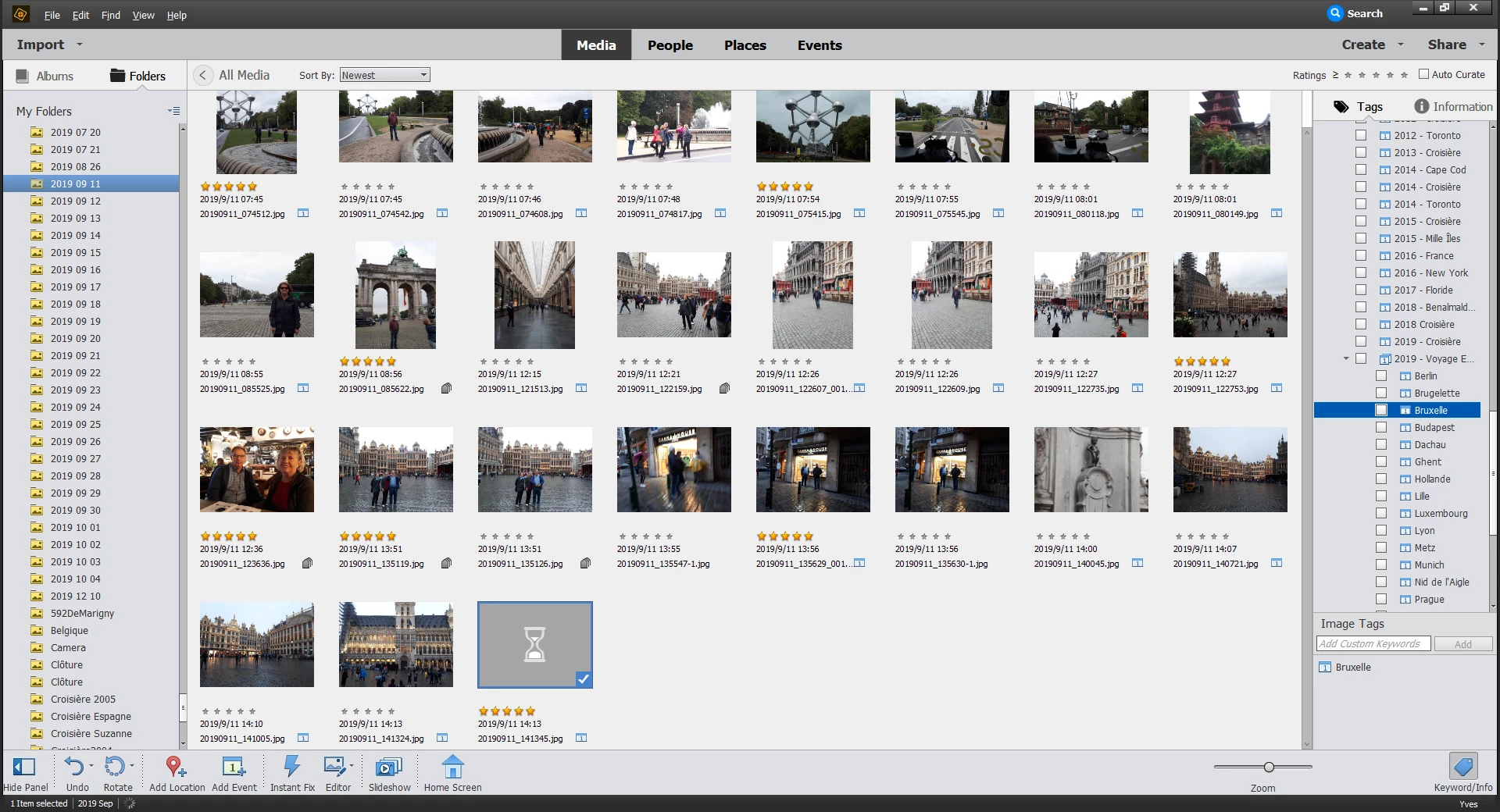
My suggestion to delete the thumbnail cache is slow but non destructive.
- locate the catalog folder location: it's shown in your screenshot. It's a hidden folder, you may have to set the explorer to show hidden files and folders.
- In the catalog folder you find a thumb.5.cache file. You delete this file.
- you restart your computer and organizer and wait for the thumbnails to be created. Since it may require several hours, do it as a night job.
Hi Michel,
Thanks for the tip.
I found "thumb.5.cache" using File Explorer.
Greatly appreciated

 AdChoices