
Answered
Problem opening a file
I have Photoshop Elements 2018 installed on my laptop (Windows) and also on my Desktop and I have the same problem on both.
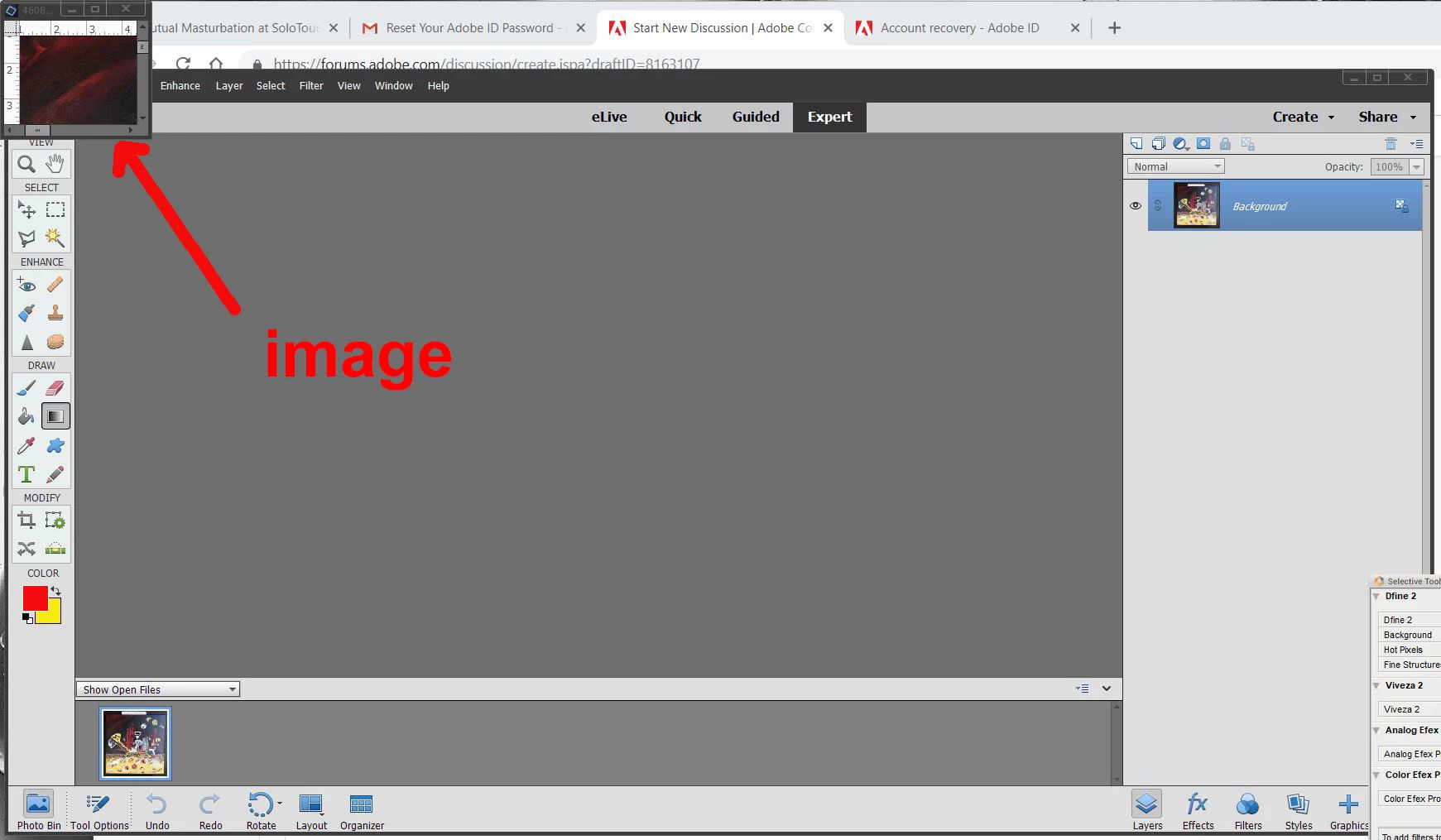
When I open a file, it does open but the picture on the screen is about one tenth of the full picture and is always located on the top left corner of the screen see image). It was not like that when I installed the program but became that way after a short time. Did I press the wrong option somewhere? and how do I revert back to seeing
the full picture? Thanks for any help
.
 AdChoices