
PSE 15 Wont Open
I get this when I try to open:
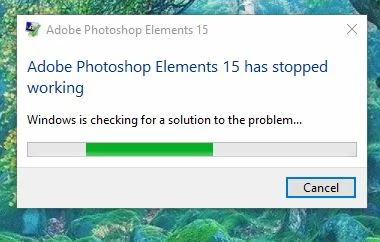
Then I get this:
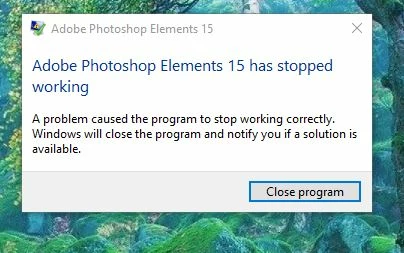
Ran event viewer and I get this:
Faulting application name: Adobe Photoshop Elements 15.0.exe, version: 15.0.0.0, time stamp: 0x57cd43a1
Faulting module name: LavasoftTcpService64.dll, version: 2.3.4.7, time stamp: 0x555dc671
Exception code: 0xc0000095
Fault offset: 0x0000000000008902
Faulting process id: 0x2fe0
Faulting application start time: 0x01d3291726e6ad3b
Faulting application path: C:\Program Files\Adobe\Photoshop Elements 15\WelcomeScreen\Adobe Photoshop Elements 15.0.exe
Faulting module path: C:\windows\system32\LavasoftTcpService64.dll
Report Id: aa2a9619-8f56-4703-b629-bf2c9474ece6
Faulting package full name:
Faulting package-relative application ID:
Tried to find C:\windows\system32\LavasoftTcpService64.dll but it does not show up where it is listed:
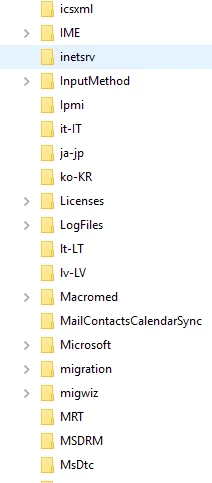
So I do not know what to do. Can anybody help?
Dave
 AdChoices