
davidl72079923
Participant
October 19, 2017
Question

PSE 2018 Organizer Problems on HiDPI Screen

  • October 19, 2017
  • 2 replies
  • 472 views

I have just upgraded to PSE 2018 hoping to resolve issues with PSE 12 on my HiDPI  (240dpi) Win 10 notebook (Dell XPS 13).  The Editor worked fine after setting the Properties | Compatibility 'Override high DPI scaling behavior. Scaling performed by: Application'.  However, the Organizer won't work with any of the settings for this property.  Problems include:

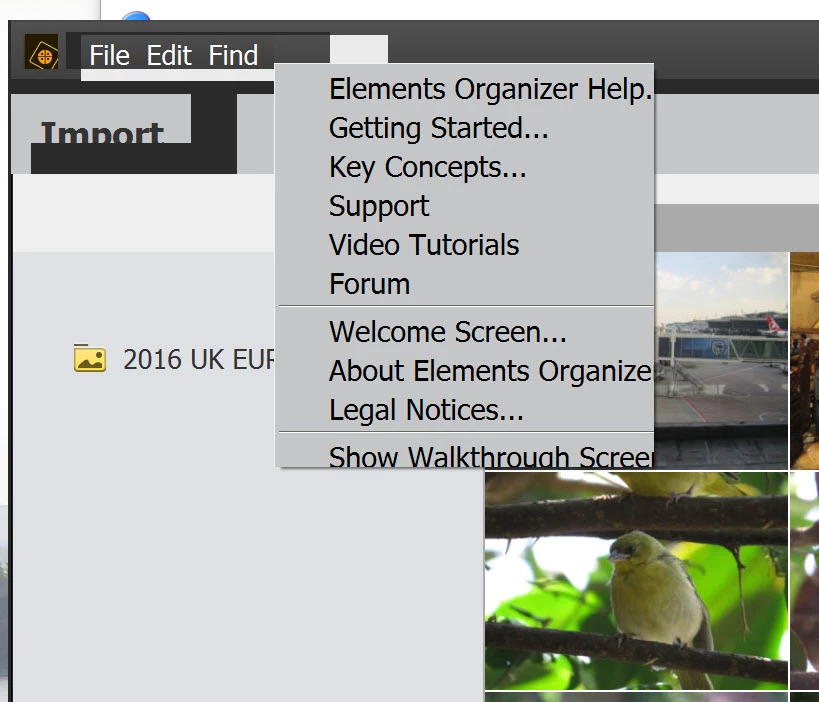
  • Malformed menus (clicked View and the partial Help menu is displayed):
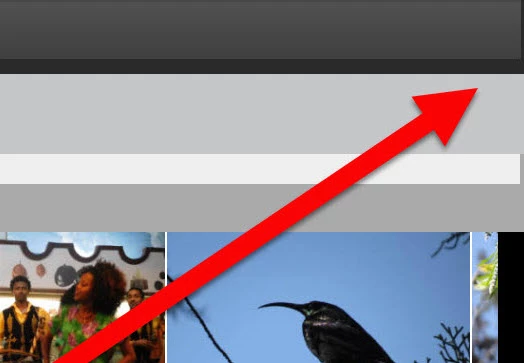
  • No Close, Restore or Minimize buttons are visible in the title bar:
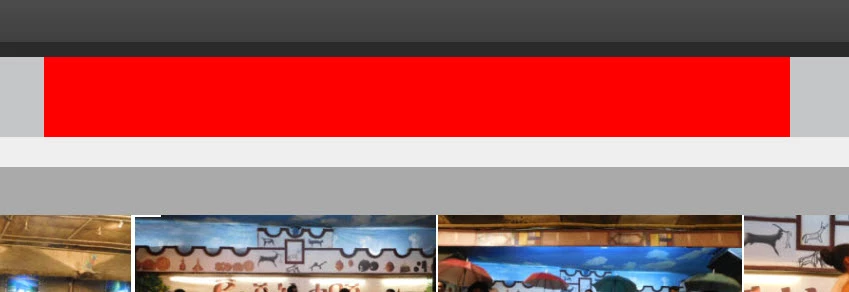
  • The 'View Media Organized by' controls are not visible (just a red rectangle):
Suggestions to fix gratefully received.

David

This topic has been closed for replies.

2 replies

davidl72079923
Participant
October 20, 2017

I originally posted this after sitting in the chat support queue for 3 hours and half an hour of that at the top of the queue.  Today I got a response in 10 minutes!  After another 3 hours of the support tech trying changes to various settings and no progress to resolution he said: "Really apologize for this inconvenience. We were getting certain issues with PSE 15 which we had taken care of this this version, however, it still is doing such things and slightly worse. We will be checking it and get back to you." He hoped to have an update on Monday.

MichelBParis
Legend
October 20, 2017

davidl72079923  wrote

I originally posted this after sitting in the chat support queue for 3 hours and half an hour of that at the top of the queue.  Today I got a response in 10 minutes!  After another 3 hours of the support tech trying changes to various settings and no progress to resolution he said: "Really apologize for this inconvenience. We were getting certain issues with PSE 15 which we had taken care of this this version, however, it still is doing such things and slightly worse. We will be checking it and get back to you." He hoped to have an update on Monday.

Thanks for the feedback, David.

At this early stage of v. 2018, it's important to get that information.

MichelBParis
Legend
October 19, 2017

David,

As far as I know, there is nothing new in the 2018 Organizer UI interface. The organizer was not built with the same Windows UI resources (APIs) and it completely ignores the preferences settings of the editor (display and cursors...)

The organizer UI (font size) is handled from Windows display preferences, where you can set the font size to different values like 125, 150%. That settings also works with other applications, which is generally a good thing. In your screenshot, it seems you are seeing the workspace in a reduced window; could you move this window to show the upper right corner to see the minimize button?

I can't test myself, since I don't have an HiDpi dislay. (I would never use one myself for editing even for the price of a standard good color gamut... I also want a comfortable desktop display. There is strictly no viewing advange for pixel or global editing).

davidl72079923
Participant
October 19, 2017

Thanks Michael.  According to SysInternals ProcessExplorer both the Organizer and the Editor are 'Per-monitor Aware' in terms of 'DPI Awareness'.  The font size in Organizer is ok for me.  The problem is the aberrant UI display, e.g. malformed menus, invisible buttons.  The second grab in my post was the top RH corner of the window, i.e. all buttons were invisible but clicking where the close button should be closes the app.  I've done a video screen grab (2MB) demonstrating how it looks and behaves compared to PSE Editor (640kB).

The advantage of a HiDPI screen for me is I travel a lot and appreciate the light weight of an ultrabook (Dell XPS 13).