
PSE 2024 interface and catalog import
I posted a query about the interface (window resizing and double spaced file tree) which had several likes but no answers so far - hopefully someone from Adobe will address. I hope it was not a deliberate decision to "fix" something that wasn't broken.
On initial installation PSE2024 found my PSE2021 catalog and appeared to import it. However the vast majority of it simply wasn't there, and most folders were not shown. As I have 18k+ photos the vast majority tagged to my satisfaction, it is imperative that I do not lose it and keep the ability to use 2021 until any further issues with 2024 are resolved (or I ask for my upgrade fee to be returned !)
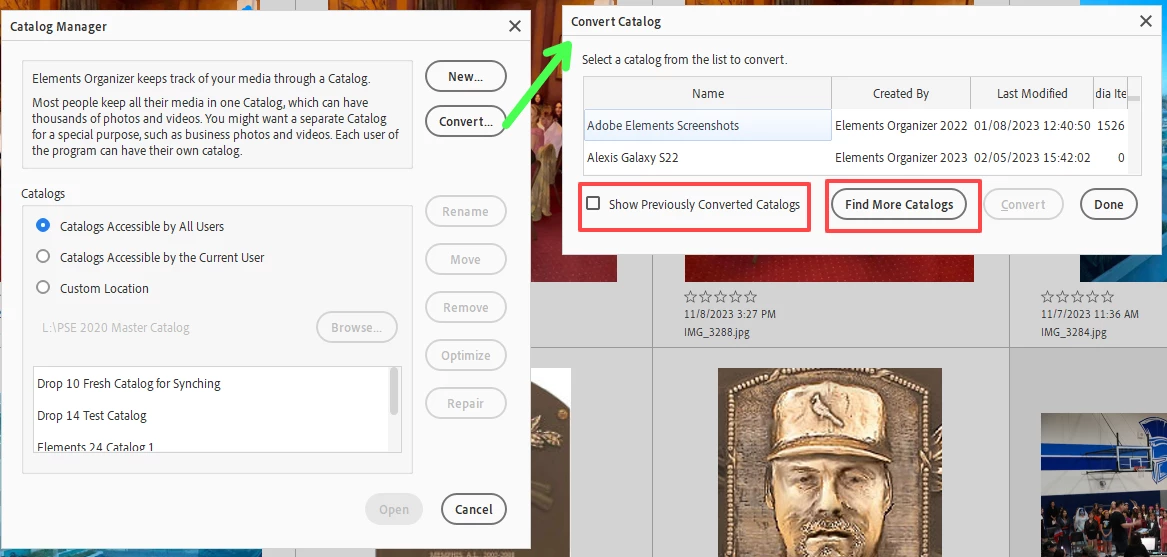
So: I uninstalled 2024 and any apparently 2024 related catalogs were removed. I then reinstalled 2024 with a new named catalog "2024 install" which is empty. My question is how do get it to use my 2021 catalog without making changes to it that will stop it being used by 2021 if I decide not to continue with 2024? The 2021 system info shows the core version as "2019", with a version date (I guess) of 2021 08 07, and the OS as windows 10 when it is actually Windows 11. see below.
"Elements Organizer 19.0.0.0
Core Version: 19.0 (20210807.m.158016)
Language Version: 19.0 (20210807.m.158016)
Current Catalog:
Catalog Name: catalog 2020
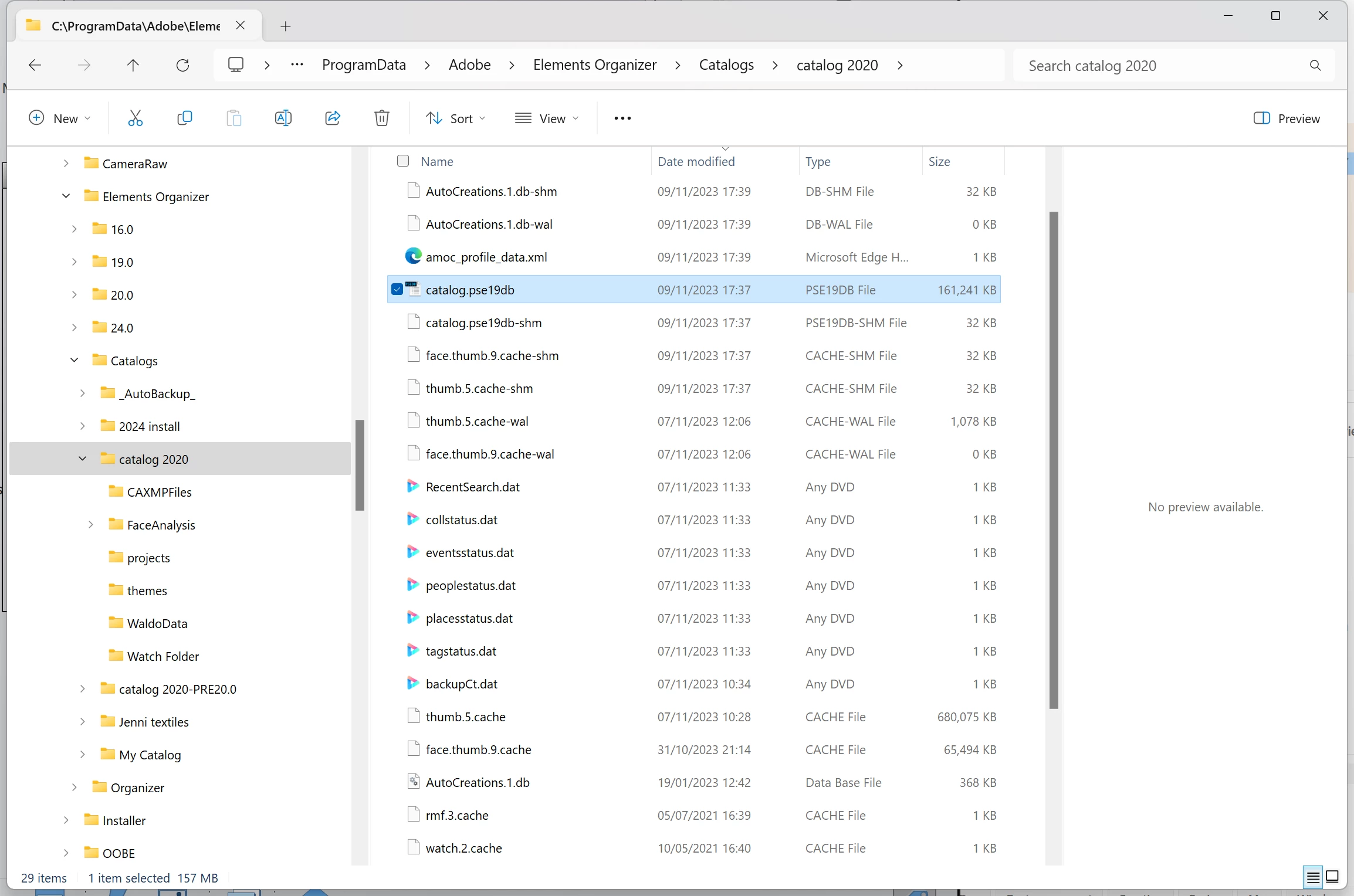
Catalog Location: C:\ProgramData\Adobe\Elements Organizer\Catalogs\catalog 2020\
Catalog Size: 157.5MB
Catalog Cache Size: 1.4GB
System:
Operating System Name: Windows 10
Operating System Version: 10.0
System Architecture: Intel CPU Family:6 Model:14 Stepping:12 with MMX, SSE Integer, SSE FP, SSE2
Built-in Memory: 7.8GB
Free Memory: 1.1GB"
What is actually showing at the catalog location is shown below. There is nothing of the stated catalog size of 157.5mb but a catalog.pse19db file of 161mb.
Any help gratefully recieved !


 AdChoices