Hi Edison,
I think I’ve solved your video problem.
When I imported the file into Photoshop Elements Organizer the video was fine, but no audio played at all. However, when I opened the video from the Organizer in Premiere Elements the audio played but only from my laptop’s right-hand speaker.
This indicated that whilst the video was using supported video and audio codecs and file formats, somewhere along the line the video has been marked as having 2 channels of stereo sound, but actually only contains a single mono audio channel. For some reason, the Elements Organizer took offence at that, and either tried to play only the left-hand channel (which was empty) or just didn’t bother playing it all.
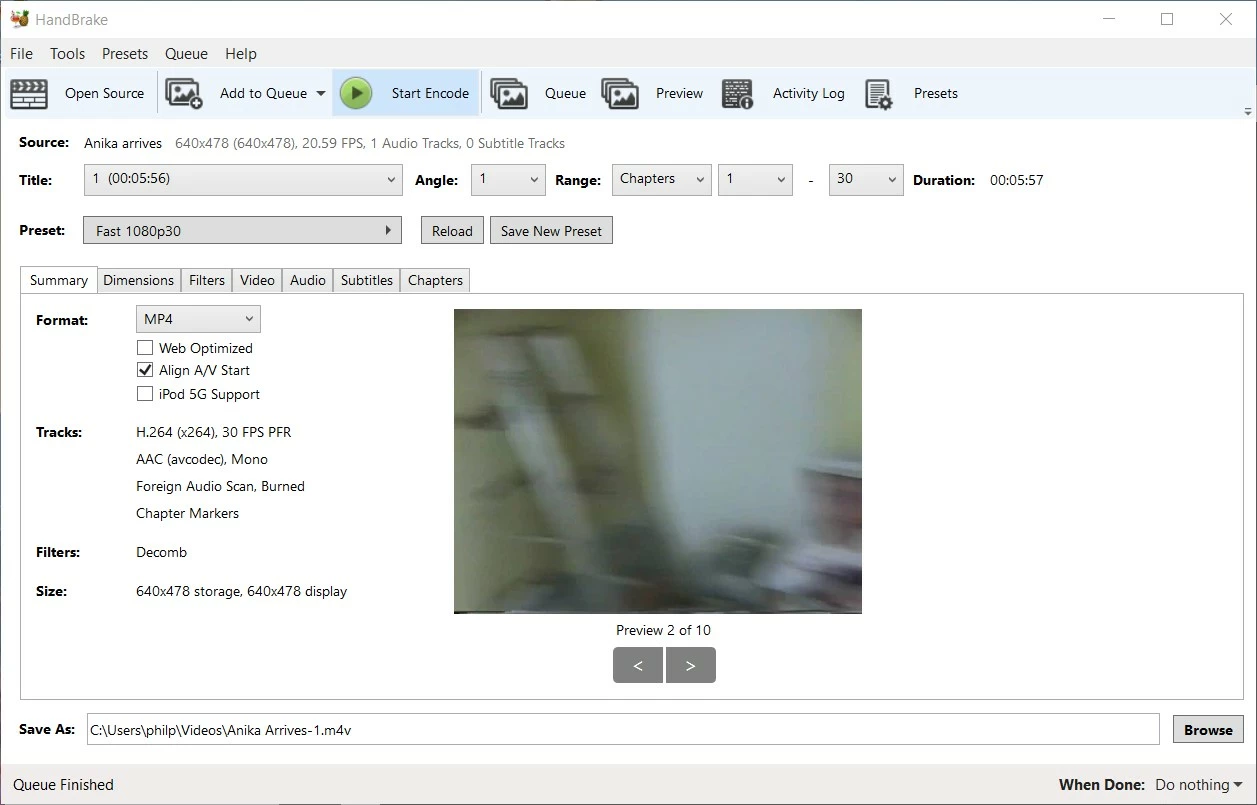
Found the easiest way to fix it was using Handbrake (which I think you already have and are familiar with).
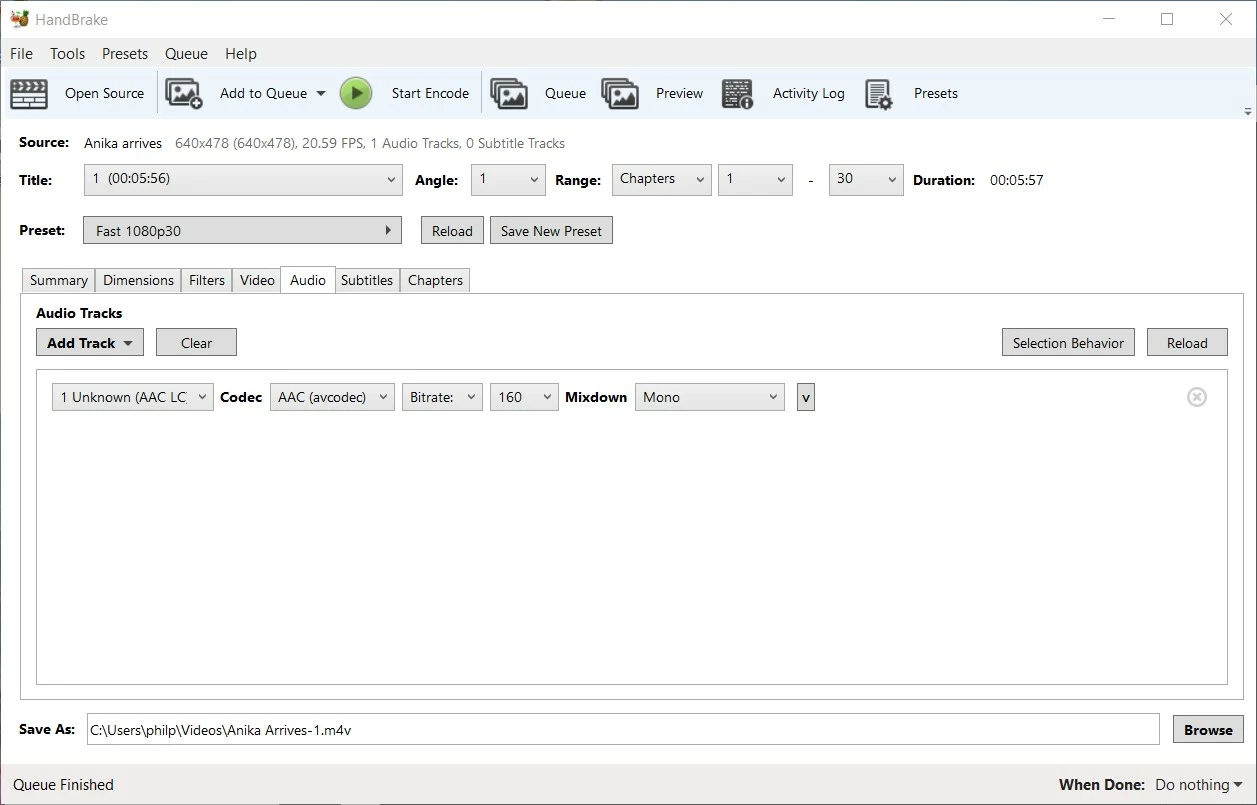
Just used the default settings with one change – go to the Audio tab and change the Mixdown from Stereo to Mono:

 AdChoices