

"Update Required", "Sign in required" errors installing, updating, opening Photoshop Elements 2019
I am consistently getting an "Update Required" error message when and after attempting the most recent (July 2021) update to Camera Raw in Photoshop Elements 2019. After the update fails, I get a "Sign In Required" message when trying to start the program, followed by the same "Update Required" error when I try to sign in. I have tried to run the software on two different computers with the same result.
I got the same error when initially trying to install the package on a clean machine with latest Windows 10 updates installed. I had to install PSE15 first before I coul get the PSE2019 installation to complete.
The second machine is running an older Windows 10 version and I had been using PSE11 on it. I installed PSE15 first then ran the PSE2019 installer with no issues. Everything worked OK until attempting to run the Camera Raw update. This led to the same problems and I can'r run the editor anymore, although Organizer runs OK.
The upgrade file I downloaded from my account and am using is PhotoshopElements_2019_LS30_win64.exe.
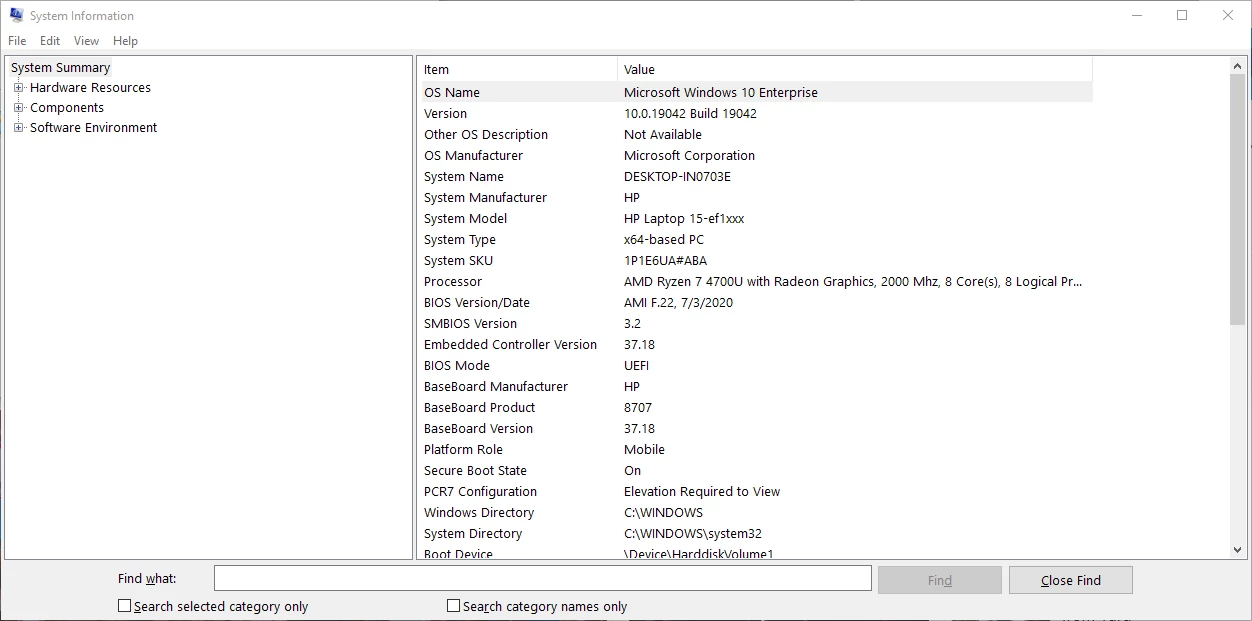
Below are the specs for my machine and screen shots of the error messages.
Please HELP
This is the message I got from the installer until I installed PSE15

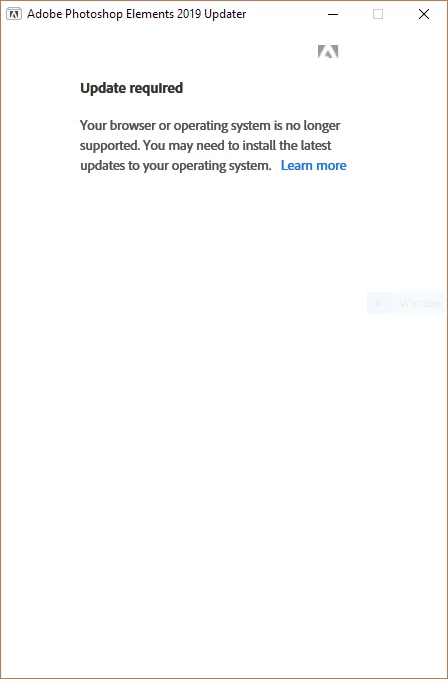
Following the installation of PSE15, Photoshop 2019 installs successfully and everything seems to work. I then attempt to install the camera Raw update
and get this message:
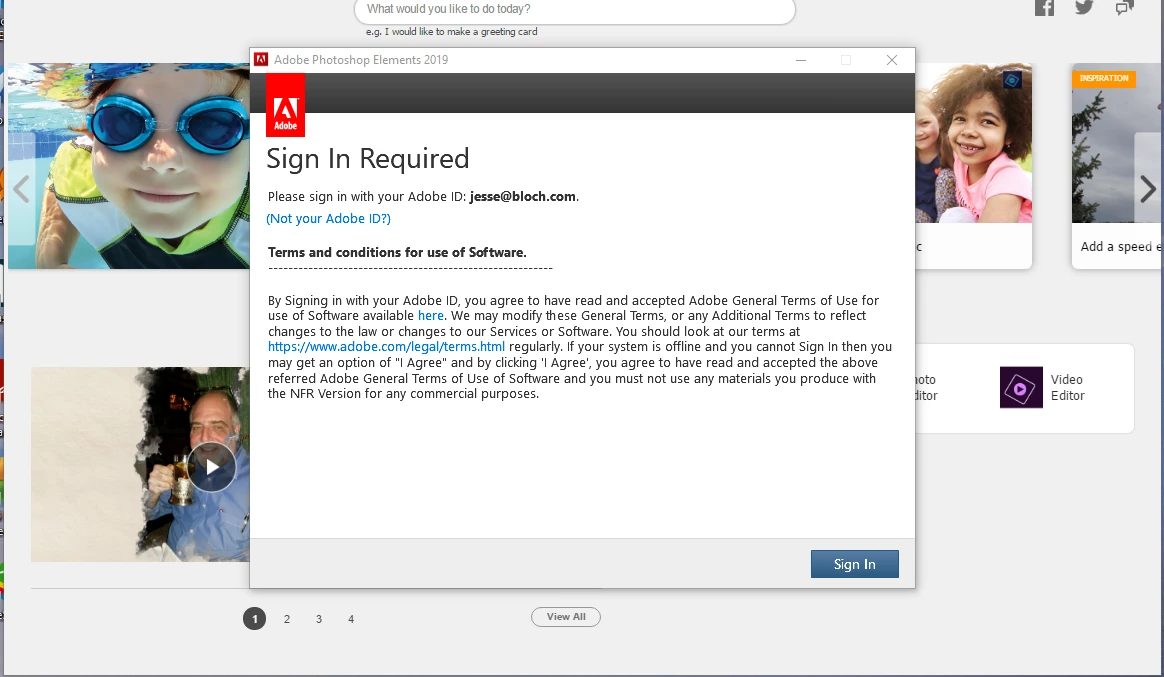
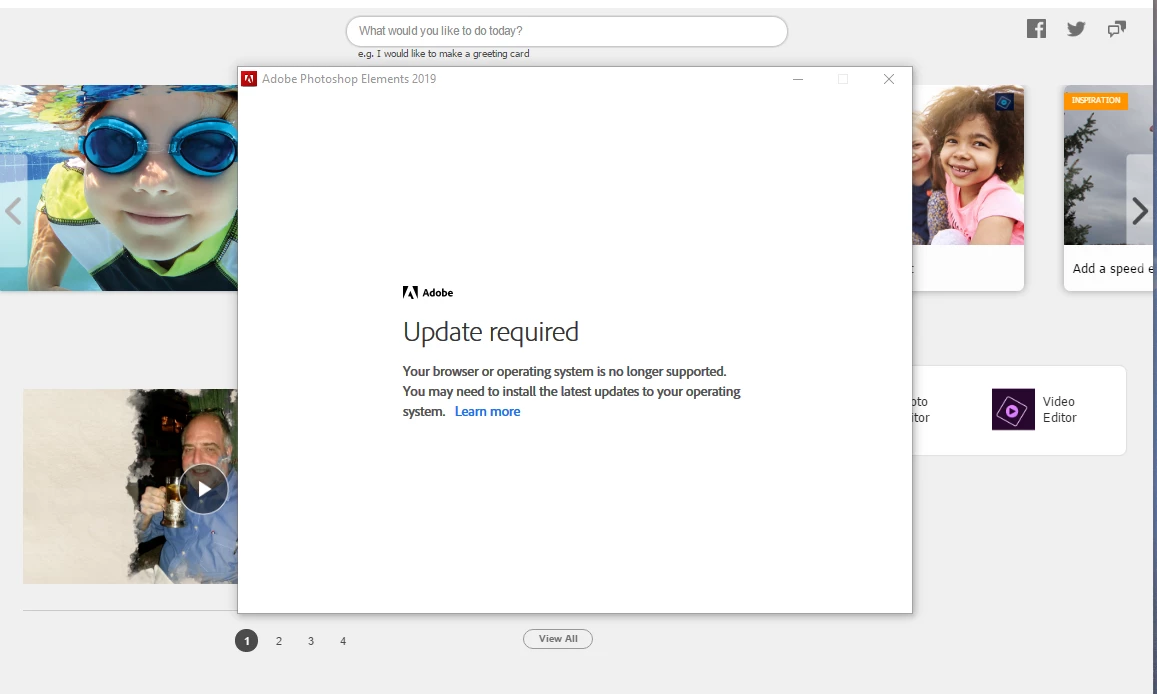
From then on, I get thje following two errors whenever I try to run the editor. The update required error followqs the sign in request in an endless loop.
 AdChoices