
Reconnecting external drive and offline files
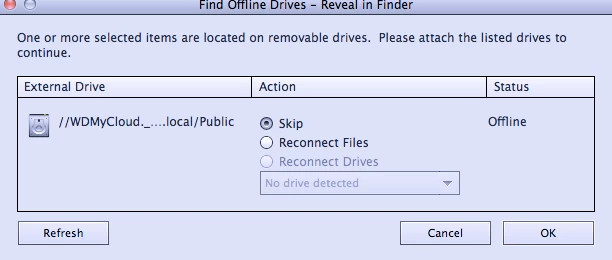
My photos are stored on an external drive which has failed. I have a new nas drive and have restored the files from a back up. I can't find how to reconnect the catalog to the new location. I've followed a variety of suggestions but nothing has worked. If I get to the screen which I think should fix it the option to reconnect drive is greyed out.
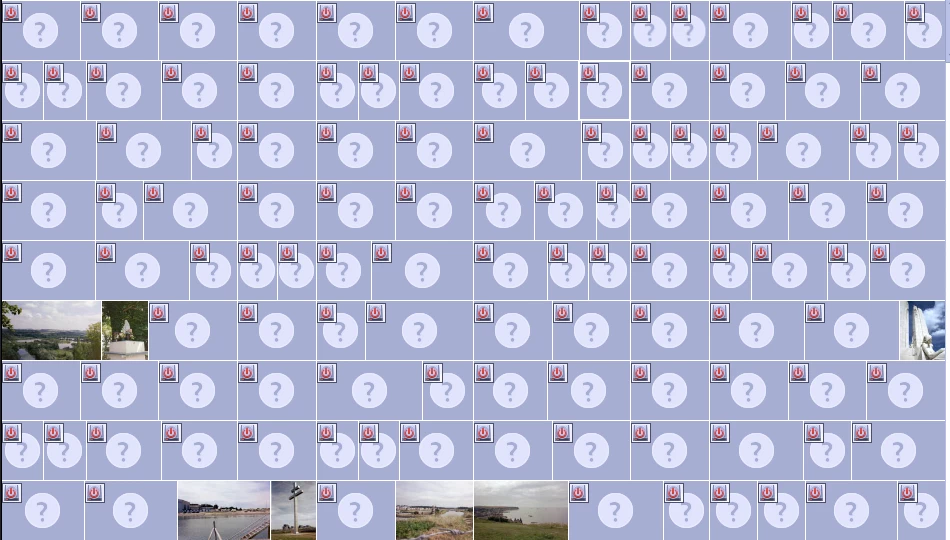
I have tried the approach to 'reconnect files' but as you can see from the second screenshot it's only reconnecting about 1% of the photos. It will find one in a folder but not all of them.
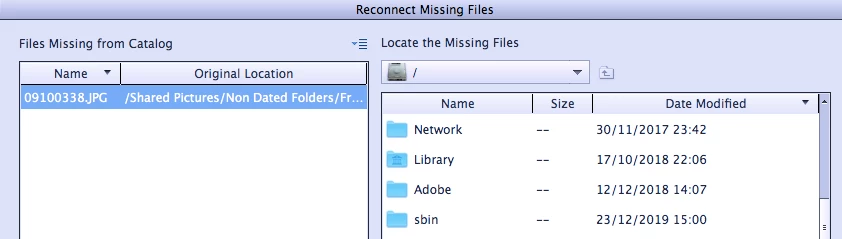
A further puzzle is that if I try to reconnect a single image I can't navigate to the folder on the nas drive as the dropdown (thrid image) only shows me local folders & I can't navigate to the external drive, even though it is connected, I can access it through finder and elements is finding a handful of image files.
I'm on a Mac with Elements 14 and 80k photos.
Any thoughts?
 AdChoices