Answered
Reset Review Screen Color to Default
How can I reset the review screen (or whatever it is called) back to the default color? I don't know how I mananged to make it black.
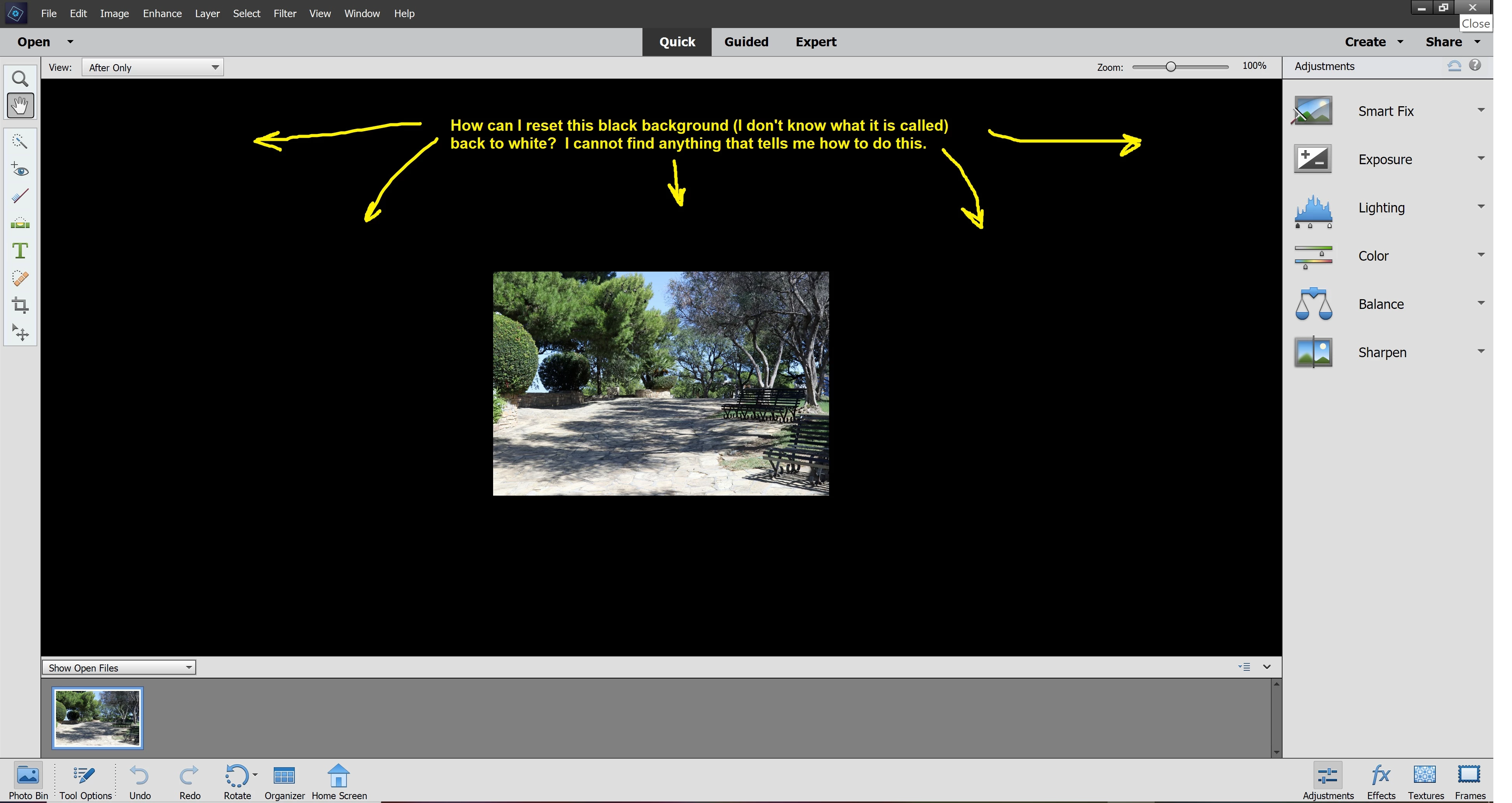

How can I reset the review screen (or whatever it is called) back to the default color? I don't know how I mananged to make it black.
Right-click anywhere on the black area and choose default.
You may first need to switch to Expert mode.
Already have an account? Login
Enter your E-mail address. We'll send you an e-mail with instructions to reset your password.
 AdChoices