Inspiring
December 9, 2023
Frage

Save for web preview scaling preview issue (Photoshop Elements 2024/Windows 11)

  • December 9, 2023
  • 1 Antwort
  • 339 Ansichten

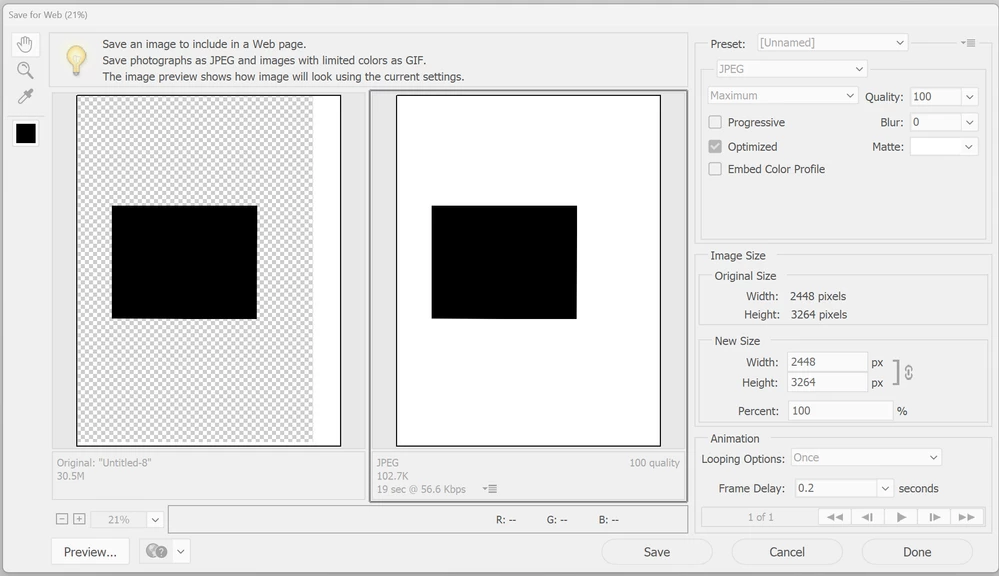
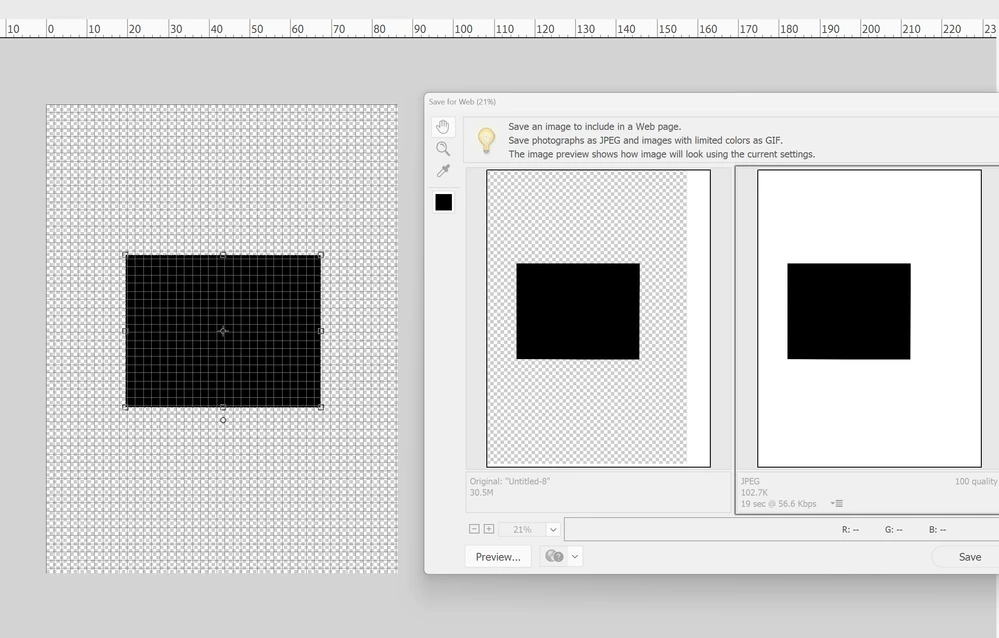
Save for web preview does not display correctly when display is scaled (Windows 11/Adobe Photoshop Elements 2024).

This is a bug I haven't seen in previous versions.
Full steps to reproduce in my video (note I say it's the 2022 version but it's actually the 2024 version).
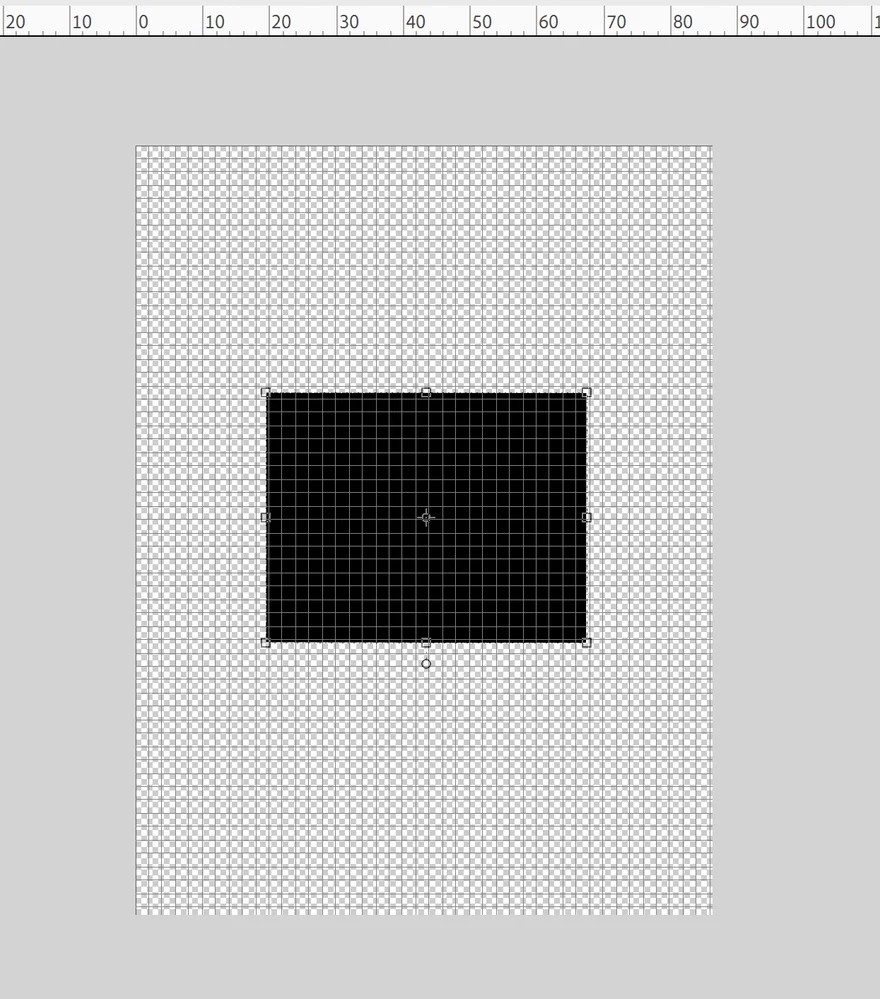
Also see images below.

Has been discussed elsewhere:
https://community.adobe.com/t5/photoshop-elements-discussions/save-for-web-doesn-t-line-up-images-correctly-in-2024-edition-windows/m-p/14259176#M94556


Dieses Thema wurde für Antworten geschlossen.

1 Antwort

davescm
Community Expert
Community Expert
December 9, 2023

Hi , I've moved your post from the Photoshop forum to the Photoshop Elements forum where you are more likely to get help relevant to your issue.


Dave

Inspiring
December 9, 2023

@davescm Dave, can please read my original post? I've already provided a link where it's been discussed in the Photoshop elements forum.

I originally posted this in the bug forum for the "Photoshop ecosystem", this is clearly a bug with Windows Display,  scaling and nothing to do with my setup (as shown in my video), Elements can't handle it (like it used to be able to do).

Is Photoshop elements not in the "Photoshop ecosystem"?

Could you move it back please or how can I otherwise report this as a bug to Adobe's support/QA/developers?

Inspiring
December 9, 2023

This is the place to raise reports. Adobe staff do monitor this forum but not 24/7. 

Unfortunately, I cannot test for you here as I do not use Elements, or have it installed. If you want me to merge your two threads - let me know.


Dave


I guess I'll try the chat on Monday. It's kinda weird that there is nowhere to create a support ticket for this product, it just gets lost in a bundle of discussions. Cheers.