
Participant
January 28, 2017
Answered

Toolbar will not change

  • January 28, 2017
  • 1 reply
  • 422 views

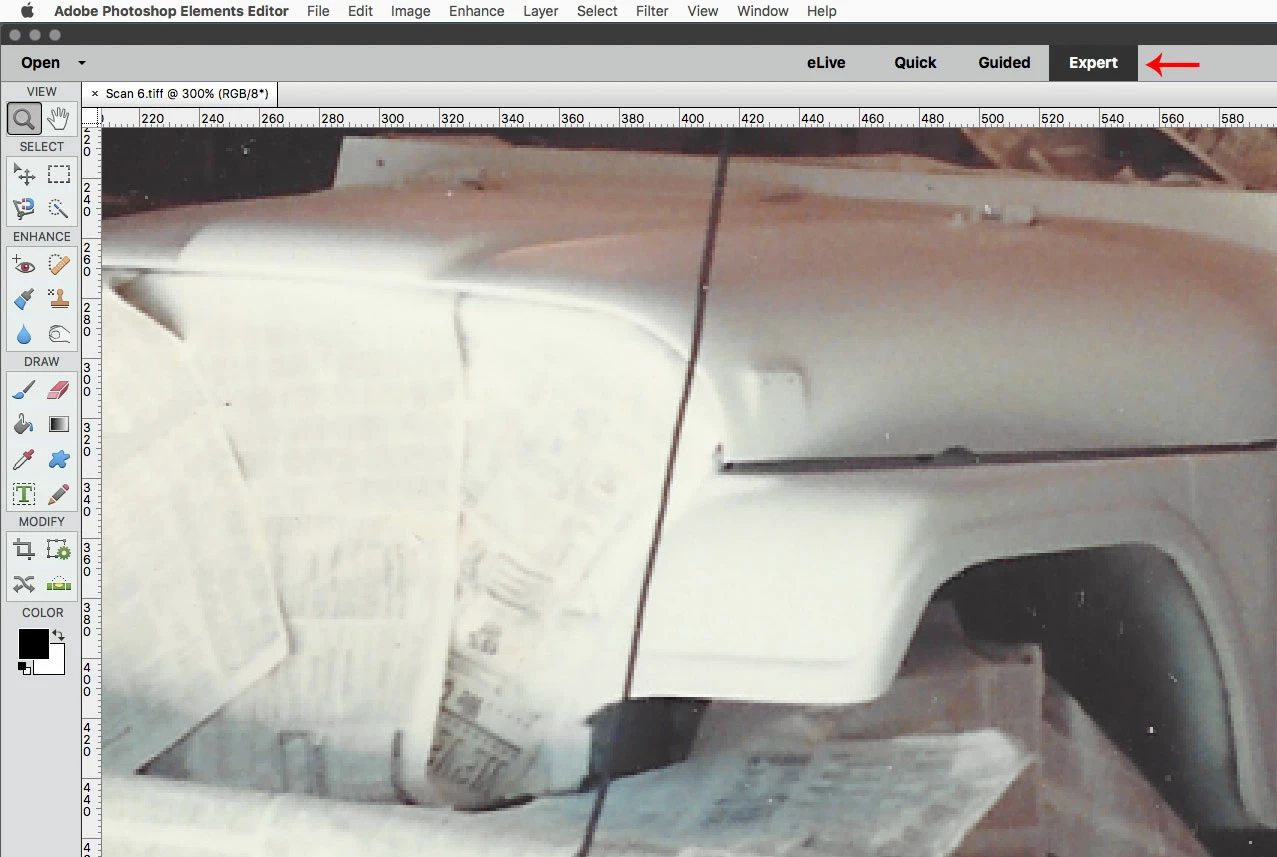
I cannot select any toolbars - only the basic photo edit tool bar shows for pink eye, crop, etc. I go the the Windows dropdown and all windows are checked except Histogram, the the only ones I can select/deselect is Tools and Reset Panels. I uninstalled/reinstalled, reset preferences. I have Photoshop Elements 14 and Windows 10.
    This topic has been closed for replies.
    Correct answer Jeff Arola

    You probably just need to switch to Expert mode.

    1 reply

    Jeff Arola
    Community Expert
    Jeff ArolaCommunity ExpertCorrect answer
    Community Expert
    January 28, 2017

    You probably just need to switch to Expert mode.

    Participant
    January 28, 2017

    Thanks for that. I didn't even know that there was this Quick mode. I don't know how it got selected.